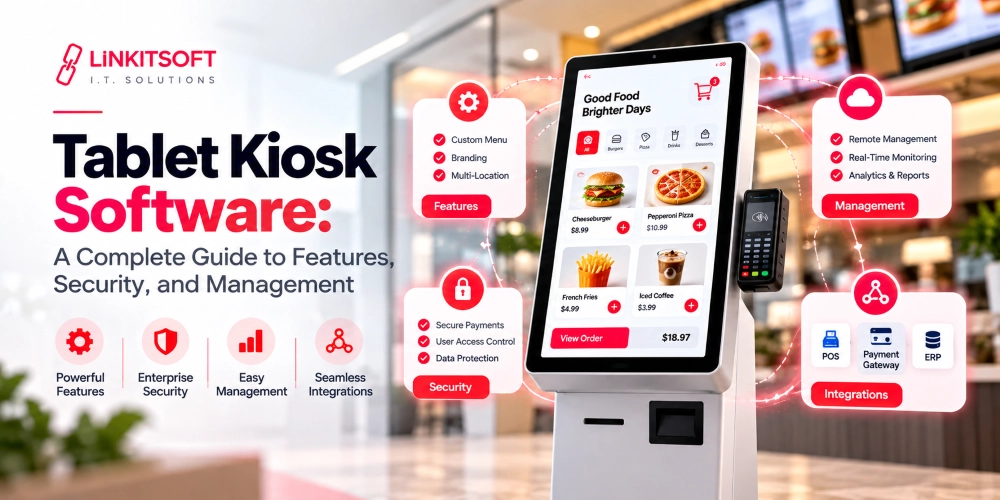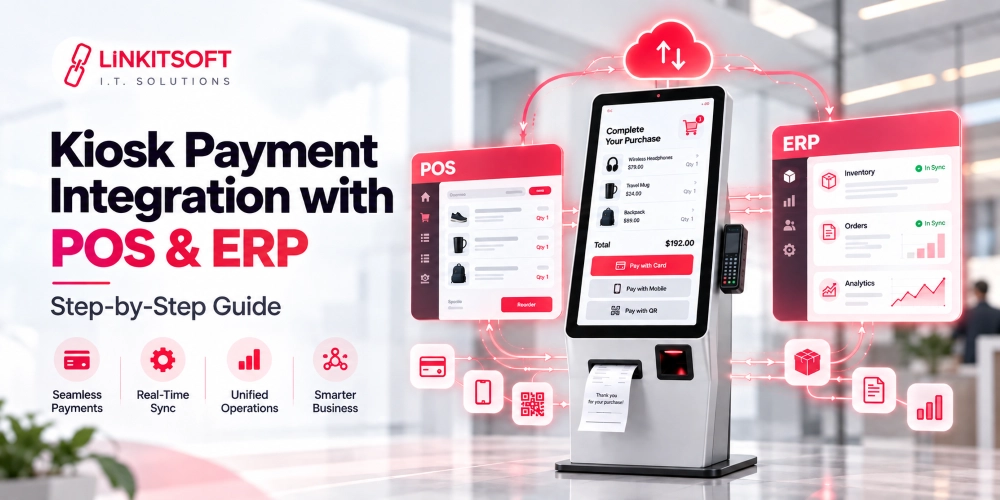
Most people only notice kiosks when something goes wrong. This usually happens when the payment screen freezes at self checkout, or a restaurant ordering kiosk stops responding during lunch rush… Even though it’s not the most practical thing, the problem is rarely the touchscreen itself. In most cases, the software running behind that screen is the real issue.
Kiosk software controls almost everything users interact with. It decides which apps can run, which can update, and most importantly, whether operators can manage hundreds of devices remotely smoothly.
That is exactly why businesses now treat kiosk software as infrastructure instead of just another app installed on a screen.
In this guide, we will break down what kiosk software actually does and the best open source kiosk software solutions available, so your company can make the right decision.
What is a Kiosk?
A kiosk is a self service digital system designed to help users complete specific tasks through a touchscreen or interactive interface without needing direct staff assistance. These systems are now used across many sectors, some examples include:
- Retail stores
- Restaurants
- Airports
- Hospitals
- Banks
- Educational institutions
- Hotels
- Public spaces
Now, depending on the environment, kiosks may carry out a set of different tasks. These actions include:
- Handling payments
- Ticketing
- Visitor registration
- Navigation
- Ordering
- Customer support
- Information display
- Secure workstation access
In a kiosk, users only interact with the approved apps and workflows. The software restricts unnecessary access by locking down the rest of the operating system.
What are the Different Types of Kiosks?
Different industries use kiosks differently. This is because everything between the user needs and business requirements is distinct.

Information Kiosks
These kiosks provide basic directions or product details. Some businesses may use them to display announcements or event schedules. They are commonly used in malls and public spaces.
Self Ordering Kiosks
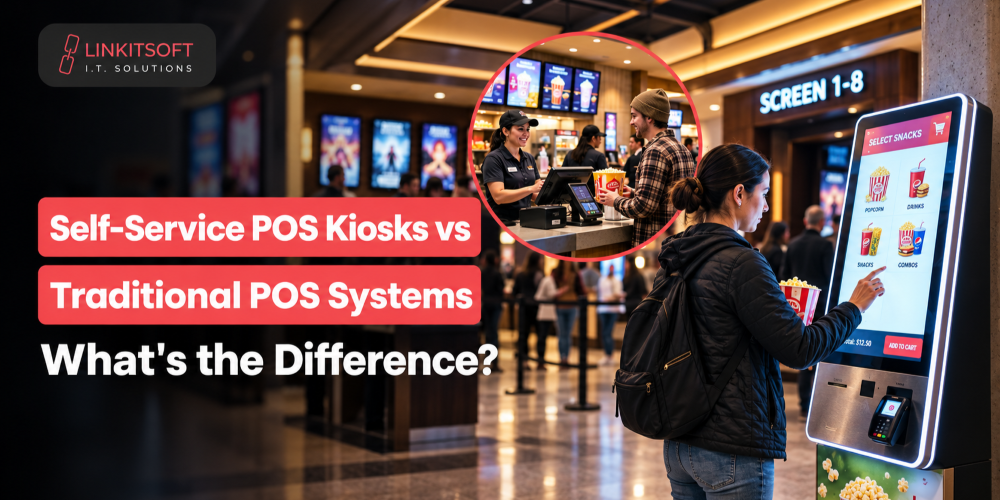
Restaurants and cafes use these kiosks to allow customers to place orders directly through touchscreens. The system often connects with other third party apps like POS software and payment gateways to keep things in sync.
Self Checkout Kiosks
Retail stores use self checkout kiosks to reduce extreme dependency on the cashier and speed up transactions. These systems typically include barcode scanners and even receipt printers.
Ticketing Kiosks
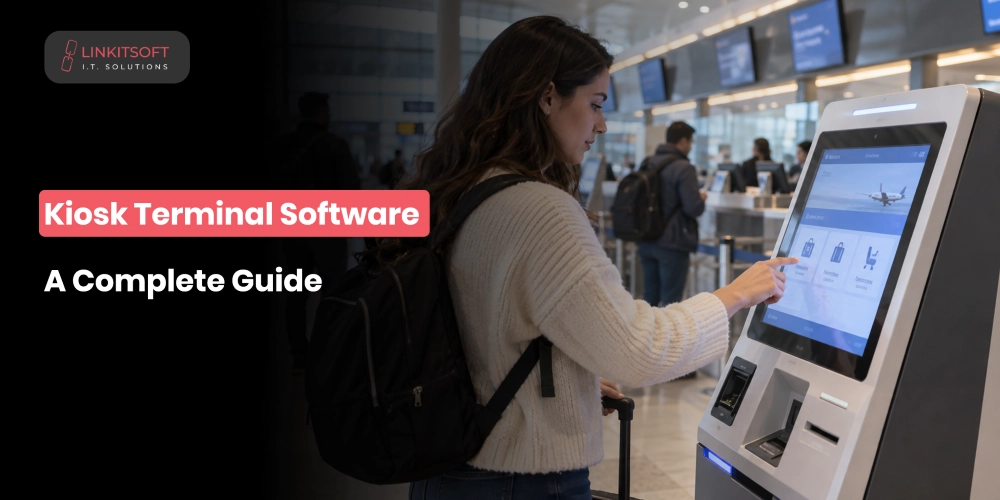
A simple ticketing kiosk can be found at airports, train stations, and entertainment venues. These industries use ticketing kiosks for reservations and printing event tickets.
Visitor Management Kiosks
Corporate offices and educational institutions use these kiosks for visitor registration and identity verification. They also take care of the badge printing and access control.
Healthcare Kiosks
Hospitals and clinics use kiosks for straightforward things like patient check ins and appointment scheduling. These kiosks also allow quick insurance verification and digital form submissions.
What are the Best Open Source Kiosk Softwares?
Open source kiosk software varies significantly in terms of flexibility and ease of deployment. To be able to get the best one for your business, it’s vital to know about them all.
Here are some of the strongest options currently available.

Scalefusion
Although primarily known as a modern device management platform, Scalefusion offers strong kiosk management capabilities for
- Android
- Windows
- Linux
- iOS
It supports many important and basic features that are enough for small businesses. These features include:
- Single app and multi app kiosk modes
- Centralized dashboard management
- Remote troubleshooting
- Content deployment
- Policy enforcement
- Device lockdown controls
- Geofencing support
- Detailed device analytics
Porteus Kiosk
Porteus Kiosk is one of the most recognized lightweight kiosk operating systems that are available today. It is built specifically for web based kiosks and digital signage systems. The software:
- Boots quickly
- Consumes minimal system resources
- Focuses heavily on security and browser isolation
One of its biggest strengths is simplicity. Administrators can configure locked down browser environments with restricted user access and automatic session resets. It also supports remote configuration updates and centralized management for larger deployments.
Libki
Libki is an open source kiosk management system designed primarily for public computer access environments. Libraries frequently use Libki to perform a variety of actions, such as:
- Manage shared workstations
- Session timing
- User authentication
- Reservation systems
- Print management
However, the platform can also work well for educational institutions and community centers.
The software includes centralized administration tools and cross platform compatibility. Since it is open source, organizations can modify the system based on operational requirements without expensive licensing problems.
NetKiosk
NetKiosk focuses on secure public internet access and digital self service deployments.
The platform offers browser lockdown features, remote monitoring, touch optimization, secure session handling, and configurable restrictions for public use systems.
NetKiosk is often used in government offices, libraries, transportation terminals, and visitor information centers where controlled browsing environments are required.
The software prioritizes stability and security while keeping deployment relatively straightforward for administrators.
Zamok
Zamok is designed for Android kiosk management and digital signage deployments.
It allows businesses to remotely manage Android based kiosk devices through centralized dashboards. Features include remote updates, application restrictions, device grouping, screen monitoring, and policy management.
Because Android tablets and touchscreens are now widely used in retail and hospitality environments, platforms like Zamok have become increasingly relevant for cost effective kiosk deployments.
The interface is relatively modern compared to older kiosk management systems, which helps reduce the learning curve for administrators.
WebConverger
Webconverger is a secure Linux based kiosk operating system designed primarily for browser based environments.
It automatically launches into a restricted web browser session and prevents users from accessing underlying operating system controls. The lightweight architecture helps improve performance even on older hardware.
WebConverger is commonly used for digital signage, customer portals, examination systems, and public browsing terminals.
The software is particularly attractive for organizations looking for simple deployment without extensive infrastructure complexity.
Linutop
Linutop provides Linux based kiosk and digital signage solutions optimized for stability and long term operation.
It supports secure web kiosks, remote administration, automatic reboot scheduling, browser lockdown, and multimedia content display.
Linutop is frequently used for industrial environments, information displays, transportation systems, and unattended terminals where devices may run continuously for extended periods.
Its low hardware requirements also make it useful for organizations repurposing older systems into kiosk devices.
What are the Main Features to Look for in a Kiosk Software?
Choosing kiosk software is less about visual design and more about operational control, reliability, scalability, and security. Here are the features that matter most during evaluation.

Kiosk Mode
Kiosk mode is the core functionality that locks devices into approved applications or workflows.
The software should prevent unauthorized access to operating system controls, browser settings, downloads, external applications, and system files. Depending on deployment requirements, businesses may choose single application mode or multi application mode.
Strong kiosk mode implementation reduces misuse, improves security, and creates a more stable user experience.
Centralized Dashboard
Managing kiosks individually becomes impossible once deployments scale across multiple locations.
A centralized dashboard allows administrators to manage policies, push updates, monitor device health, restart systems remotely, deploy content, and troubleshoot issues without onsite intervention.
This dramatically reduces maintenance overhead for large kiosk networks.
Content Scheduling
Many kiosk systems need scheduled content rotation. Retail advertisements, digital signage campaigns, menu boards, announcements, promotional banners, and information screens often change throughout the day. Content scheduling tools automate these updates across multiple devices simultaneously.
This improves operational efficiency and ensures consistency across locations.
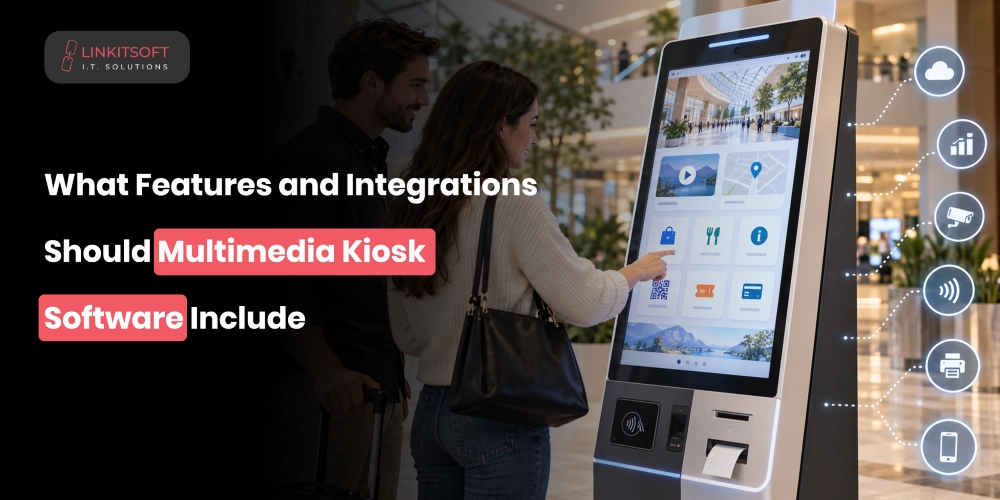
Integrations
Kiosks rarely operate alone, just by themselves. Modern kiosks often integrate with payment gateways and inventory systems so businesses keep everything in check. Identity verification tools and analytics platforms do even better to keep everything in line.
Accessibility Features
Good kiosk software should support accessibility standards for users with disabilities.
This may include simple features like screen readers and multilingual audio support. Some even have voice guidance and touchscreen optimization for different mobility needs. This helps businesses position themselves as those organizations that care about their customers.
Multi Language Support
Businesses serving diverse audiences need multilingual interfaces. Multi language support allows users to interact comfortably with kiosks in their preferred language, improving both customer experience and completion rates.
This feature is especially important in airports, tourism, healthcare, hospitality, and public service environments.
Remote Monitoring and Alerts
Remote monitoring helps administrators detect issues before they affect users. Good kiosk software provides alerts for even the slightest things so that they can be attended to right away. These could be problems like:
- Connectivity failures
- Low storage
- App crashes
- Offline devices
- Overheating
- Unauthorized access attempts
- Hardware malfunctions
Proactive monitoring and predictive maintenance significantly reduce system downtime. That too, across connected device environments in different locations.
Open Source vs Custom Built Kiosk Software: Which One is the Better Option for You?
There is no universal answer because both of these approaches solve different business problems. Open source kiosk software works well for businesses that need:
- Affordability
- Faster deployment
- Browser lockdown
- Remote management
- Moderate customization flexibility
- Centralized control
However, the organizations with highly specific workflows or unique user experiences may eventually outgrow these generic solutions.
Custom built kiosk software offers complete control over things like the:
- Functionality
- Interface design
- Integrations
- Analytics
- Security architecture
- Scalability
Below, there’s a table that can help you make your decision better:
| Feature | Open Source Kiosk Software | Custom Built Kiosk Software |
| Initial Cost | Lower upfront cost | Higher development investment |
| Deployment Speed | Faster implementation | Longer development timeline |
| Customization | Moderate flexibility | Fully customizable |
| Maintenance | Community or internal support | Dedicated maintenance required |
| Scalability | Depends on platform limitations | Built around scaling needs |
| Security Control | Shared framework security | Fully controlled security architecture |
| Integrations | Limited to supported APIs | Custom integrations possible |
| Ownership | Shared ecosystem | Full ownership and control |
| Best For | Standard kiosk deployments | Complex enterprise ecosystems |
Conclusion
Kiosk software now plays a much larger role than simply locking down a touchscreen. These days, it has become a core layer for self service infrastructure across several industries. From retail to enterprise environments, every business is slowly investing in them.
Open source kiosk software gives businesses a practical starting point with lower barriers to begin with strong flexibility. The best choice ultimately depends on how much control is needed and how the kiosk ecosystem is expected to grow over time.