
If you are setting up a kiosk for your business, the hardware is the easy part. The software is where most business owners get stuck. You need something that locks down the device so customers only see what you want them to see, is easy to manage without an IT team, and actually fits how your business works.
There are a lot of options out there. Some are ready made platforms you can set up in a day. Others are custom built solutions developed around your specific workflow. This guide breaks down 7 of the best Windows kiosk software options so you can figure out which one makes sense for your situation.
What Does Windows Kiosk Software Actually Do?
In simple terms, it turns a regular Windows computer into a dedicated machine that only runs one thing. Customers cannot click out of it, access the desktop, or mess with your settings. You stay in control of what the screen shows, and you can manage it remotely without visiting the kiosk every time something needs updating.
Windows has a built-in version of this called Assigned Access. It works for very basic setups, but it does not give you remote management, custom branding, multi app support, or any kind of reporting. For a real business deployment, you need something more.
The software options below are split into two types:
Ready made platforms come with a fixed set of features. You subscribe, configure, and launch. They are faster and cheaper to get started with, but they may not do everything your specific business needs.
Custom built software is developed from scratch around your exact requirements. It takes longer and costs more upfront, but it fits your workflow perfectly and can connect to your existing systems.
Best Windows Kiosk Software Options for Small Businesses
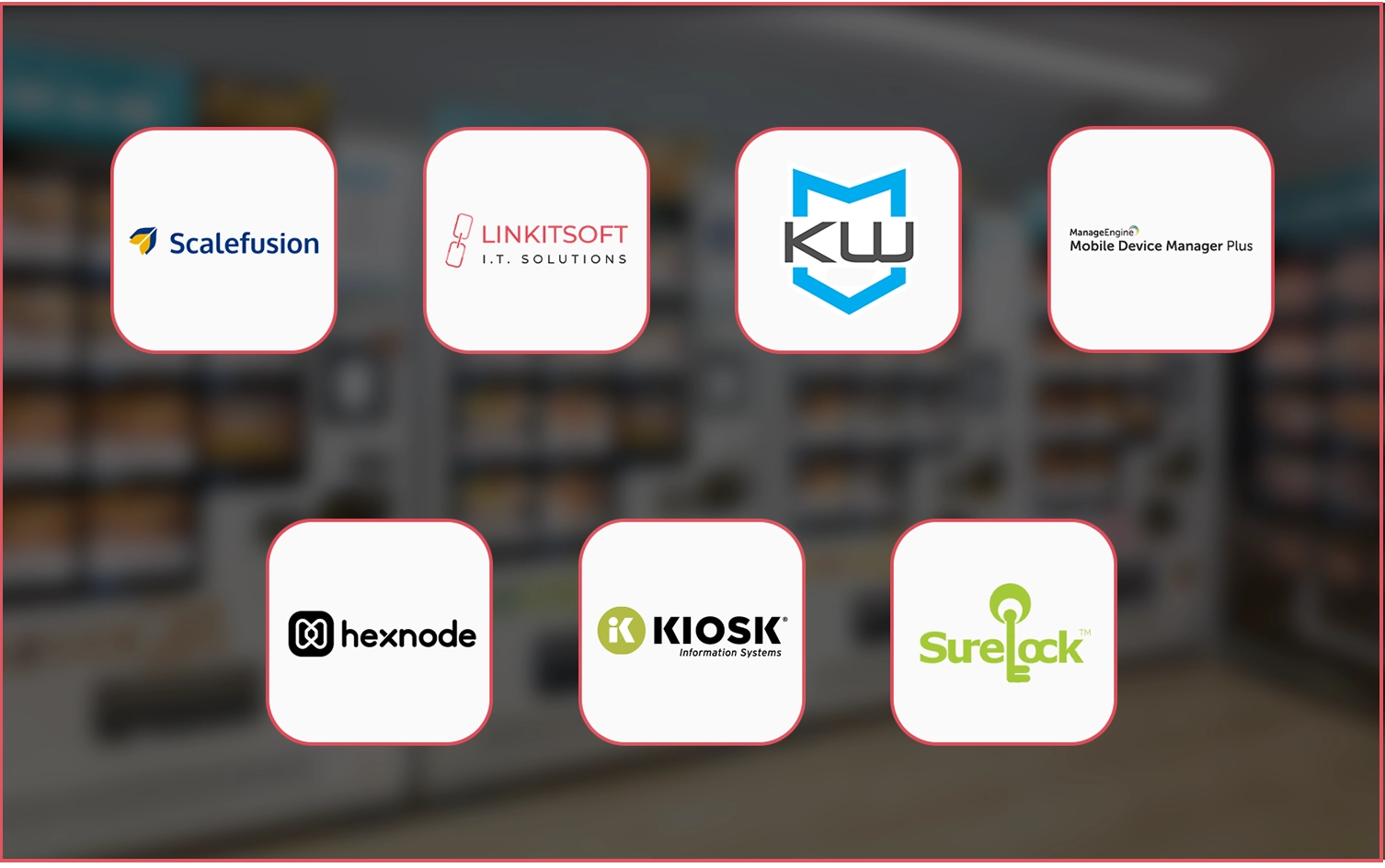
1. Scalefusion
Type: Ready made platform
Best for: Businesses managing multiple kiosks across locations
Pricing: Starts at around $2 per device per month
Scalefusion is a good choice for businesses that want strong device management without hiring a dedicated IT team. It lets you lock devices to one app or a selected group of approved apps. Businesses can also create a branded launcher screen and manage devices from one central dashboard.
The platform supports remote restarts, app whitelisting, and usage reports. These features are included without extra setup. It works on both Windows 10 and Windows 11 devices. It is useful for businesses with kiosks in multiple locations because all devices can be managed from one place.
What it does not do: Scalefusion is a management platform. It is not a kiosk app builder. Businesses still need their own kiosk application running on the device.
2. Linkitsoft
Type: Custom built software
Best for: Businesses with specific workflows, integrations, or industry requirements
Pricing: Project based and depends on the scope of work
Linkitsoft builds custom kiosk software based on business needs. The software is designed around the company’s workflow instead of forcing businesses to adjust to a fixed system.
This becomes important when businesses need more than basic kiosk functions. A clinic may need a patient check in connected directly to its appointment system. A retail store may need a product lookup kiosk linked with live POS inventory. A gym may need a biometric member check in with hardware and software working together smoothly.
Linkitsoft handles the full development process. This includes interface design, backend integrations, Windows kiosk setup, and ongoing support after launch. The company also develops multi function kiosks that can handle payments, printing, data collection, and system integrations from one device.
The upfront cost is usually higher than subscription based platforms. However, businesses with advanced integration needs often recover the cost quickly by reducing manual work and saving staff time.
What it does not do: It is not a plug and play solution. Businesses with simple or standard requirements may find a ready made platform faster to set up.
3. KioWare for Windows
Type: Ready made platform
Best for: Businesses that want a proven, long standing kiosk solution
Pricing: One time license fee per device
KioWare has been around for a long time and is widely used in libraries, healthcare facilities, retail stores, and government offices. It comes in two versions: KioWare Lite for browser based kiosks, and KioWare Full for setups that also need to run local Windows applications.
Key features include automatic session reset when a user walks away, on screen keyboard support, peripheral device integration (printers, scanners, card readers), and detailed usage logs. It works on both touch and non touch displays.
The one time licensing model is appealing if you want to avoid ongoing subscription fees. You pay once per device and own the license.
What it does not do: The interface is older and not as polished as some newer platforms. Remote management is available, but not as seamless as cloud first tools.
4. ManageEngine Mobile Device Manager Plus
Type: Ready made platform
Best for: Businesses already using ManageEngine for IT management
Pricing: Based on the number of devices managed
ManageEngine MDM Plus is mainly an IT management platform. Windows kiosk mode is one of the features included in the platform. It allows businesses to set up kiosk lockdown, push apps remotely, monitor device health, and apply security policies across multiple devices.
Businesses already using ManageEngine for IT operations may find it useful to manage kiosks through the same system. However, companies starting fresh only for kiosk management may find the platform more complex than needed. The interface is mainly designed for IT administrators instead of non technical business owners.
What it does not do: ManageEngine MDM Plus is not a dedicated kiosk platform. The kiosk features work properly, but the system is mainly built for broader IT management rather than day to day kiosk operations.
5. Hexnode UEM
Type: Ready made platform
Best for: Budget conscious businesses that need solid remote management
Pricing: Starts at around $1 per device per month
Hexnode is one of the more affordable options on this list. It still offers strong kiosk management features. The platform supports both single app and multi app kiosk modes. It also allows peripheral lockdown, such as disabling USB ports, cameras, and other device functions.
The web based console lets businesses manage devices remotely. You can push app updates, change kiosk settings, and check device status without visiting the location. It works well on Windows 10 and Windows 11 devices. Many businesses in retail, healthcare, education, and logistics use it.
What it does not do: Like most kiosk management platforms, Hexnode only acts as the control layer. Businesses still need their own kiosk application running inside the system. It also offers fewer advanced customization features compared to some competitors.
6. KIOSK Information Systems Software
Software Type: Ready made platform bundled with hardware
Best for: Businesses buying a complete kiosk unit instead of converting existing hardware
Pricing: Depends on the hardware and software setup
KIOSK Information Systems provides both hardware and software. The same company builds both. This helps them work well together.
It is a good option if you are buying a complete kiosk unit from scratch. It is not meant for adding software to an existing device. It is an all in one setup.
The software supports application management, remote monitoring, and usage reporting. It also works with devices like card readers, receipt printers, and barcode scanners. It is used in banking, retail, healthcare, and transportation.
What it does not do: It is not suitable if you already have your own hardware. The software is designed for their own kiosk units. It is not built for third party devices.
7. 42Gears SureLock
Type: Ready made platform
Best for: Businesses that need a strong security lockdown and a simple setup
Pricing: Starts at around $2.50 per device per month
42Gears SureLock is a Windows kiosk lockdown tool. It focuses on security and simple deployment. It locks the device so users can only access the approved app or browser session. It blocks all other system access.
It supports remote configuration and centralized device management through the SureMDM console. It also works with different peripherals. Setup is simple and does not need advanced technical skills. It runs on Windows 10 and Windows 11. It is often used in retail, field services, and logistics.
What it does not do: It is not an app builder. It is only a lockdown and management tool. Businesses still need their own kiosk application or web interface to run on it.
How Small Businesses Can Pick the Right Kiosk Software
Choosing kiosk software depends on what your business actually needs. Some small businesses only need basic features. Others need custom integrations and more control.
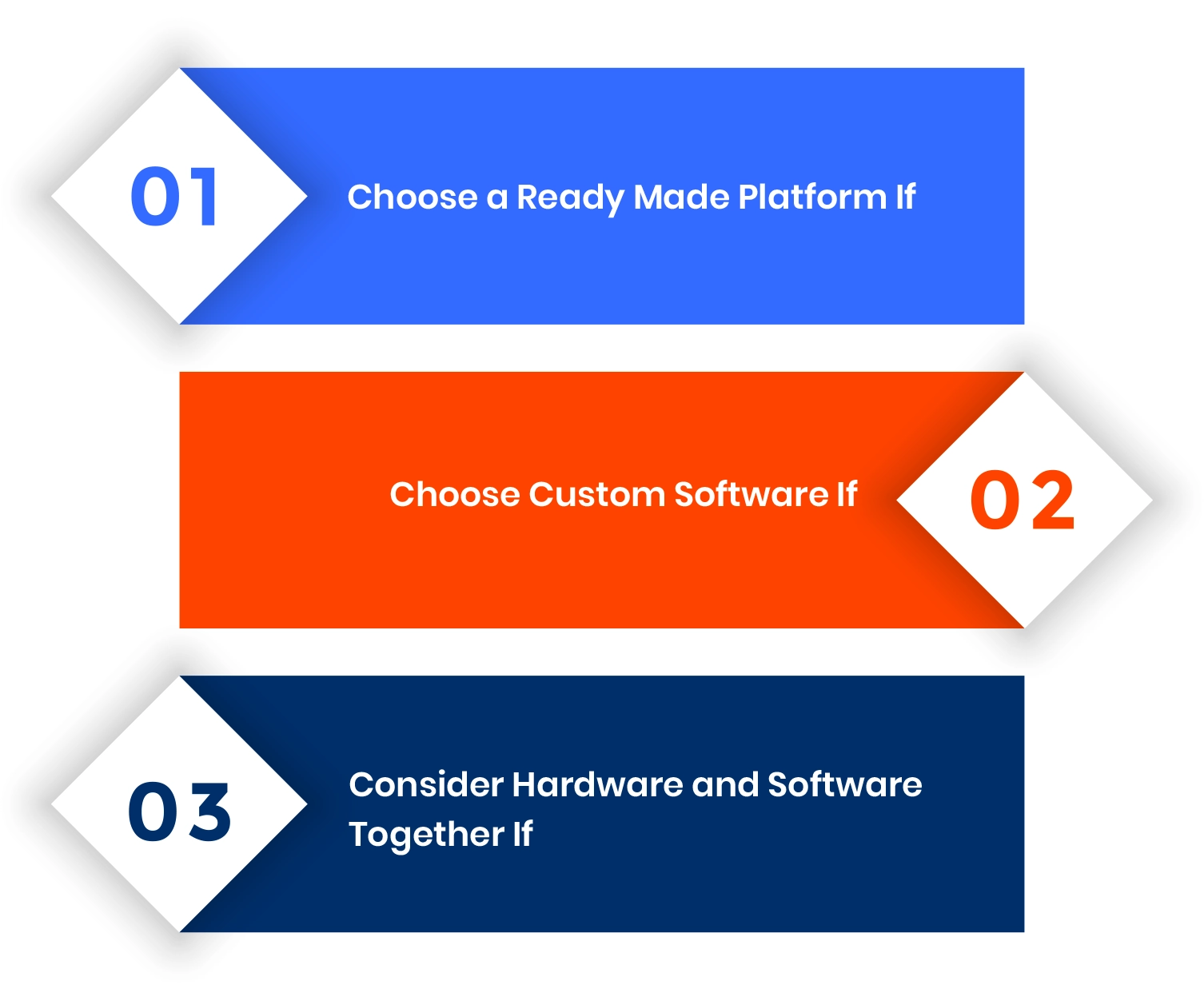
Choose a Ready Made Platform If
A ready made platform is a good option if your kiosk needs are simple. It works well for self check in, digital menus, product browsing, or customer information kiosks.
These platforms are usually faster to set up. They also cost less in the beginning. Scalefusion, Hexnode, and Kiosk Pro are common options for small businesses.
Choose Custom Software If
Custom software is better when the kiosk needs to connect with other business systems. This can include a POS system, appointment software, CRM, inventory management, or payment tools.
It also helps when businesses want a kiosk experience designed specifically for their workflow and customers. Companies like Linkitsoft build custom kiosk software based on these requirements.
Consider Hardware and Software Together If
Some businesses prefer getting everything from one vendor. This includes both the kiosk hardware and the software.
This setup can make installation and support easier because both parts are designed to work together. Companies like KIOSK Information Systems provide complete kiosk solutions.
Conclusion
There is no single best option here. It comes down to what your kiosk needs to do and how complex your setup is. If you are running a simple information or ordering kiosk, a ready made subscription platform will do the job without a big investment. If your kiosk is doing something more involved, connecting to other systems, handling payments, or serving a very specific customer journey, it is worth investing in software built around your actual requirements.
The most expensive mistake is rushing into a ready made tool that almost fits and then spending months trying to work around its limitations.
Frequently Asked Questions
Do I need a separate kiosk app, or does the software handle everything?
Most platforms on this list are management and lockdown tools. They control what runs on the device but do not provide the customer facing app itself. You either build that app separately or use a browser based interface. Custom solutions like Linkitsoft build the whole thing for you, including the customer facing experience.
Is ready made kiosk software secure?
Yes, most dedicated kiosk platforms include strong security and lockdown features. They can block access to the operating system, disable keyboard shortcuts, prevent app switching, and lock USB ports or other device inputs.
The level of security depends on the platform. Some offer more control and advanced settings than others. Businesses should always review the security features before choosing a solution.
How much does Windows kiosk software cost?
Ready made kiosk platforms usually cost between $1 and $5 per device each month. Some providers also offer one time license pricing per device.
Custom kiosk software costs more because it is built specifically for the business. Pricing depends on the features, integrations, and overall complexity of the project.
For many small businesses, a basic custom kiosk project often starts at a few thousand dollars. The cost increases if the kiosk needs advanced integrations or custom features.
Can I manage kiosks in different locations from one place?
Yes. All the ready made platforms in this list include remote management through a web dashboard. You can push updates, check device status, and adjust settings without going on site.
What if my kiosk software needs to connect to my existing POS or booking system?
This is where most ready made platforms fall short. They do not natively integrate with custom or industry specific systems. If you need that kind of connection, a custom built solution is the more reliable path.
How long does it take to set up kiosk software?
A ready made platform can be up and running in a day or two once you have your kiosk app ready. Custom software development takes longer, typically several weeks to a few months depending on the scope, but the result is something built exactly for your business.