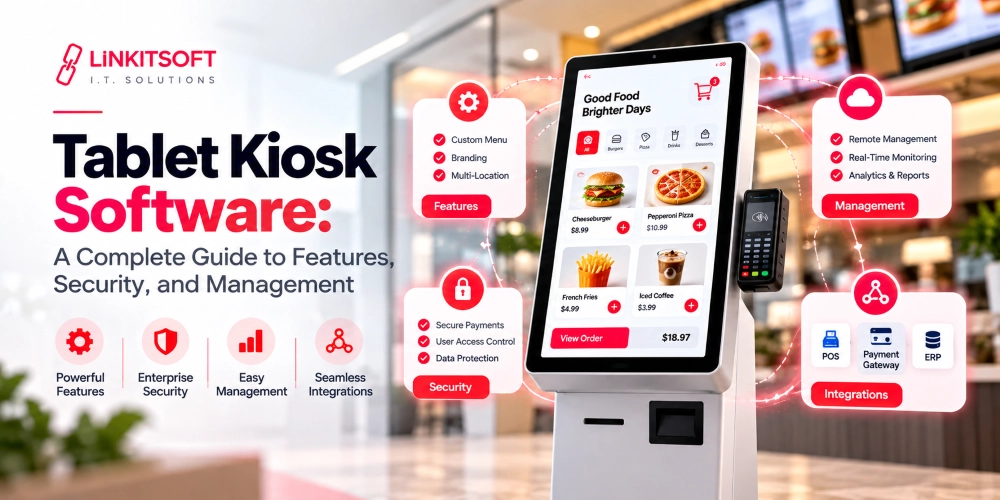

Self service kiosks have become part of our everyday life. At the surface, we see screens that we tap to perform actions. But, behind every smooth kiosk interaction is the software that’s doing the heavy work. The screen users interact with is only one piece of the system. The real machine is the kiosk software that manages the interface, secures data, and keeps everything running without constant human involvement.
Businesses are investing heavily in kiosk technology because it solves multiple problems at once.
According to Grand View Research the global self service kiosk market was valued at over $34 billion in 2024. Additionally, it is even expected to reach more than $62 billion by 2030.
At the same time, kiosk software itself is becoming a major technology segment. Research from Grand View Research Software Statistics estimates the kiosk software market reached nearly USD 11.7 billion in 2024.
In this guide, we will walk you through the real importance of kiosk software.
What Is Kiosk Software?
Kiosk software is a type of app that is designed specifically to run on self service machines with limited user access. Its purpose is to guide users through a controlled interaction while restricting them from accessing the underlying system or any of the other settings of the device.
The software that is built for a kiosk operates in a locked down environment. Users can only interact with the approved features and workflows. This prevents misuse and also keeps sensitive information safe and protected.
For example, a restaurant self ordering kiosk only allows users to browse menus and complete payments. The customer cannot minimize the app or access system files even if they want to.
How Does Modern Kiosk Software Work?
Modern kiosk software usually includes two layers. The first layer is the customer facing interface. This includes touch interactions, navigation, visual design, forms, checkout screens, and accessibility features.
The second layer is the administrative and management infrastructure. This includes remote monitoring, content management, analytics, software updates, device health tracking, and backend integrations.
Some common kiosk software categories include:
- Self Ordering Kiosks
- Check In Kiosks
- Retail Self Checkout Kiosks
- Ticketing Kiosks
- Information Kiosks
- Smart Vending Systems
What Are the Key Features of Kiosk Software?
Kiosk software is designed to manage an entire self service environment while maintaining security. The exact feature set depends on the business use case, but most modern kiosk platforms include the following capabilities:

Kiosk Lockdown Mode
This is one of the most important features in any kiosk system.
Kiosk lockdown restricts users from accessing the operating system or external apps. The software essentially transforms a general purpose device into a single purpose machine.
This prevents tampering and keeps the kiosk focused on its intended workflow.
Touch Optimized User Interface
Kiosks are usually operated through touchscreens, so the interface must be designed differently from desktop software.
Buttons need to be large and responsive, while the navigation must be simple. Similarly, interactions should require minimal effort, and the software also needs to support different screen sizes and orientations depending on the kiosk hardware.
Poor interface design is one of the fastest ways to increase abandonment rates.
Remote Device Management
Businesses often deploy kiosks across multiple locations. Managing them manually becomes weak very quickly.
Remote management features allow administrators to monitor the device’s health and troubleshoot issues from a centralized dashboard remotely.
This is enabled thanks to the cloud. According to Market.us Kiosk Software Report, cloud based kiosk solutions accounted for more than 61% of the market share because businesses increasingly prefer centralized remote management.
Payment Integration
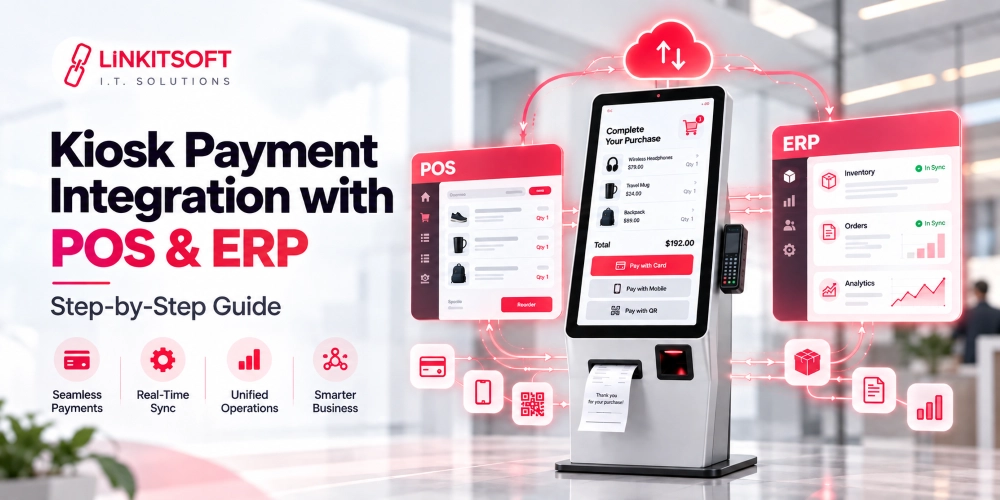
Many kiosks process transactions directly through the software. This requires integration with the other systems that the business is already using. This can include payment gateways and POS platforms.
The software must also comply with payment security standards like PCI DSS.
Analytics and Reporting
Modern kiosk platforms collect large amounts of data. Now, businesses use analytics to track things that can help them grow and create better strategies, such as monitoring user behavior and revenue trends.
These insights help optimize both customer experience and workflows.
Multi Device Support
Kiosk apps often run on different hardware configurations. This can include tablets, touchscreen terminals, interactive displays, and industrial machines.
The software obviously needs to support multiple operating systems and device specifications without performance issues.
Offline Functionality
Internet connectivity is not always reliable. Many kiosk systems include offline capabilities that allow core functions to continue operating temporarily even when the network connection is interrupted.
Once the connectivity is restored, the data synchronizes with backend systems.
Security and Access Control
Kiosks frequently handle sensitive customer data and payment information.
To protect this data, developers implement features such as encrypted communication, user session management, role based access controls, secure APIs, and automatic session resets.
Security becomes even more critical in healthcare, banking, and government environments.
How Do You Build a Kiosk App from Scratch?
Building a kiosk app requires careful planning across software development, hardware selection, user experience design, and deployment infrastructure. The process involves much more than creating a touchscreen interface because the system must function reliably in real world public environments.

Step 1: Define the Kiosk Use Case
The first step is identifying the purpose of the kiosk and the problems it will solve. Developers and stakeholders determine who will use the system, what actions users need to complete, whether payment processing is required, what integrations are needed, and how the kiosk will operate within the business workflow.
Step 2: Choose the Hardware Environment
Hardware decisions directly affect software architecture and performance. Teams select the operating system, screen size, touchscreen type, processor specifications, peripheral devices, mounting style, and deployment environment. Outdoor kiosks may also require weather resistant enclosures and thermal management systems.
Step 3: Design the User Experience
The user experience must feel fast, intuitive, and easy to navigate. Designers create touch optimized workflows, wireframes, interaction paths, accessibility features, and multilingual support to ensure users can complete tasks without confusion. Even technically advanced kiosk systems should maintain a simple interface.
Step 4: Develop the App
During development, engineers build the frontend interface, backend infrastructure, APIs, administrative dashboard, payment integrations, device management systems, and hardware communication layers. Offline functionality, security configurations, and cloud connectivity are also implemented during this phase.
Step 5: Test in Real World Conditions
Kiosk systems behave differently in live environments compared to office testing conditions. Teams test continuous uptime, device overheating, hardware failures, connectivity interruptions, touch responsiveness, payment reliability, and user interaction behavior to identify operational issues before deployment.
Step 6: Deploy and Monitor
Once testing is complete, the kiosk software is deployed to physical devices and connected to centralized management systems. Businesses then monitor device health, analytics, software performance, error logs, and security updates remotely. Most kiosk platforms continue evolving after launch based on user behavior and operational requirements.
What Technologies Are Used in Kiosk Software Development?
Kiosk software development relies on multiple technologies working together. The tech stack depends heavily on several different factors and business requirements.

Frontend Technologies
The frontend controls the user interface and touchscreen interactions. Here, developers use technologies such as:
- React
- Angular
- Vue.js
- Flutter
- Electron
- Qt
These frameworks are commonly used to build responsive kiosk apps.
Backend Technologies
Backend systems manage the APIs and authentication, along with complex things like payment processing and business logic. Common backend technologies include:
- Node.js
- Python
- .NET
- Spring Boot
- Laravel
- AWS
- Microsoft Azure
- Google Cloud
The cloud tools are used in the backend for for hosting and centralized device management.
Database Systems
Kiosk platforms use databases to store transactions and inventory data. Basically, it saves all the data that the kiosk will need later on. The project requirements help determine which type of database should be used, such as:
- PostgreSQL
- MySQL
- MongoDB
- Firebase
- SQLite
SQLite is often preferred for local offline storage directly on the kiosk device.
Operating Systems
Most kiosks run on Android, Windows, Linux, ChromeOS, or iPadOS. Android kiosks are widely used because of their affordability and customization flexibility. On the other side, Windows remains common in enterprise environments that require legacy integrations and specialized hardware support.
Hardware Communication Technologies
Kiosk software communicates with physical devices through technologies such as:
- USB
- Bluetooth
- serial ports
- NFC
- RFID
- IoT protocols
Developers use SDKs to integrate payment terminals and other external hardware components with the kiosk.
Final Thoughts
Kiosk software development sits at the intersection of software engineering and automation.
What makes kiosk systems unique is that they operate in real world public environments where reliability matters just as much as functionality.
A kiosk is not simply an app on a screen. It is a complete self service infrastructure that must remain secure, responsive, and operational for long periods with minimal supervision.
Frequently Asked Questions
What Are Common Kiosk Software Development Challenges?
Kiosk software development introduces technical challenges that are rarely seen in traditional software projects. Here are the ones you may face with kiosk software:
- Hardware Compatibility Issues
- Security Risks
- Network Reliability
- User Experience Problems
- Maintenance and Device Monitoring
- Scalability Challenges
How long does kiosk software development take?
The timeline depends on the complexity. A basic kiosk app may take a few months, while enterprise grade kiosk platforms with custom integrations and cloud infrastructure can take significantly longer. However, this really comes down to your project’s needs.
Is kiosk software secure?
Yes, modern kiosk software includes security features such as device lockdown and remote monitoring that help keep the kiosk protected. This is a priority for those sectors where security matters a lot, such as banking and finance.
Can Kiosk Software Work Without Internet?
Yes, many kiosk systems are designed with offline functionality so they can continue operating even during temporary internet outages. In most cases, the software stores data locally and synchronizes it with cloud servers once the connection is restored.
Can Existing Tablets Be Converted Into Kiosks?
Yes, many businesses convert standard Android tablets or iPads into kiosks using kiosk mode software. The software locks the device into a restricted environment and transforms it into a dedicated self service system. This approach is commonly used by smaller businesses to reduce costs.