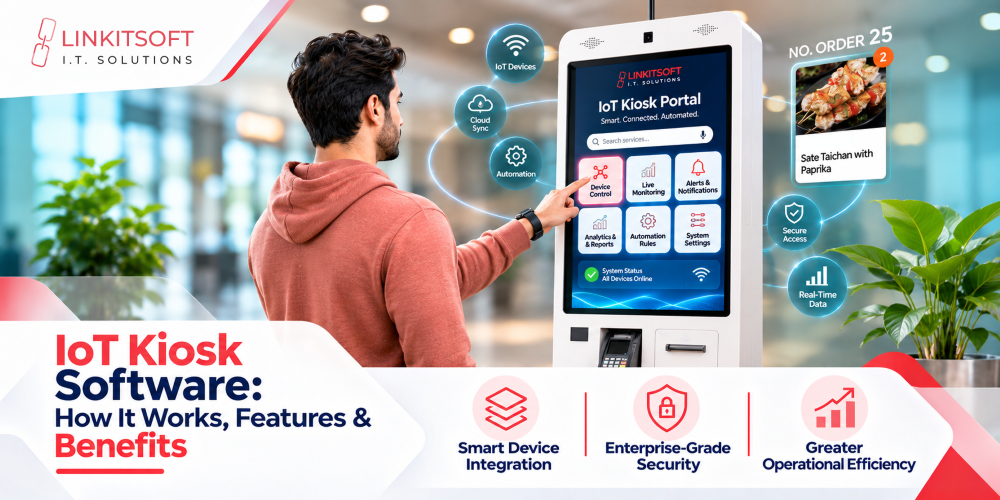
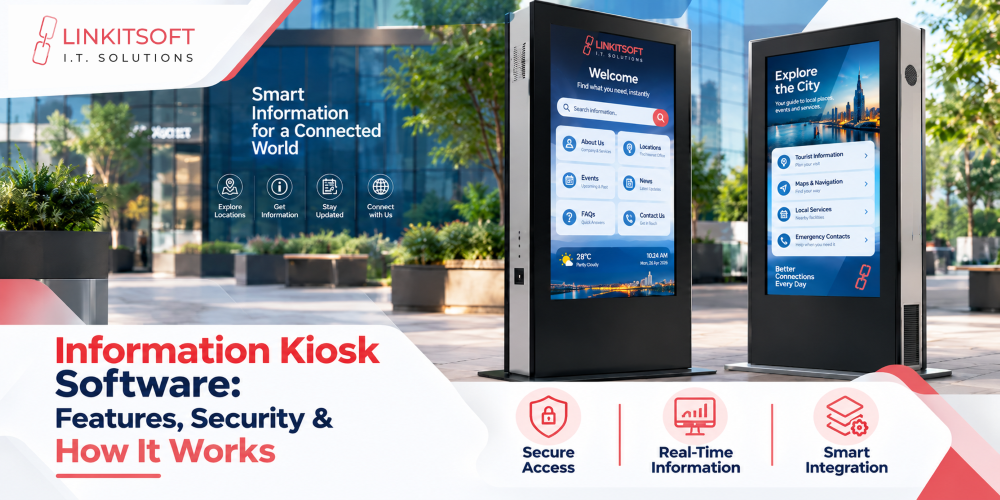
Information kiosk software helps businesses provide instant, self-service access to information through interactive touchscreen terminals. From hospital directories to shopping mall navigation, these systems make information easier to access.
However, reliable kiosk software requires more than a touchscreen interface. It needs secure architecture, hardware compatibility, offline capabilities, and centralized management.
This guide covers the essential features, architecture, security, applications, costs, and development considerations.
What Is Information Kiosk Software?
Information kiosk software powers interactive terminals that allow users to access directories, maps, schedules, and other information without staff assistance.
Unlike standard websites, these applications are designed for shared public devices with controlled access, simplified navigation, and secure session management.
What Are the Main Components of Information Kiosk Software?
A complete system typically includes four components:
- Touchscreen Application: Displays information and handles user interactions.
- OS Lockdown: Restricts access to unauthorized applications and settings.
- Backend and APIs: Connects the kiosk with databases and business systems.
- Management Dashboard: Supports remote monitoring, updates, and configurations.
How Does Information Kiosk Software Work?
The system follows a simple interaction process:
- Users select an option or enter a search.
- The application processes the request.
- Information is retrieved from local storage or connected systems.
- Relevant content appears on the screen.
- The session resets after completion or inactivity.
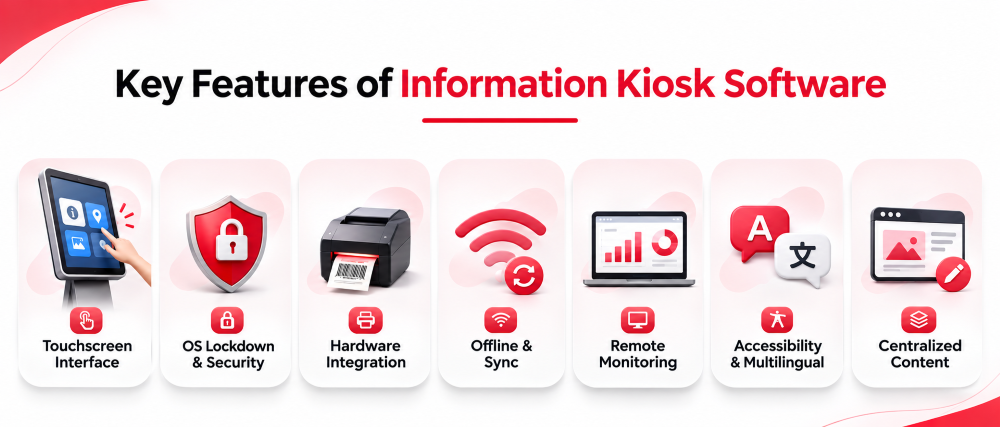
What Are the Key Features of Information Kiosk Software?
Modern kiosk software combines usability, security, hardware integration, and centralized management to deliver reliable self-service experiences.
Interactive Touchscreen Interface
Touch-friendly navigation, large buttons, readable text, and intuitive search functions help users access information quickly and navigate kiosk applications with ease.
OS Lockdown and Session Security
OS lockdown restricts unauthorized access to applications and system settings. Automatic session resets protect user information and prepare devices for the next visitor.
Hardware and Peripheral Integration
Information kiosks integrate with compatible barcode scanners, QR readers, printers, RFID/NFC devices, and cameras through supported drivers and SDKs for specialized interactions.
Read More Related Blogs
- Restaurant Kiosk Software Development: Complete Guide for Restaurant Owners
- Tablet Kiosk Software: A Complete Guide to Features, Security, and Management
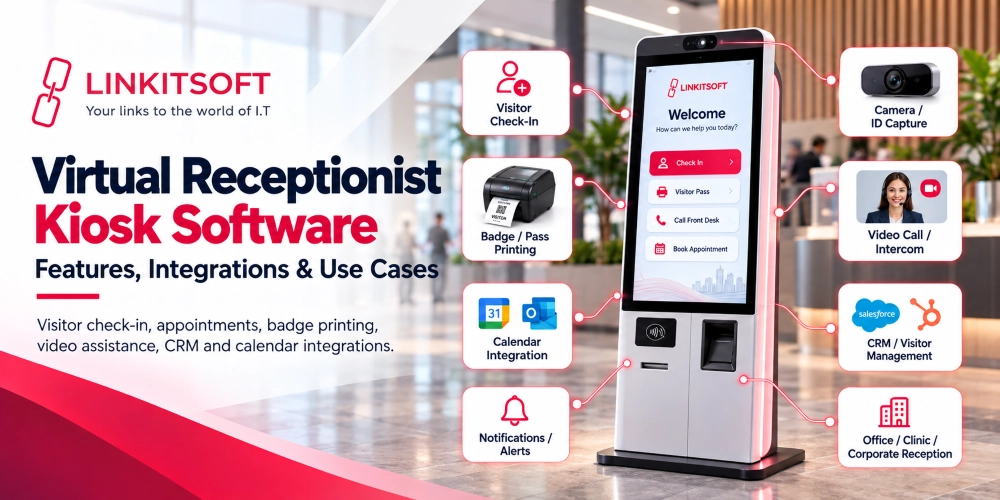
- Virtual Receptionist Kiosk Software: Features, Integrations & Use Cases
Offline Functionality and Data Synchronization
Locally stored content remains accessible during network interruptions where supported. Data synchronization resumes after reconnection, while live services may still require internet access.
Remote Kiosk Monitoring and Management
Centralized dashboards allow administrators to monitor device connectivity, application performance, error logs, configurations, and software updates across multiple kiosk locations remotely.
Accessibility and Multilingual Support
Accessible navigation, readable interfaces, suitable color contrast, and multilingual options improve usability for diverse visitors while supporting different accessibility and language requirements.
Centralized Content Management
Administrators can remotely update directories, schedules, announcements, and other information across connected kiosks through a centralized platform, maintaining consistent content across locations.
How Is Information Kiosk Software Architecture Designed?
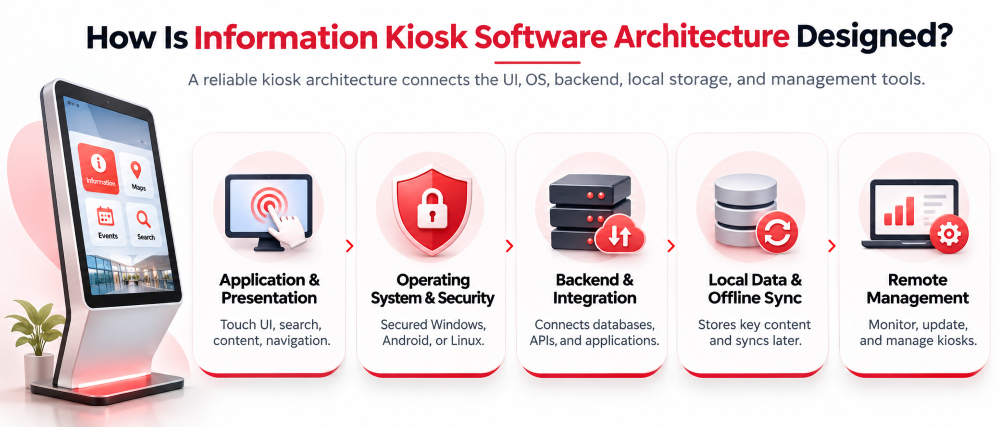
A reliable custom kiosk architecture connects the user interface, operating system, backend, local storage, and management tools.
Application and Presentation Layer
Controls touchscreen interactions, search functions, maps, content displays, and navigation.
Operating System and Device Security Layer
Uses supported Windows, Android, or Linux security configurations to restrict unauthorized applications and system access.
Backend and Integration Layer
Connects databases, APIs, content platforms, and enterprise applications to deliver relevant information.
Local Data and Offline Synchronization Layer
Stores selected content locally and manages supported data synchronization after connectivity returns.
Remote Management and Monitoring Layer
Supports device monitoring, diagnostics, software updates, and configuration management across kiosk fleets.
How Can Businesses Secure Information Kiosk Software?
Public-facing terminals require multiple security controls to protect devices, applications, and user information.
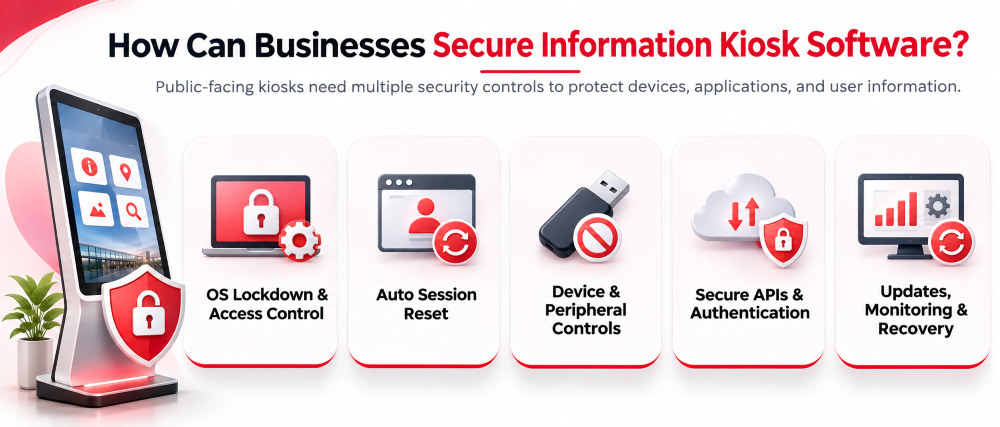
Operating System Lockdown and Access Restrictions
Restrict access to approved applications, system settings, and operating system functions.
Automatic Session Reset and User Data Protection
Clear session-specific information after inactivity or completion to prevent access by subsequent users.
Device and Peripheral Access Controls
Limit unauthorized USB connections, external storage, hardware permissions, and physical device access.
Secure API Communication and Authentication
Use protected connections, appropriate authentication, server-side authorization, and controlled access permissions.
Security Updates, Monitoring, and Recovery
Apply tested security updates, monitor system activity, and establish recovery procedures for application or device failures.
What Are the Different Types of Information Kiosks?
Information kiosks serve different purposes depending on their environment.
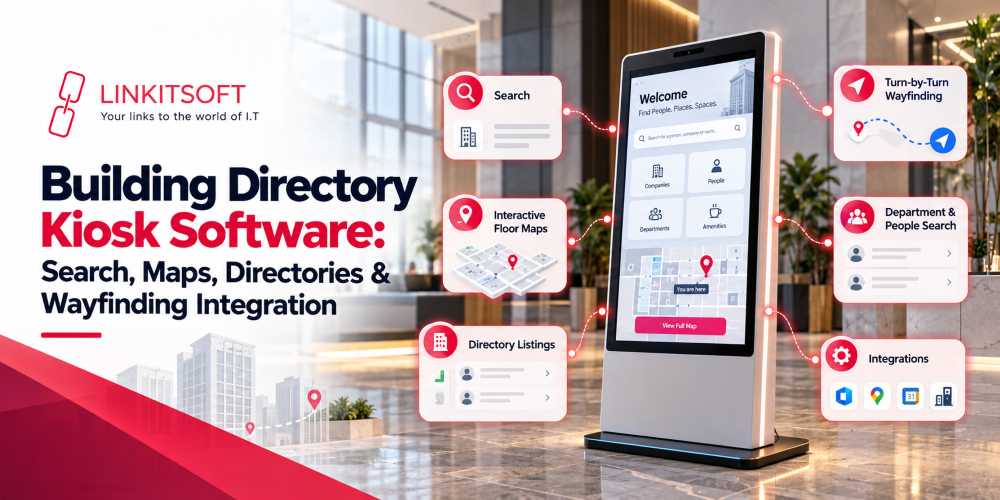
- Wayfinding Kiosks: Interactive maps and location directories.
- Visitor Information Kiosks: Building details, instructions, and facility information.
- Interactive Digital Signage: Touch-enabled announcements and content.
- Public Service Kiosks: Government services and public information.
- Specialized Facility Kiosks: Industry-specific information and navigation.
Information kiosks primarily provide content, while transactional kiosks process activities such as payments, purchases, and check-ins. Some systems combine both functions.
Which Industries Use Information Kiosk Software?
Information kiosk software helps businesses across various industries improve visitor experiences, simplify navigation, and provide quick access to essential information through interactive self-service terminals.
Healthcare Facilities
Hospitals use information kiosks for department directories, facility navigation, visitor information, and supported patient check-in workflows.
Shopping Malls and Retail Centers
Interactive directories help visitors locate stores, restaurants, facilities, and promotional information.
Airports and Transportation Hubs
Kiosks provide terminal maps, route guidance, transportation information, and schedules when connected to appropriate sources.
Hotels and Hospitality
Hotels use kiosks to display facility directories, guest information, amenities, and local attractions.
Educational Institutions and Corporate Offices
Campus and office kiosks provide building directories, event information, visitor guidance, and announcements.
Government and Public-Service Facilities
Public-service kiosks help visitors find departments, understand procedures, and access service information.
What Are the Benefits of Information Kiosk Software?
Information kiosk software offers several operational benefits:
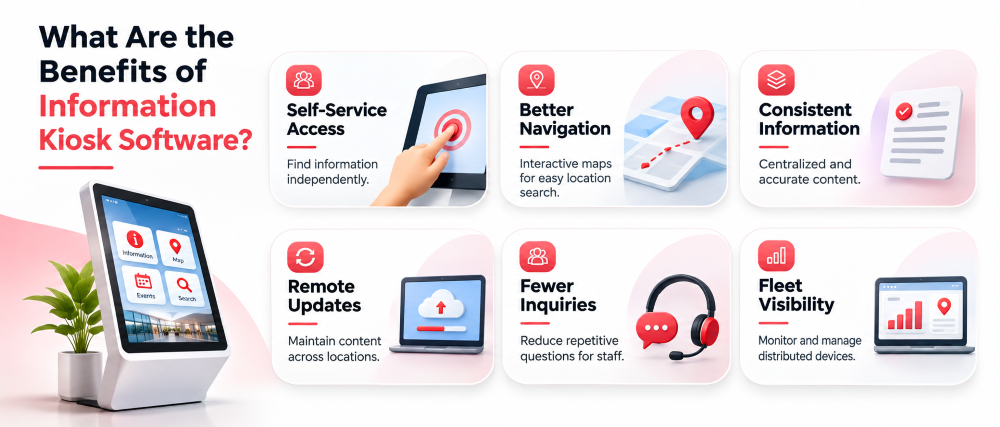
- Self-Service Access: Visitors can find information independently.
- Better Navigation: Interactive maps simplify location searches.
- Consistent Information: Centralized sources support accurate content delivery.
- Remote Updates: Administrators can maintain content across locations.
- Fewer Routine Inquiries: Staff may spend less time answering repetitive questions.
- Fleet Visibility: IT teams can monitor distributed devices.
Actual benefits depend on deployment quality, maintenance, and visitor adoption.
What Challenges Should Businesses Consider Before Deploying Information Kiosks?
Deploying information kiosks requires careful planning to address hardware compatibility, connectivity, security, accessibility, and ongoing maintenance for reliable performance.
Device and Operating System Compatibility
Hardware specifications, operating system versions, drivers, and SDK availability determine which features can be supported.
Connectivity Interruptions and Offline Limitations
Offline caching supports selected functions, but live information and external services may require connectivity.
Public Device Security and Privacy
Shared terminals need restricted access, protected communications, secure sessions, and appropriate handling of personal information.
Accessibility and Physical Installation
Kiosk accessibility involves screen placement, physical reach, readable interfaces, and alternative interaction methods. WCAG 2.2 and ISO/IEC 20071-31:2026 provide relevant accessibility guidance.
Content Accuracy and Ongoing Maintenance
Directories, schedules, and announcements require regular reviews to prevent outdated information.
Custom vs. Off-the-Shelf Information Kiosk Software: Which Should You Choose?
Both options have advantages depending on business requirements.
| Factor | Off-the-Shelf | Custom Software |
| Customization | Predefined options | Business-specific features |
| Hardware | Supported devices | Targeted integrations |
| Integrations | Available connectors | Custom APIs |
| Security | Vendor-supported controls | Requirement-based controls |
| Deployment | Often faster | Requires development |
| Cost | Licensing and subscriptions | Development and maintenance |
Off-the-shelf software suits standard information displays. Custom solutions are more suitable when businesses require specialized workflows, integrations, or hardware compatibility.
How Much Does Information Kiosk Software Cost?
Costs depend on project requirements and deployment scale.
The main factors include:
- Software: Licensing or custom development.
- Hardware: Touchscreens, enclosures, and peripherals.
- UI/UX: Custom interfaces, maps, and navigation.
- Integrations: APIs, databases, and enterprise platforms.
- Security: OS lockdown, testing, and access controls.
- Maintenance: Hosting, monitoring, support, and updates.
A project-specific estimate is needed to determine the actual cost.
How Do You Choose the Right Information Kiosk Software?
Choosing the right information kiosk software requires evaluating business needs, hardware compatibility, security, integrations, and long-term support to ensure reliable performance.
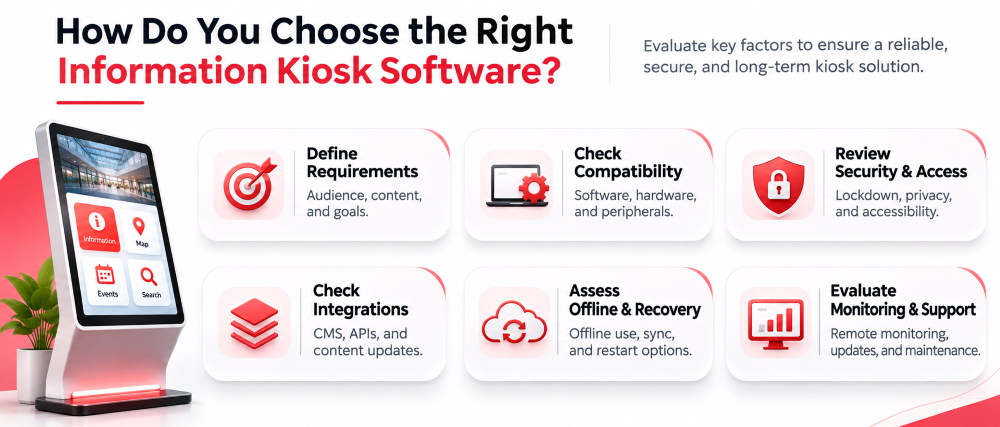
Define the Information and User Requirements
Identify the target audience, required content, user journeys, and operational goals.
Evaluate Software and Hardware Compatibility
Check operating system support, device specifications, peripherals, and SDK compatibility.
Review Security and Accessibility Needs
Assess lockdown controls, privacy requirements, session security, and accessible interaction methods.
Check Content Management and Integration Options
Ensure the software supports required databases, APIs, content updates, and administrative workflows.
Assess Offline and Recovery Requirements
Identify essential offline functions and evaluate synchronization, application restart, and recovery processes.
Evaluate Remote Monitoring and Long-Term Support
Review device monitoring, diagnostics, software updates, maintenance, and technical support.
Why Choose Linkitsoft for Information Kiosk Software Development?
Linkitsoft builds custom kiosk software with secure integrations and centralized management.
- Custom Architecture: Tailored business workflows.
- Platform Support: Windows, Android, and Linux.
- Security: OS lockdown and offline support.
- Integrations: Printers, scanners, RFID, and APIs.
- Remote Management: Monitoring and diagnostics.
- End-to-End Services: Design, development, and maintenance.
What Real-World Kiosk Projects Has Linkitsoft Developed?
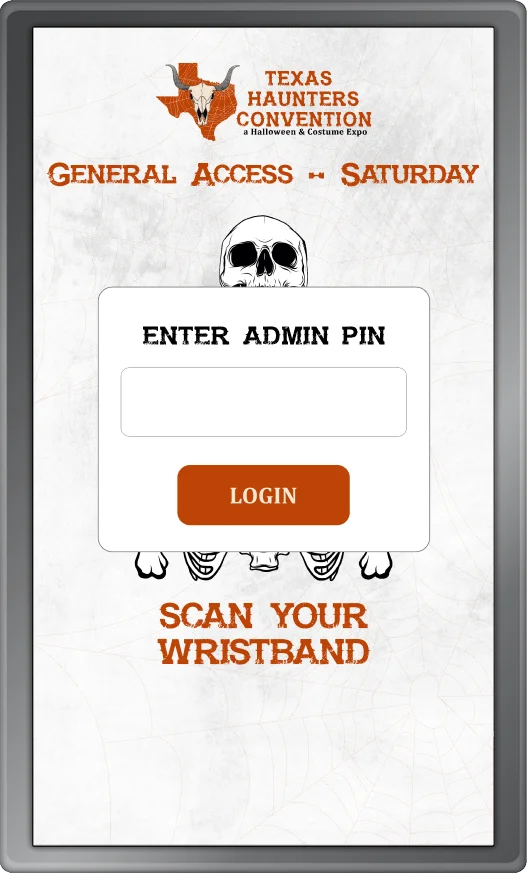
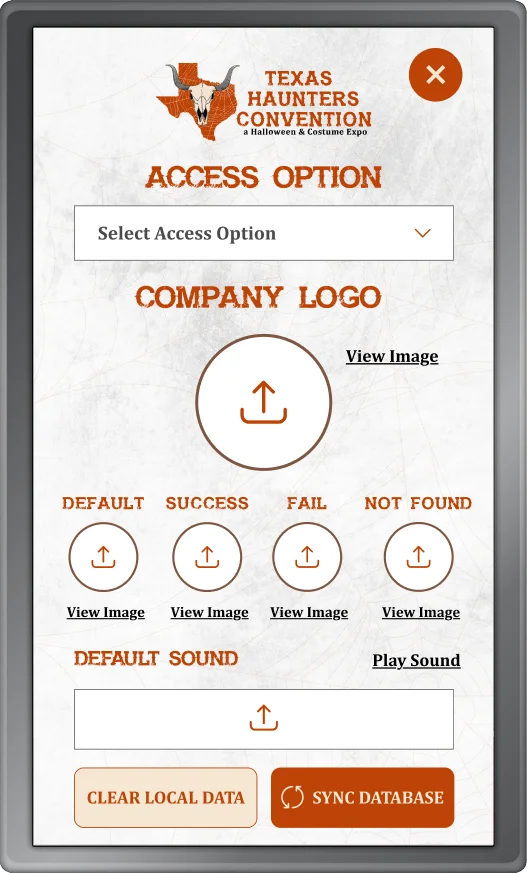
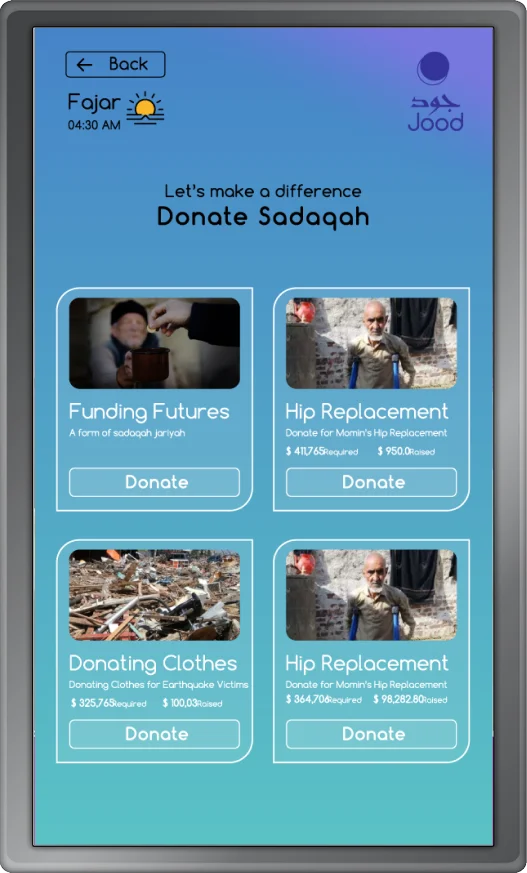
Linkitsoft’s published projects demonstrate experience with interactive kiosk workflows and connected systems.