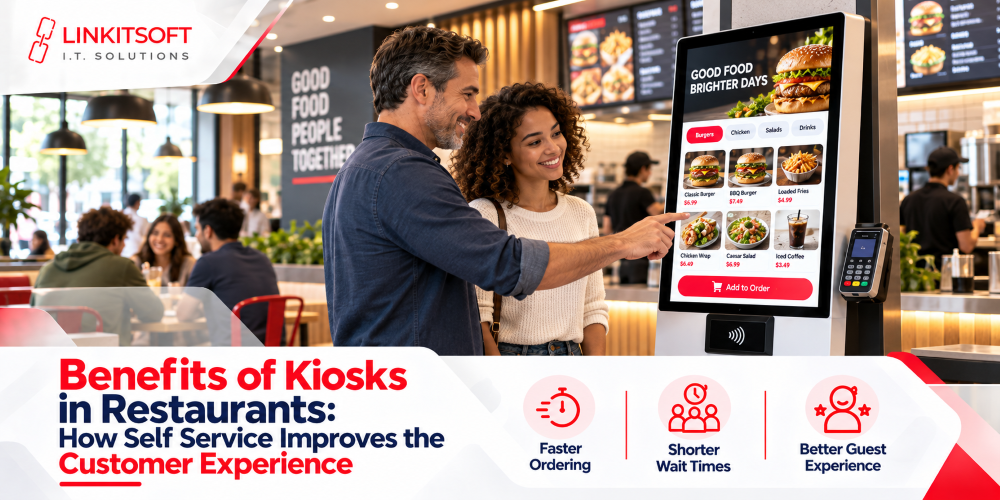
Most people don’t think much about the ordering process until it goes wrong. A long queue at lunchtime, a meal that came out different from what was asked for, not being sure what came with which dish. These are small frustrations, but they happen constantly in busy restaurants, and they affect how people feel about the experience overall.
Self service kiosks have become one of the more practical answers to this. Customers order on a touchscreen at their own pace, customize what they want, pay, and the order goes straight through to the kitchen. For restaurants, the benefits extend beyond customer experience too, but it’s worth understanding both sides properly before committing.
What Are Restaurant Self Service Kiosks?
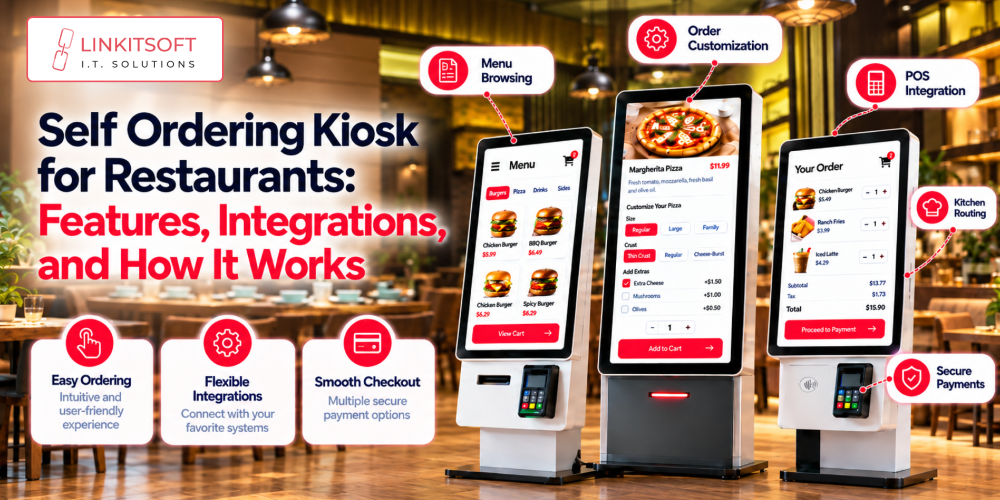
Restaurant self service kiosks are touchscreen systems that let customers place orders by themselves. Without speaking to a cashier. Customers independently browse the digital menu and select meals according to their preferences. Then, they simply pay using whatever payment method is available.
Once submitted, the order goes to the restaurant’s ordering system. Depending on the setup it might appear on the kitchen display, enter the POS system, or generate a receipt with a collection number. Many restaurants run kiosks alongside staffed counters so customers can choose whichever suits them.
What are the Key Benefits of Restaurant Kiosks for Customers?
Not only do customers benefit from self service at a restaurant, but the staff and the franchise benefits from it as well.
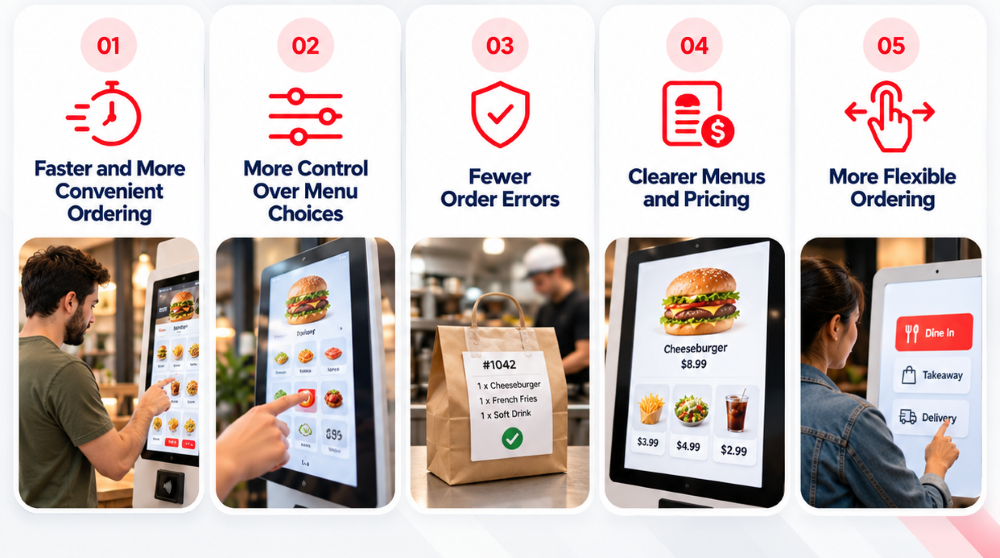
Faster and More Convenient Ordering
Queues at busy lunch hours are genuinely frustrating, particularly when each order takes a few minutes to process at a single counter. Kiosks give customers another route to ordering. While one person is speaking with a cashier, someone else can be halfway through selecting their meal at a kiosk. That distribution of workload reduces counter pressure during peak periods.
Customers who already know what they want can move through quickly without waiting for staff to enter each choice manually.
Worth noting, though: kiosks don’t automatically speed up the entire experience. If the kitchen is already overwhelmed, faster ordering just moves the bottleneck to the collection point. The real benefit comes when the ordering system and kitchen workflow are properly aligned.
More Control Over Menu Choices
Ordering at a busy counter can feel rushed. People forget to ask for a modification, miss an available side, or feel awkward taking time to think through options when there’s a queue forming behind them.
A kiosk removes that pressure. Customers can open categories, review options, and work through customisations at their own pace. Someone ordering a burger can remove an ingredient, add a topping, change the side dish, and choose a drink all within the same flow without feeling like they’re holding anyone up.
This helps customers who know exactly what they want and equally those who need a bit more time to decide. For restaurants, it also means customisations are processed through a defined set of options rather than relying on staff to interpret verbal requests correctly under pressure.
Fewer Order Errors
Mistakes happen when information has to travel verbally between a customer and a cashier, especially in noisy environments or during a rush. An item gets missed, a modification doesn’t make it onto the ticket, a quantity gets entered wrong.
When customers enter their own selections and review them before paying, a meaningful part of that error chain disappears. The final order summary on screen gives them a chance to catch anything before it reaches the kitchen.
The quality of this depends on how well the menu is designed. Confusing options or misleading descriptions can still cause problems. A clearly structured menu with a readable order summary reduces the gap considerably though.
Clearer Menus and Pricing
Printed menus and overhead boards have real limitations. They can’t easily show every customisation option, don’t always have room for photos, and often can’t communicate which extras cost more without making the layout unwieldy.
A digital kiosk menu can show photos, descriptions, portion options, prices, and available add-ons in a structured way. Customers can browse categories rather than trying to read a large board from across a room, and they can see how their choices affect the total before committing to payment.
For restaurants, digital menus are also easier to update when prices change, or items become unavailable. When properly connected to the right systems, a kiosk reflects current information rather than displaying something the kitchen can no longer prepare.
The caveat is that this only helps when the menu is actively maintained. Outdated information on a digital screen causes the same problems as outdated information on a printed one.
More Flexible Ordering
Not every customer has the same language, reading ability, or comfort level with technology. A well designed kiosk can make ordering more accessible for a wider range of people when it’s thought through properly.
Multiple language options, clear instructions, readable text, and logical navigation help customers work through the menu without needing staff to explain each step. Images help people identify unfamiliar dishes, though descriptions and allergen information still matter.
Accessibility needs genuine attention here. Touch targets should be easy to select, screen height should work for wheelchair users, contrast should be high enough, and important information shouldn’t rely on colour alone to communicate meaning.
Not every customer will prefer a screen, and that’s fine. Kiosks work best as an additional option rather than a replacement for every other way to order.
How Restaurant Kiosks Improve the Overall Dining Experience
The experience doesn’t start and end at the ordering screen. Customers need to understand the menu, complete payment smoothly, know their order went through, and collect the right food without confusion.
When a kiosk is properly integrated with the POS system and kitchen workflow, these steps connect naturally. The order moves through, staff get the details needed to prepare it, and the customer receives a number or confirmation. The process feels coherent rather than disconnected.
Integration is particularly important for restaurants running multiple ordering channels. If kiosk orders, counter orders, and online orders feed into separate systems, managing them becomes genuinely difficult. Bringing everything into a shared system helps staff track orders consistently regardless of where they originated.
There’s also a staff benefit worth mentioning. When employees aren’t entering every order manually, they have more capacity to help customers, keep the floor running, and support the kitchen when it gets busy.
That said, the experience lives or dies on execution. A slow screen, a confusing menu, a failed payment, or an unclear collection process makes ordering more frustrating rather than less. Testing the complete journey from opening screen to order collection before going live is worth doing properly.
What Should Restaurants Consider Before Introducing Kiosks?
Although it sounds like a great idea, you shouldn’t randomly install a kiosk in your restaurant without a plan. Consider these factors first.
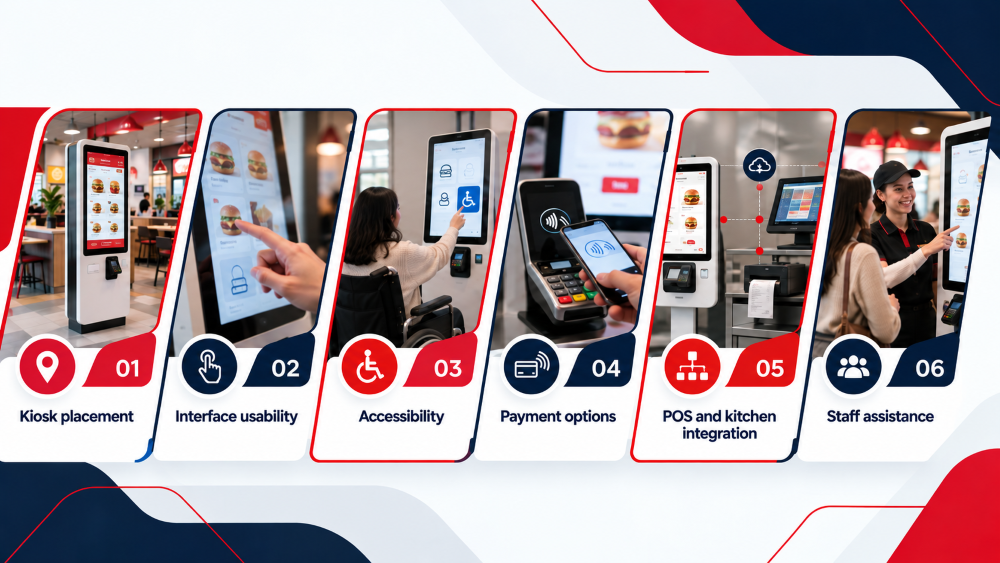
Kiosk placement
Position kiosks where customers can find and reach them without blocking entrances, queues, or high-traffic walkways.
Interface usability
Keep categories, prices, customisations, and checkout steps clear and logical. Customers should be able to order a basic meal without working through unnecessary screens.
Accessibility
Consider screen height, text size, language options, contrast, and other features that affect customers with different needs.
Payment options
Support the payment methods your customers actually use and confirm that the payment hardware integrates properly with the ordering software.
POS and kitchen integration
Orders should reach the correct systems with all selections and customisations intact. Gaps in integration cause the same kinds of errors kiosks are supposed to reduce.
Staff assistance
Keep a staffed option available. Some customers will always prefer ordering from a person, and the experience shouldn’t penalise them for it. Planning for maintenance matters as well, and not just for the software; the payment hardware and touchscreen need cleaning and care too.