
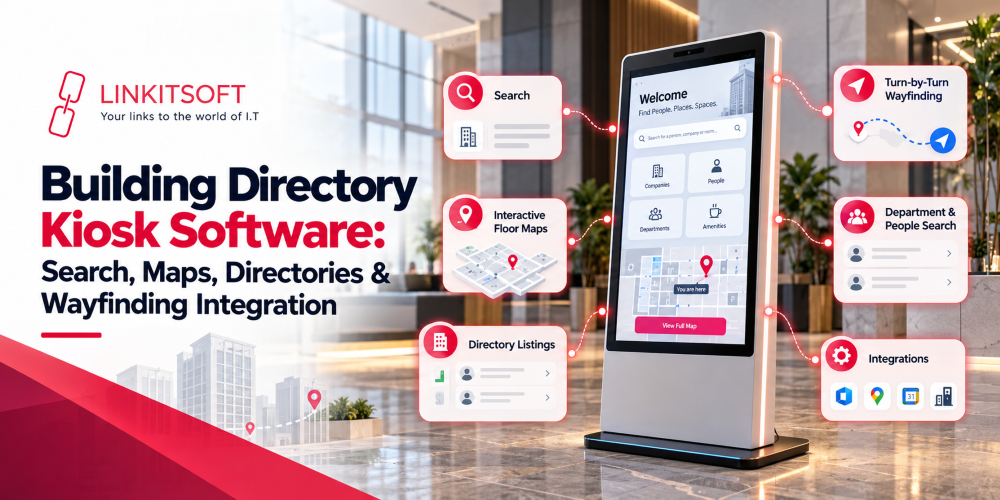
Directory kiosks have become a practical way to help people find their way around large buildings without having to stop and ask someone for directions. A visitor can search for a department or facility and get the information they need directly on the screen. All it takes is a few steps.
The useful part is that a kiosk does more than display a list of names. It can connect directory information with maps and wayfinding, giving visitors a clear route to where they need to go.
In this blog, we’ll look at how wayfinding kiosk software works and what organizations need to consider before building one.
What Is Directory Kiosk Software?
Directory kiosk software manages the information shown on an interactive kiosk. Instead of having a static board with names and locations, visitors can search for what they need and interact with the information on screen. To find a place, they wouldn’t have to look at a confusing jumbled up map with routes overlapping each other.
The software can make those same maps easier to understand through intuitiveness and accessibility. It can organize information about everything from offices and stores to tenants and other points of interest. How that information is structured depends on the type of building and who uses the kiosk.
The search experience is usually connected to a map. Once someone finds a destination, the kiosk can show where it is and, when wayfinding is available, guide the visitor there.
What Features Should Directory Kiosk Software Include?
It should make finding information quick. Most visitors will not want to spend several minutes figuring out how the interface works, especially if they are already unfamiliar with the building.
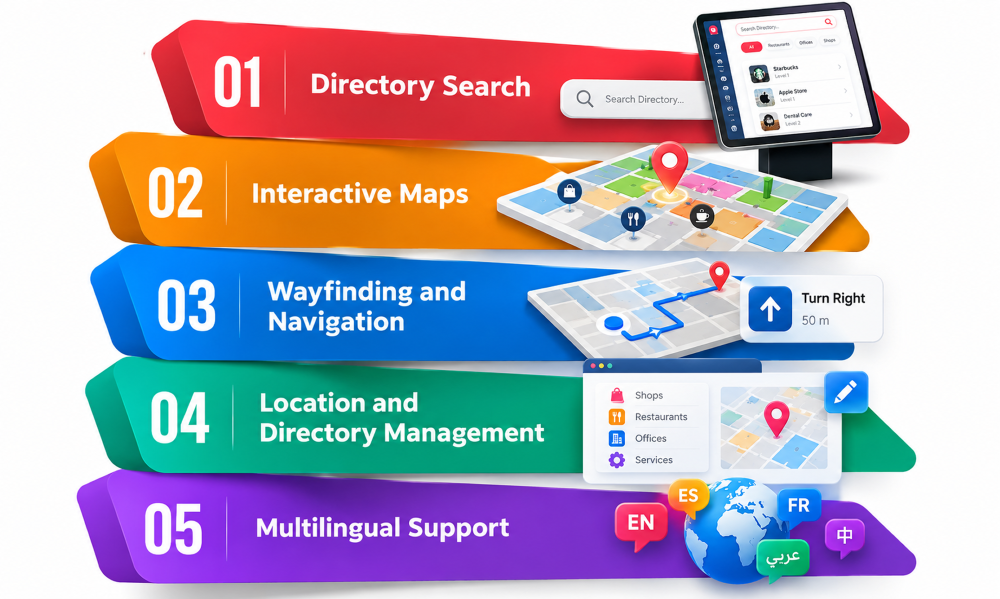
Directory Search
Search is one of the main functions of a wayfinding kiosk. Users should be able to enter a:
- Name
- Business
- Department
- Room
- Facility
and quickly see matching results. The search can also be organized into categories. A visitor might choose “Restaurants” or “Medical Departments” instead of typing a specific name. This can be useful for people who know what they need but do not know exactly where it is.
Search results should provide enough information to help the visitor choose the right destination (e.g. opening hours, contact details, etc.).
Interactive Maps
An interactive map gives visitors a visual view of the building instead of making them rely only on written directions. Users can select a location on the map or move between floors where supported. Important places such as:
- Entrances
- Elevators
- Stairs
- Restrooms
- Shops
- Departments
can also be marked. The map should stay connected to the directory. If a location changes, the corresponding map information should be updated as well.
Wayfinding and Navigation
Wayfinding takes the directory a step further. Instead of only showing where a destination is, the kiosk can provide a route from the visitor’s current location. The route can appear directly on the map and may include simple instructions such as:
- Walking toward an elevator
- Moving to another floor
- Following a particular corridor
For a large building, this can make a noticeable difference. A visitor may know that a department is on the third floor but still have no idea how to get there from the entrance.
Location and Directory Management
The information behind the kiosk needs to be manageable as well. Building managers may need to add:
- New tenants
- Change room numbers
- Remove businesses
- Update departments
- Move facilities to another part of the building
A content management system can give staff a place to make these changes without editing the kiosk app itself.
Multilingual Support
Large public buildings often serve people who speak different languages. A kiosk for directions can support multiple languages so visitors can search for information and read directions in their preferred language, such as:
- Arabic
- German
- Hindi
- Russian
- Chinese
- Etc
The available languages and translated content depend on the audience and location. It is also important to make sure that translated elements remain consistent across the directory and map.
How Does Wayfinding Work on a Directory Kiosk?
The basic idea behind kiosk wayfinding is fairly simple. A visitor tells the kiosk where they want to go, and the software works out how to get them there. This is how it generally works:
Selecting a Destination
The visitor starts by searching for a destination or choosing one from a category. They might search for a particular store or browse available facilities. Once they select a result, the kiosk can show information about that location and offer an option to get directions.
Calculating the Route
The software then determines a suitable route from the kiosk’s known location to the selected destination.
For a simple building, this may be a straightforward path along corridors. In a larger environment, the route may need to account for elevators, stairs, and changes between floors. The route should also match how people actually move through the building. A technically shorter path is not always the most useful one if it takes visitors through an area they cannot access.
Displaying Directions on the Map
The route can be highlighted on the map so visitors can see where they need to go.
Instructions can be kept simple. For example, the kiosk might show that the destination is on another floor and indicate which elevator or staircase to use. The exact level of detail depends on the building and the quality of its map data.
Some kiosks can also provide a QR code that visitors can scan and continue viewing the directions on their phone. This can be useful in larger buildings where people do not want to keep returning to the kiosk.
Handling Multiple Floors and Buildings
Wayfinding becomes more involved when a property has several floors or connected buildings.
The software needs to understand how these spaces connect. A route might involve walking across one floor, taking an elevator, and then continuing through another section of the building.
For campuses, hospitals, airports, and large commercial properties, the system may also need to guide visitors between separate buildings. The directory and map data should reflect those connections so the route makes sense from the visitor’s starting point.
What Systems Can Directory Kiosk Software Integrate With?
A directory becomes much easier to maintain when it can receive information from the systems that already hold it. Without integrations, staff may have to update names, locations, tenants, and other details in several places. That can quickly become a maintenance problem.
Building and Facility Management Systems
Building management systems can contain useful information about spaces, rooms, facilities, and occupancy. Depending on the setup, directory software can use this information to keep locations current.
For example, if a room changes its assigned department, the directory can reflect the new information without requiring someone to update every kiosk separately.
Maps and Mapping Services
Directory software can integrate with mapping systems to display building layouts and support navigation. The exact integration depends on whether the project uses an existing mapping service, custom building maps, or another mapping solution. Indoor environments often need more specific map data than standard outdoor maps provide.
Property or Tenant Databases
Shopping centers, office buildings, and commercial properties may already have databases containing tenant information. Connecting the kiosk to these records can make it easier to keep business names, units, categories, and other information current. When a tenant moves, or a new business opens, the directory can be updated through the connected system or management platform.
APIs and Existing Business Systems
APIs can connect the kiosk software with other systems used by the organization. This could include booking systems, employee directories, customer databases, facility platforms, or internal apps.
The main benefit is keeping information in sync. Instead of creating a completely separate database that someone has to maintain manually, the kiosk can use information that already exists within the business.
How Do You Manage Directory Kiosks Across Multiple Locations?
Managing one kiosk is relatively simple. Managing dozens of them across different buildings is a different story. A centralized management system can give administrators one place to control content, software, and device status.
Centralized Content Management
Administrators can manage directory entries, categories, maps, announcements, and other content from a central platform. Different locations can have their own information while still being managed through the same system.
Updating Directories and Maps Remotely
If a store moves, a department changes rooms, or a new facility is added, administrators can update the information remotely. The changes can then be distributed to the relevant kiosks instead of requiring someone to visit every device.
Managing Different Buildings or Locations
Each building may have its own layout, directory structure, language requirements, and wayfinding rules.
The management platform should make it possible to separate these configurations while keeping them under the same administration system.
Monitoring Kiosk Status
Remote monitoring can show whether kiosks are online and available. Depending on the software, administrators may also be able to see device errors, connectivity problems, or other issues that need attention. This is particularly useful when kiosks are installed across multiple floors, branches, or buildings.
Deploying Software and Content Updates
Updates can be pushed remotely so administrators do not have to manually configure every kiosk.
This can include application updates, map changes, new directory content, security updates, and other configuration changes.
What Hardware Does a Directory Kiosk Need?
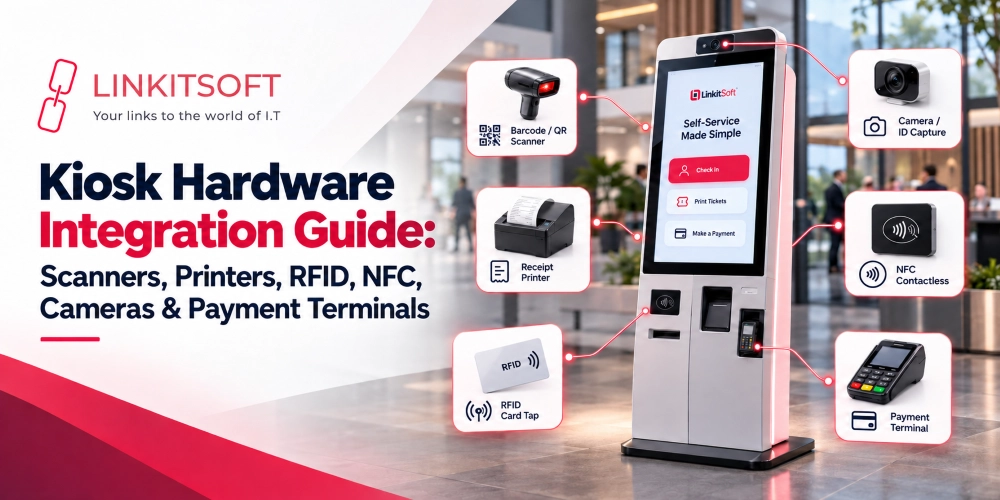
The hardware you need depends on where the kiosk will be installed and what visitors are expected to do with it. A basic indoor directory may only need a touchscreen and kiosk computer, while a larger installation may require additional hardware for printing, accessibility, or outdoor use.
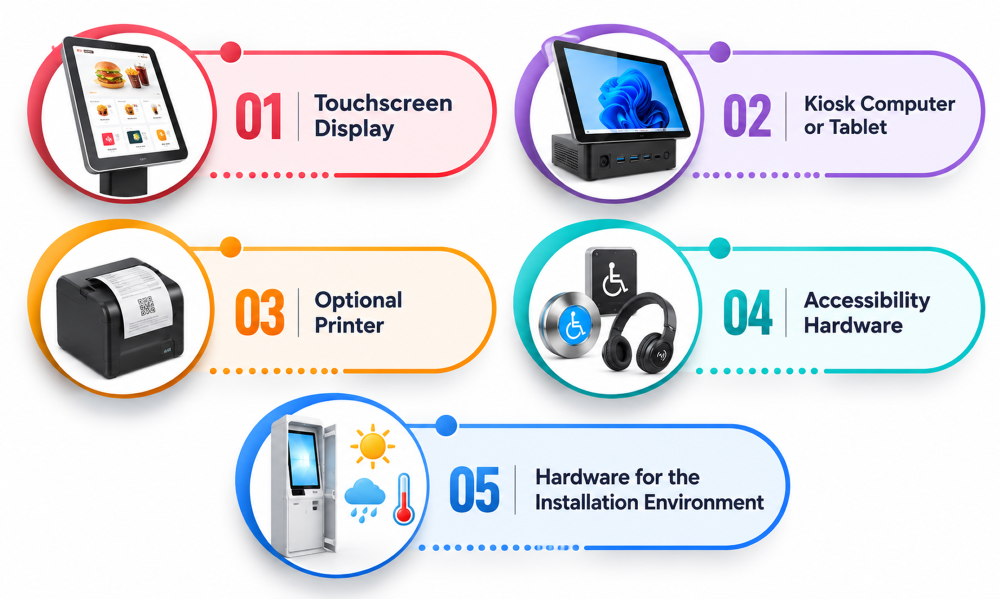
Touchscreen Display
The touchscreen is the main point of interaction, so it needs to be large and clear enough for visitors to search the directory, read information, and follow maps comfortably. Screen size, brightness, viewing angle, and touch responsiveness should be considered based on the installation environment.
Kiosk Computer or Tablet
The kiosk needs a computer or tablet capable of running the directory software and handling its maps and other processes. The hardware should also be compatible with the operating system and software being used.
Optional Printer
A printer can be useful when visitors need physical directions, tickets, or other information. However, printing is not always necessary. Some kiosks can provide a QR code that visitors scan to take the directions or location details with them.
Accessibility Hardware
Accessibility should be considered during hardware selection rather than added later. Depending on the location, the kiosk may need an accessible height and screen position, audio support, or other hardware that makes it easier for people with different accessibility needs to use the system.
Hardware for the Installation Environment
The environment can also affect the hardware choice. A kiosk inside an air conditioned shopping center has different requirements from one installed outdoors, in a hospital corridor, or in a busy transport facility. Outdoor or high traffic installations may need brighter displays, stronger enclosures, better protection against physical damage, and hardware designed to operate reliably under the conditions of that location.
What Should You Consider Before Building Directory Kiosk Software?
The right setup depends heavily on the building itself. A simple office directory does not need the same software or mapping requirements as a large hospital or shopping center. Before development, it is worth working through a few practical questions.
Number of Buildings and Floors
Start by looking at the physical environment. Is the kiosk serving one building or several? How many floors are involved? Are the buildings connected? These details affect the directory structure and the way routes need to be calculated.
Type and Amount of Directory Information
Decide what visitors actually need to find. This could include people, departments, businesses, or services. Also consider how frequently this information changes. A directory that changes every few months can be managed differently from one where locations and tenant information are updated every week.
Map and Wayfinding Requirements
Not every directory needs full wayfinding. Some may only need a floor map and a marker showing the destination. If visitors need step by step directions, the mapping system needs to account for corridors and connections between different floors or buildings.
Integration Requirements
Identify where the directory information currently lives. If there is already a property management system, or mapping platform, integrating with it may be more practical than maintaining another completely separate source of information.
Content Update Process
Someone needs to keep the directory accurate after it goes live. Decide who will manage updates, how changes will be approved, and whether information should be updated manually or pulled from another system. This becomes even more important when the same directory is used across several locations.
Accessibility and Multilingual Requirements
Think about who will use the kiosk. If the building serves an international audience or people with different accessibility needs, these requirements should be part of the software and hardware planning from the beginning. Adding them later can be much more difficult than accounting for them during development.
Remote Management Needs
If the kiosks will be installed across different buildings or locations, remote management is worth considering from the start. Administrators should be able to update content, monitor devices, and deploy changes without physically visiting every kiosk.