
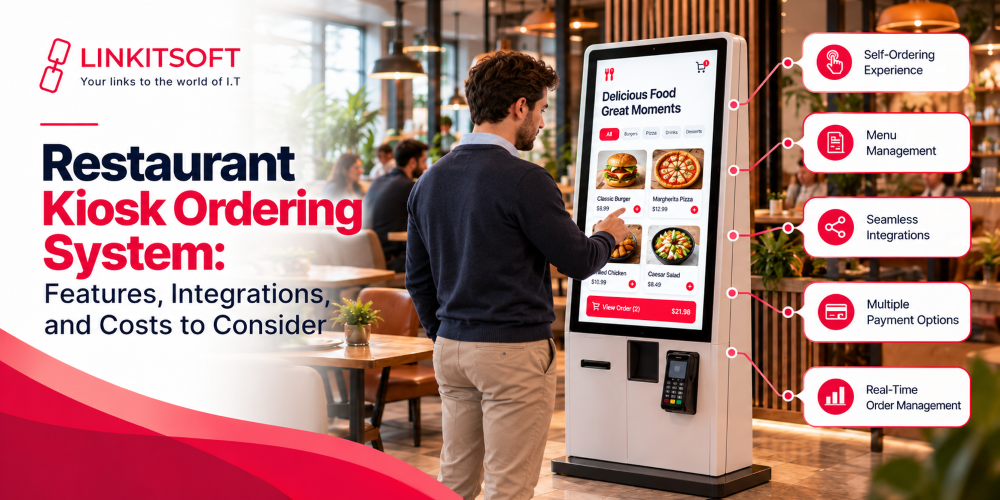
Choosing a restaurant kiosk ordering system involves more than selecting a touchscreen and displaying your menu. The software must handle order customization, payment processing, POS communication, and kitchen workflows without creating unnecessary work for your staff.
A system that looks good during a demonstration may still cause problems if it cannot synchronize menu prices, process transactions correctly, or support your existing restaurant technology.
Before investing, restaurant owners need to evaluate software capabilities, integration requirements, implementation costs, and ongoing support. This guide provides a practical framework for comparing providers and deciding whether custom kiosk software fits your business.
What Should You Consider Before Choosing a Restaurant Kiosk Ordering System?
Start by documenting your restaurant’s operational requirements. Your ordering volume, menu structure, existing technology, and expansion plans will determine which capabilities you actually need.
| Evaluation factor | What to assess | Why it matters |
| Order volume | Expected orders during peak hours | Helps determine performance and capacity requirements |
| Menu complexity | Modifiers, combinations, extras, and special requests | Prevents ordering restrictions and pricing errors |
| Existing systems | POS, payment terminals, and kitchen display systems | Determines integration requirements |
| Business structure | Single location, franchise, or restaurant chain | Influences menu management and reporting |
| Budget | Development, hardware, integrations, and maintenance | Reveals the total investment required |
For example, a café with a limited menu may need straightforward customization and card payments. A quick-service restaurant with multiple locations may require centralized menu management, location-specific pricing, and integration with several kitchen stations.
Define these requirements before comparing providers. Otherwise, you may pay for unnecessary functionality or discover that a cheaper system cannot support essential workflows.
Which Features Should a Restaurant Kiosk Ordering System Include?
The right feature set depends on your restaurant’s ordering process. Evaluate each capability against a real operational requirement rather than choosing software based on the number of features advertised.

Menu and Modifier Management
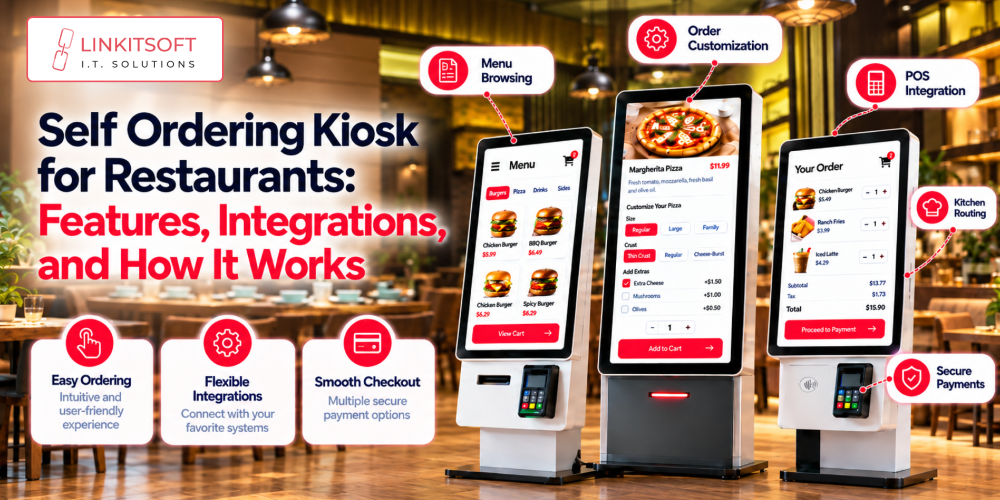
Support menu categories, product variations, required selections, optional extras, and pricing rules. Prevent invalid combinations before checkout.
Payment Processing
Support required payment methods and provide clear transaction statuses, receipts, and order confirmations.
Promotions and Upselling
Display relevant meal combinations, add-ons, and promotional offers to encourage additional purchases without disrupting the ordering process.
Menu Synchronization
Keep product availability, prices, and menu information consistent across connected systems.
Administrative Controls
Allow authorized staff to manage menus, review transactions, and access operational reports.
Accessibility and Localization
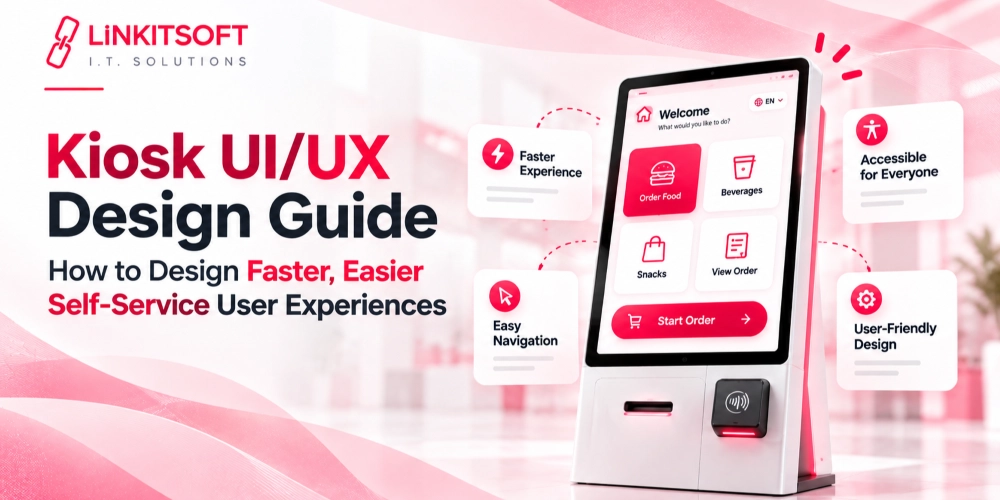
Provide readable text, appropriately sized touch targets, accessible navigation, and language options for different customers.
Also evaluate the complete customer journey. Customers should be able to review their selections, identify additional charges, correct mistakes, and confirm their order before payment.
How to Check POS and Payment System Compatibility
Integration compatibility is one of the most important technical considerations when choosing a restaurant kiosk ordering system.
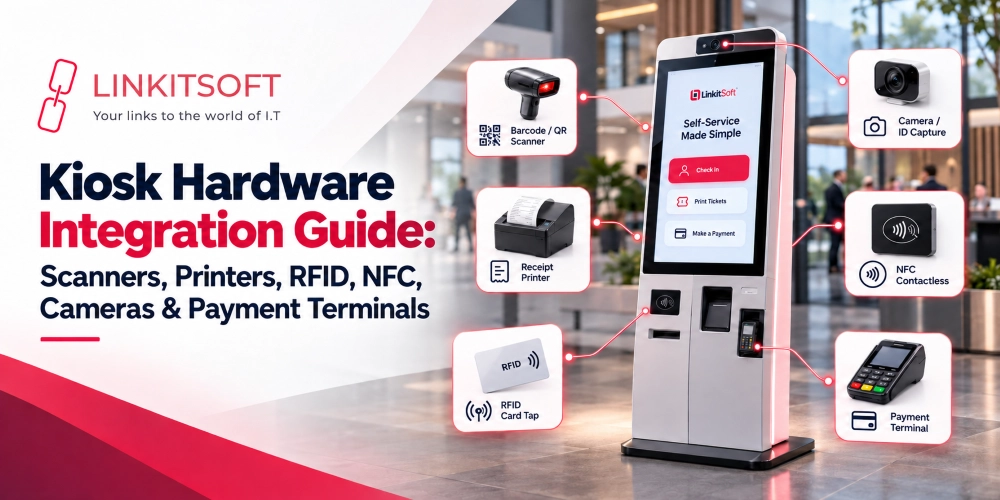
Your kiosk, point-of-sale (POS) system, kitchen display system (KDS), and payment terminal may be supplied by different vendors. These components must exchange information correctly for orders and transactions to remain consistent.
Confirm POS and KDS Integration
Ask whether the provider supports your specific POS product and version. Request details about API availability, authentication, supported operations, and any additional integration fees.
The integration should account for menu items, modifiers, taxes, order status, and product availability where supported. KDS integration should route orders to the correct kitchen station according to your restaurant’s workflow.
Check Payment Failure Handling
Payment processing needs more than a successful checkout screen. The software must distinguish between approved, declined, pending, and uncertain transactions.
For example, if a payment request times out, automatically submitting it again without checking its status could result in duplicate charges or orders. Ask how the system handles retries, transaction verification, and reconciliation.
Test Before Deployment
Request a demonstration using your actual systems or a vendor-provided sandbox environment.
| Test scenario | What to verify |
| Menu price changes | Updated prices appear correctly |
| Unavailable product | Customers cannot order a sold-out item |
| Declined payment | The customer receives clear instructions |
| Network interruption | The system handles interrupted requests safely |
| Duplicate submission | The same order is not processed twice |
| Kitchen routing | Orders reach the correct station |
These checks help expose integration limitations before they affect daily operations.
Custom Kiosk Software vs. Off-the-shelf Kiosk Software
Both approaches can support restaurant self-service ordering. The right choice depends on how closely an existing product matches your requirements.
Pre-built software may suit restaurants whose ordering process and POS requirements are already supported. Custom development may be appropriate when existing products cannot accommodate specialized menu rules, business workflows, or integration requirements.
However, customization does not automatically make a system more cost-effective. Compare the implementation effort, recurring fees, maintenance responsibilities, and long-term flexibility before deciding.

How Much Does a Restaurant Kiosk Ordering System Cost?
There is no single price that applies to every restaurant kiosk project. Costs depend on the software scope, hardware configuration, integration complexity, and support requirements.
Use the following breakdown when requesting quotes.
| Cost component | What the quote should cover |
| Software | Ordering interface, administrative dashboard, and backend functionality |
| Hardware | Touchscreen terminals, mounting, and compatible peripherals |
| Integrations | POS, KDS, payment gateway, and other required connections |
| Deployment | Installation, configuration, and staff training |
| Maintenance | Bug fixes, security updates, and compatibility changes |
| Recurring services | Hosting, licensing, payment processing, or monitoring fees where applicable |
Ask each provider to separate one-time expenses from recurring charges. Confirm whether API access, additional locations, software updates, and technical support incur extra fees.
You should also establish who owns the source code, who manages third-party integrations, and what happens if you change providers.
A lower initial quote may not represent the lower long-term cost if essential integrations, maintenance, or support are excluded.
Case Study: How Linkitsoft Built Order Wave for Mr. Cod
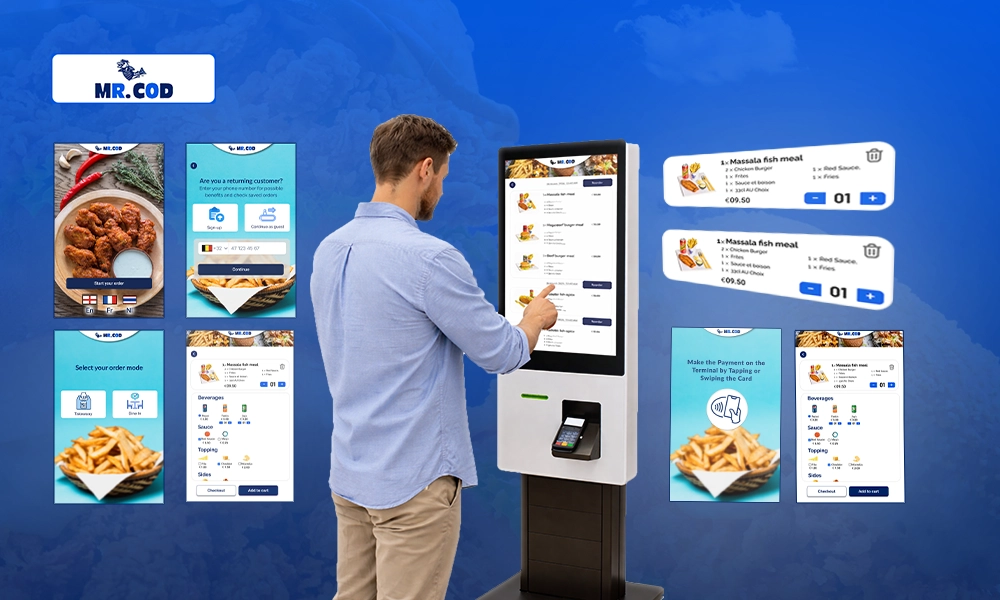
Linkitsoft’s Order Wave project for Mr. Cod, a UK-based restaurant known for fish and chips, illustrates why restaurant kiosk software must account for operational requirements beyond the customer-facing interface.
The project addressed challenges associated with high-volume ordering and daily tax tracking.
Project Requirements
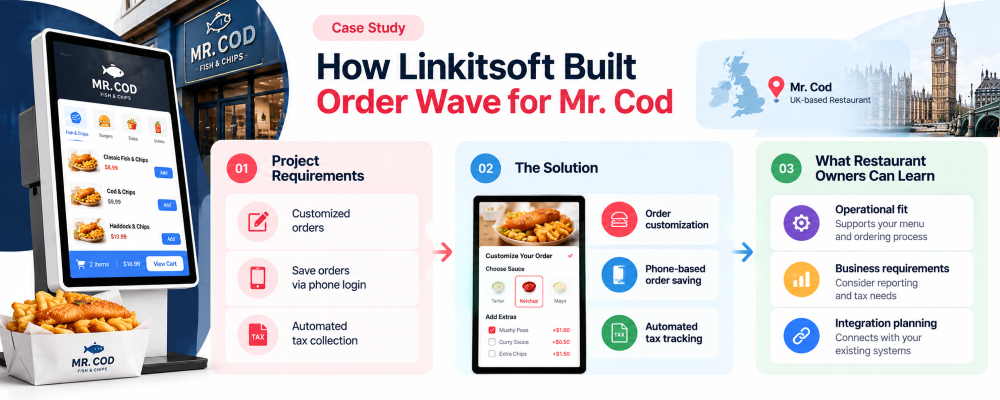
The documented requirements included supporting customized orders, saving order information through phone login, and automating tax collection using a Black Box system.
These requirements demonstrate that a restaurant ordering solution may need to connect the customer journey with operational and financial processes.
The Solution
Linkitsoft developed Order Wave as a self-service kiosk application. The documented functionality included order customization, phone-based order saving, and automated tax tracking and collection.
For restaurant operators, the important consideration is how these capabilities align with the business’s actual workflows. Order customization must reflect menu rules, while tax-related functionality needs to support the restaurant’s reporting and collection requirements.
What Restaurant Owners Can Learn
The project highlights three considerations when evaluating a kiosk provider:
- Operational fit: Confirm that the software supports your menu structure and ordering process.
- Business requirements: Identify reporting, tax, and order-management needs before development begins.
- Integration planning: Establish how the kiosk will exchange information with the systems responsible for transactions and operations.
Restaurant Kiosk Software Comparison Checklist
Before choosing a provider, use this checklist to compare proposals against your documented requirements.
- The ordering interface supports our menu, modifiers, and pricing rules.
- The software is compatible with our existing POS and payment systems.
- Orders can reach the correct kitchen workflow.
- Payment errors and interrupted requests have defined handling procedures.
- The system meets our security and access-control requirements.
- Hardware compatibility has been confirmed.
- All setup, integration, licensing, and maintenance costs are documented.
- The provider has defined responsibilities for updates and technical support.
- The system can accommodate our expected expansion plans.
Treat essential requirements as pass-or-fail criteria rather than allowing a high overall score to hide a critical compatibility issue.

Why Choose Linkitsoft for Restaurant Kiosk Software Development?
Linkitsoft develops custom kiosk software around business-specific requirements, including self-service ordering and connected business systems.
If your restaurant needs functionality beyond what existing kiosk products support, Linkitsoft can help assess the requirements and plan a suitable software solution.
Key areas to discuss include:
- Custom ordering workflows: Align the interface with your menu, modifiers, and checkout process.
- System integrations: Assess connections with POS platforms, payment systems, and kitchen technology.
- Security and reliability: Plan appropriate access controls, error handling, and transaction safeguards.
- Future expansion: Consider how the software can accommodate additional locations and operational requirements.
- Maintenance and support: Establish a plan for updates, issue resolution, and integration changes.