The way people pay for things has changed, and anyone running a business with a checkout process has probably noticed. Self service kiosks are showing up everywhere now. Quick service restaurants, cinemas, retail stores, food courts. At the same time, the traditional POS terminal staffed by an employee hasn’t gone anywhere. Both handle orders and payments, but they do it differently, and the right choice for a business depends on factors that go beyond just picking the newer option.
What Is a Self Service POS Kiosk?
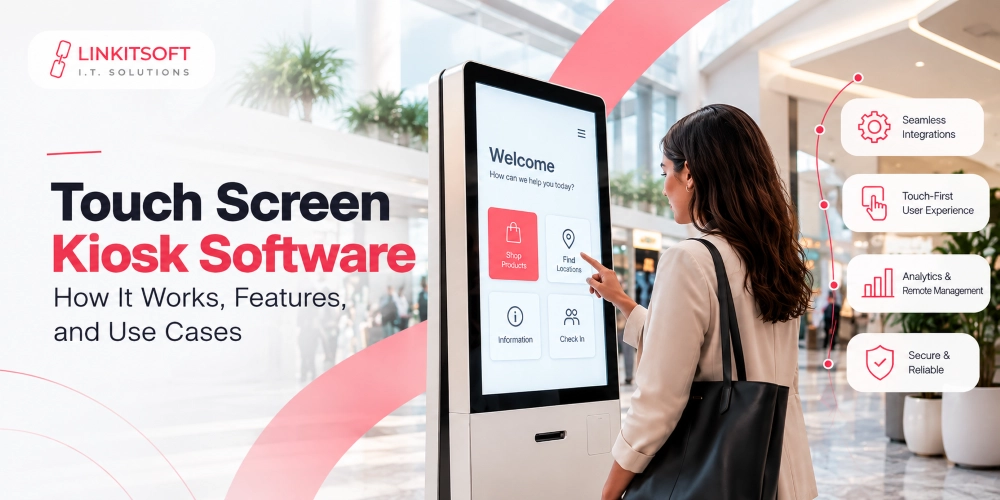
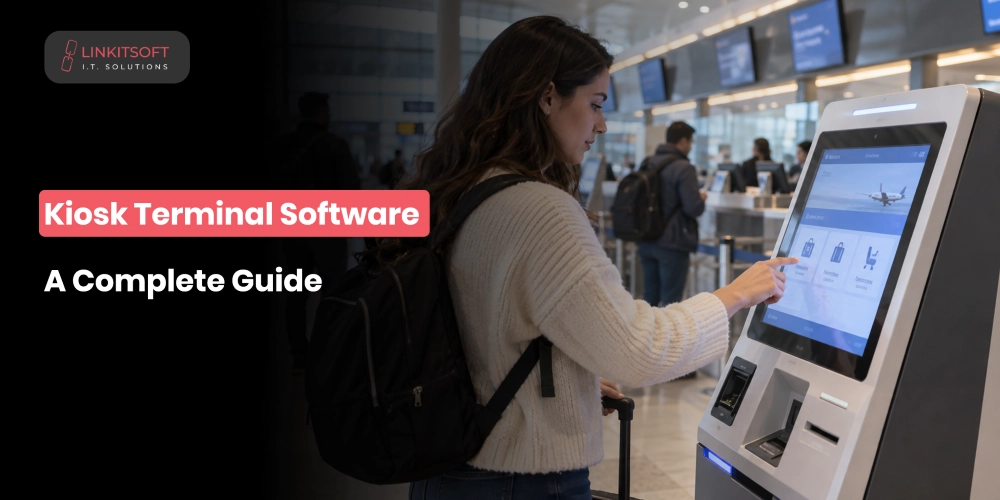
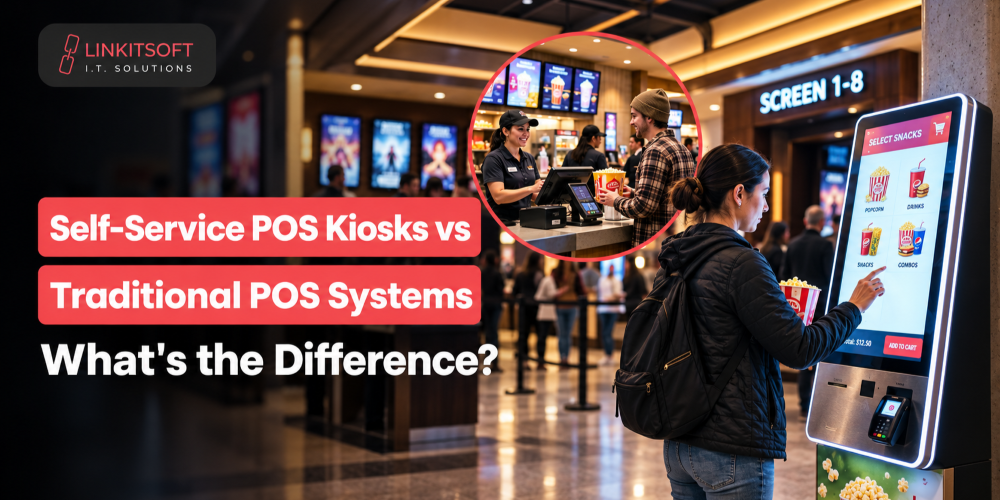
A self service POS kiosk is a touchscreen terminal where customers handle the entire transaction themselves. They browse products to order by customizing their order. Then they review the total and pay without a staff member entering anything for them.
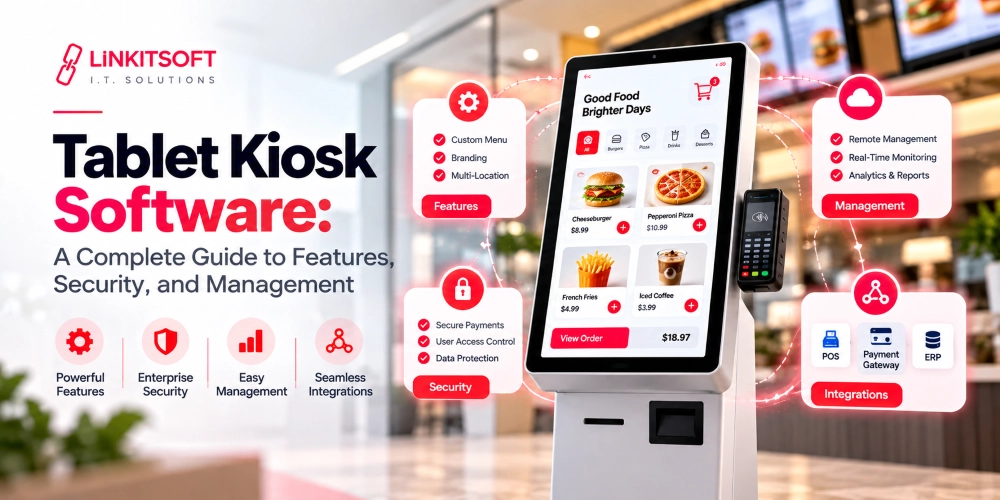
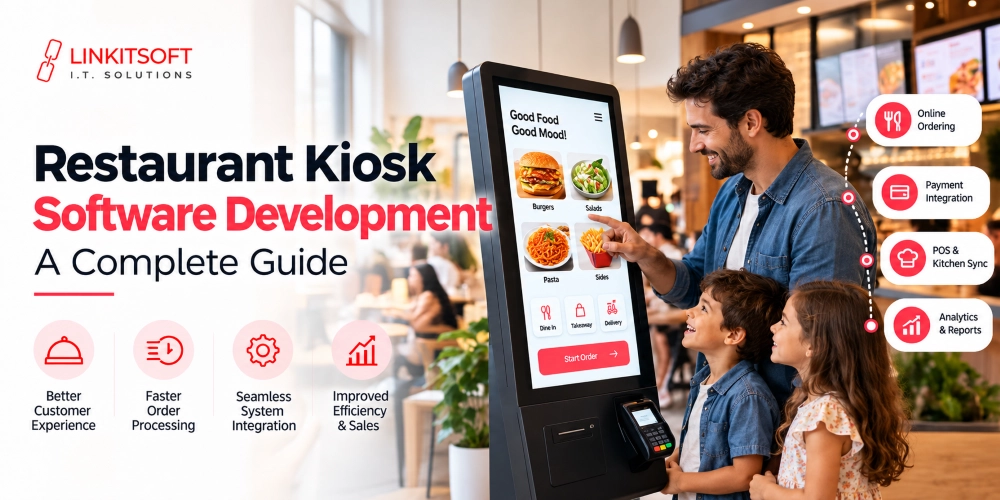
In a quick service restaurant, that means picking items off a digital menu and adjusting the order however they want. They can simply complete the payment at the screen. The kiosk then sends the order directly to the kitchen or order management system. The software manages the customer interface, order data, payment processing, and communication with connected backend systems. Depending on the setup, the hardware might include a card reader or other peripherals alongside the touchscreen.
What Is a Traditional POS System?
A traditional POS system has an employee operating it. A cashier or sales associate takes the customer’s order and enters it into the system. He is the one handling any changes or discounts, takes payment, and closes the transaction.
The software still manages the important parts of the sale including product information and transaction records. The key difference from a kiosk is simply that the employee runs the system rather than the customer.
Self Service POS Kiosks vs. Traditional POS Systems: Key Differences
Who controls the transaction is the fundamental difference, and everything else flows from there.
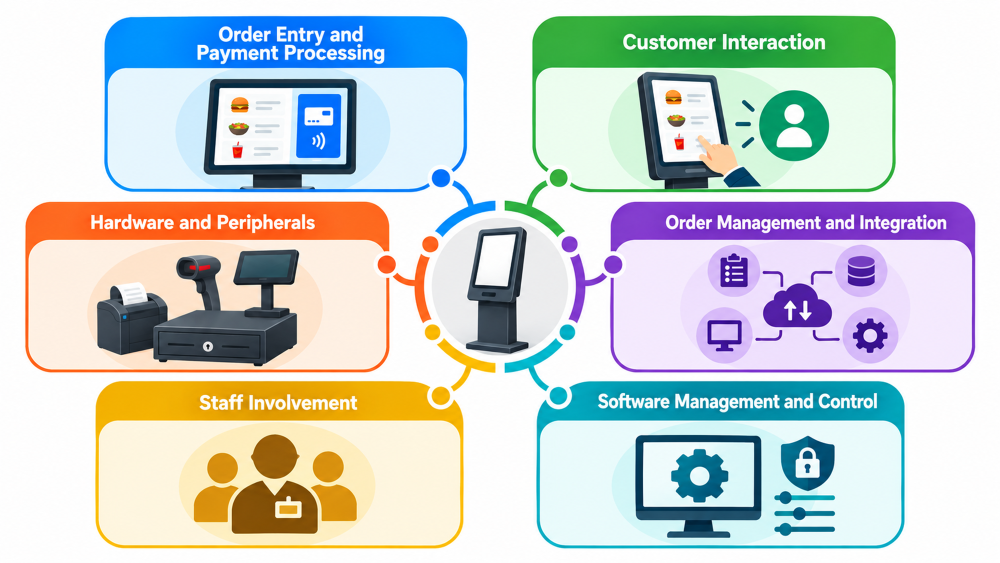
Order Entry and Payment Processing
With a kiosk that allows self service, customers select the products they want and make changes themselves. Then, they review the order themselves before paying. They’re in control of every step. With a traditional POS, an employee enters the order and manages the payment, which makes more sense when the transaction is complex or the customer needs help making decisions.
Customer Interaction
With a POS based Kiosk, there is no need for staff to get involved in simple transactions. Customers can take their time without feeling rushed. Traditional POS systems create a more personal interaction where staff can answer questions or help someone who isn’t sure what they want. Neither approach is universally better. They suit different situations.
Hardware and Peripherals
Both systems connect to payment terminals, receipt printers, barcode scanners, cash drawers, and customer displays. The difference is in how that hardware is arranged. A kiosk puts the customer interface and transaction process into one dedicated station. A traditional POS setup is built around an employee’s workstation.
Order Management and Integration
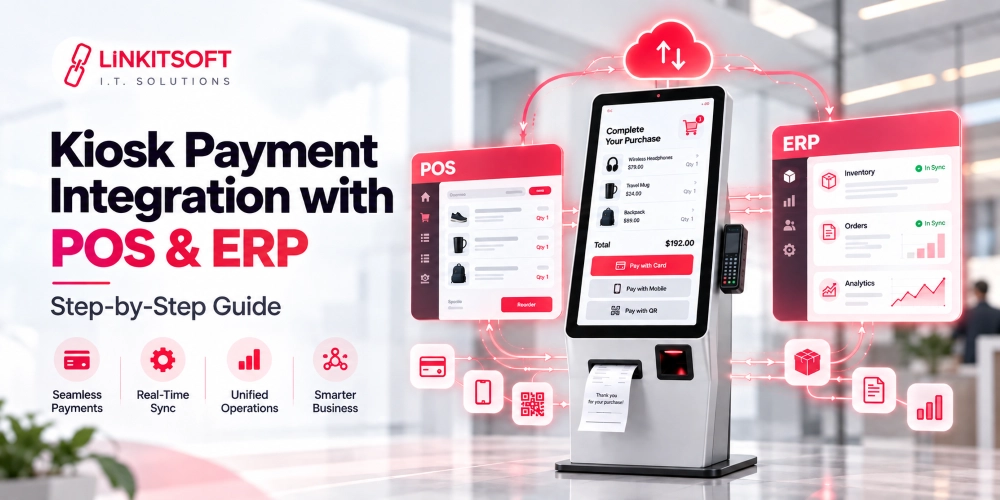
Orders from a kiosk and orders from a traditional POS terminal can both feed into the same backend platforms. This includes kitchen display systems, inventory platforms, and order management systems. When both are properly integrated with a shared backend, the business manages everything centrally regardless of which terminal the order came from.
Staff Involvement
Kiosks reduce staff involvement in routine orders, but they don’t eliminate it entirely. Employees still handle refunds and deal with complicated requests. Furthermore, the technical issues and customers who need assistance are also the staff’s responsibility. Traditional POS systems require a staff member for every transaction, which keeps human interaction central to the process.
Software Management and Control
Kiosk software needs tighter controls because customers are using it directly. The system restricts access to other settings and prevents users from opening other apps. It also clears sessions between customers and returns to the welcome screen automatically. A traditional POS also needs security controls but the interface is typically restricted to authorised employees rather than being publicly accessible.
How Do Self Service POS Kiosks and Traditional POS Systems Handle Orders?
Although the customer experience is different, both systems eventually need to send accurate order and payment information to the business’s backend systems.
Self Service Order Workflow
The customer selects products and customises the order before reviewing the total and paying directly at the screen. Once payment clears, the kiosk sends the order to the relevant system. In a restaurant, that’s typically a kitchen display or kitchen printer. The transaction gets recorded in the POS or order management platform simultaneously.
Traditional POS Order Workflow
The customer tells a staff member what they want. The employee enters the items and is responsible for making any required changes. It’s also the employee’s responsibility to apply discounts and take payment. After completion, the POS records the transaction and sends the information to connected systems.
The Way They Process and Track Orders
Both systems need to keep order information consistent across connected platforms. Everything from the order status to the payment results and product details should all update correctly. This matters particularly when a business runs both kiosks and staffed terminals at the same location. Customers shouldn’t encounter different prices or incorrect information depending on which terminal they use.
What Integrations Do Both POS Systems Require?
The exact integrations you need depend on the business, but most POS environments connect with several different systems.
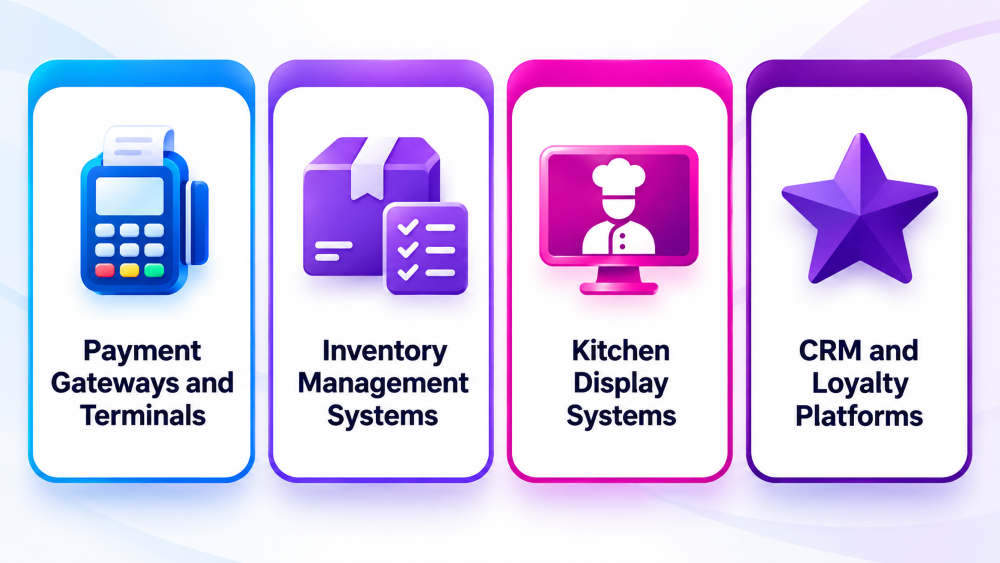
Payment Gateways and Terminals
Both setups connect with card terminals and payment gateways. A kiosk typically uses an integrated card reader. A traditional POS often works with a separate payment terminal. Either way, the payment process needs to be reliable and consistent.
Inventory Management Systems
Sales from both systems can connect with inventory platforms so stock levels update as orders complete. This keeps product availability accurate across all sales channels regardless of where the order originated.
Kitchen Display Systems
Restaurants can route orders from both kiosks and traditional terminals to the same kitchen display. Kitchen staff see incoming orders and update their status as food is prepared. The source of the order shouldn’t matter to the kitchen.
CRM and Loyalty Platforms
Both systems can connect with customer and loyalty platforms. Customers can identify themselves, collect points, redeem rewards, or receive personalized offers through either terminal type depending on how the loyalty program is set up.
When Should You Use a Self Service POS Kiosk?
Kiosks make the most sense when customers are already comfortable completing transactions independently, and the ordering process is fairly predictable. High-volume environments where lines build up quickly benefit the most. Some examples of these places can be: Quick service restaurants, food courts, and cinemas, etc. These locations see strong results because a kiosk can guide most customers through the process without staff involvement for every order.
When Is a Traditional POS System More Suitable?
When customers need staff assistance, a traditional POS is usually the better fit. If your company deals with complex products and detailed consultations, or transactions that require an employee to guide users, then you need to choose the traditional way. A staff member who can explain options or resolve a payment issue adds genuine value in those situations. A kiosk can’t replicate that.
Conclusion
Self service POS kiosks and traditional POS systems are both built around the same goal: processing sales accurately and keeping the business connected. The difference is in who drives the transaction and what kind of interaction the customer gets.
Kiosks give customers control over straightforward transactions and work well in high-volume environments. Traditional POS systems keep staff at the centre of the sale and handle complexity better. Many businesses find the strongest setup is running both alongside each other, each handling the transactions it’s best suited for. The right approach depends on how customers order, how much assistance they need, and what the business is actually trying to achieve.