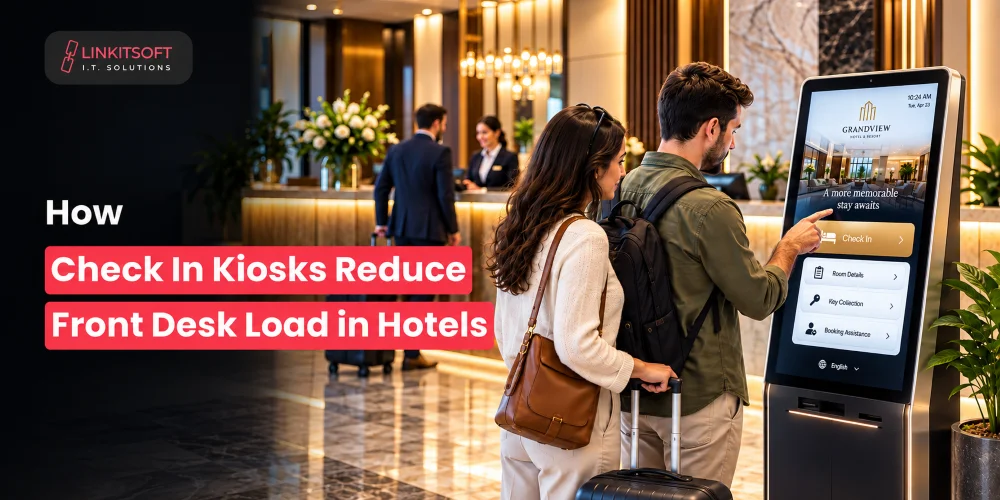
Hotel check in can get hectic when several guests arrive at the same time. The staff suddenly needs to verify bookings, collect guest details, process payments, issue room keys, and answer questions while other guests wait.
Many of these tasks are routine and can be handled through self service. Check-in kiosks allow guests with straightforward bookings to complete much of the arrival process on their own, reducing the workload and giving independence to visitors.
In this blog, we’ll look at what hotel check-in kiosks can handle, how they connect with hotel systems, and where they can make the biggest difference in day to day hotel operations.
What Tasks Can a Hotel Check In Kiosk Handle?
A kiosk for check in can support several parts of the arrival process, depending on the hotel’s software and operational requirements.
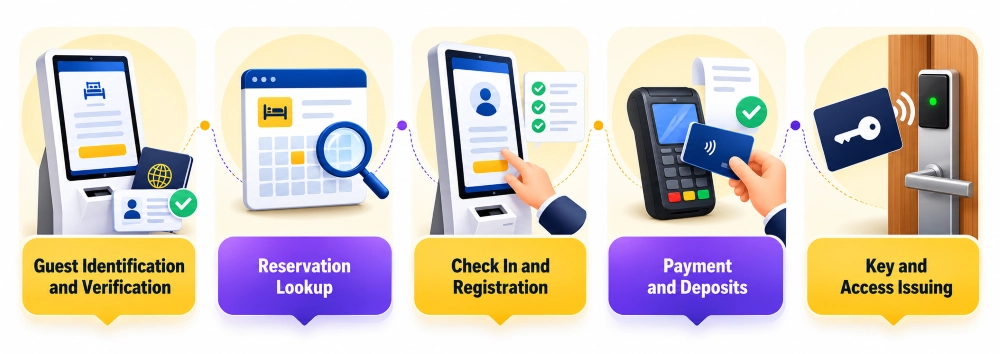
Guest Identification and Verification
The kiosk can collect essential guest information and guide visitors through the required identification process. Depending on local regulations and hotel policies, this may include capturing guest details or confirming information already provided during booking.
The exact verification process should be designed around legal requirements and the hotel’s security policies. A kiosk should not collect unnecessary personal information simply because the technology allows it.
Reservation Lookup
Guests can enter a booking reference or provide other required details to retrieve their reservation. The kiosk then connects with the hotel’s reservation or property management system to locate the booking.
Once the reservation is found, guests can review important details such as their name and booking status. This saves front desk employees from manually searching for every arriving guest.
Check In and Registration
The kiosk can guide guests through registration forms and collect any information that is still required. Guests can review their details and complete the check in process without filling out paper forms or repeating information to staff.
This is particularly useful for hotels that receive a high number of guests with similar arrival requirements. It also reduces repetitive data entry for front desk teams.
Payment and Deposits
If payment is still outstanding, the kiosk can connect with an approved payment terminal or payment gateway to process the balance, or other applicable charges.
Receipts can also be provided digitally or printed when required. Payment processing should be handled through secure, properly integrated hardware. Hotels should avoid storing sensitive cardholder information directly on the kiosk.
Key and Access Issuing
Some hotel kiosks can connect with electronic lock systems to issue room keys or activate digital access credentials after the guest has completed the required steps.
This may involve dispensing a physical key card or sending access details to a supported mobile application. The kiosk should only issue access after the reservation, identity, payment, and room status checks have been completed successfully.
How Do Check In Kiosks Reduce Front Desk Work?
The main benefit comes from removing repetitive tasks from the front desk workflow. Instead of requiring an employee to manage every step, the kiosk handles standard actions while staff remain available for situations that need human involvement.
Automating Routine Check In Tasks
Manual registration takes time, especially when employees must enter information into multiple systems. A kiosk can collect guest details directly and transfer approved information to the hotel’s connected software.
This reduces repeated data entry and gives staff fewer forms, confirmations, and routine updates to manage during busy periods.
Handling Multiple Guests at Once
A single front desk employee can only assist one guest at a time. Multiple kiosks, however, can allow several guests to complete the standard check in process independently.
This does not mean every guest will use the kiosk successfully without help. Some may need assistance, but the overall workload becomes easier to manage when straightforward bookings do not all depend on the same employee.
Reducing Queues During Peak Arrivals
Arrival periods are often busiest around common check in times, after flights arrive, or when groups reach the hotel together. Even a simple delay can create a long queue when every guest must wait for staff.
Kiosks can move eligible guests away from the main desk and let them complete registration, payment, and key collection at their own pace. This helps reduce congestion and makes the arrival experience feel more organized.
Keeping Staff Focused on Exceptions
Not every booking is simple. Guests may arrive early, request room changes, have payment issues, need accessibility support, or face problems with their reservation.
When kiosks handle routine arrivals, staff can focus on these exceptions instead of spending most of their time repeating standard check in instructions. Employees also have more opportunity to answer questions, welcome guests, and provide the personal service that technology cannot replace.
How Does a Check In Kiosk Integrate With Hotel Systems?
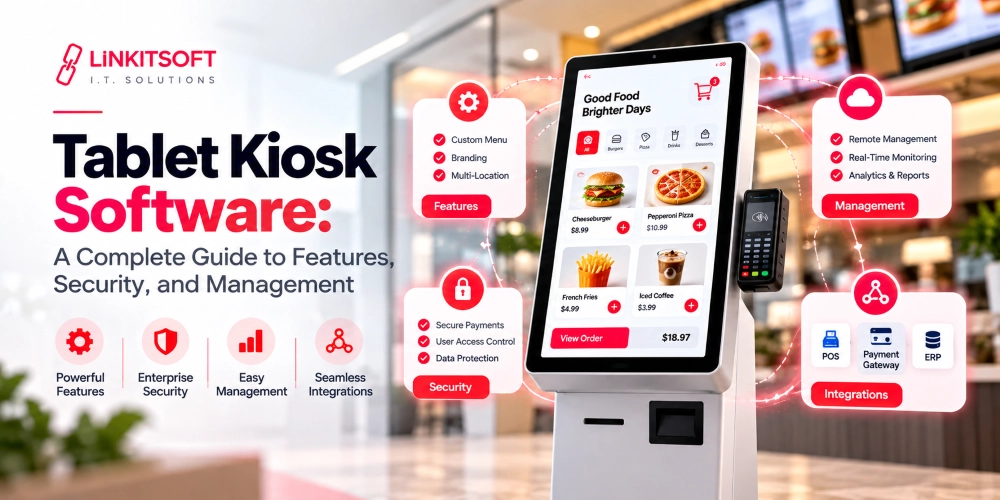
A kiosk is only useful when it can communicate reliably with the systems a hotel already uses. A standalone touchscreen with no access to reservation or room information will create more work rather than reduce it.
Property Management System
The property management system, commonly called a PMS, stores important information about reservations, room availability, guest status, and hotel operations.
The kiosk can connect with the PMS to retrieve bookings, confirm guest details, update check in status, and notify the system when the arrival process is complete. The integration should also account for room readiness so that guests are not directed toward rooms that are unavailable or still being prepared.
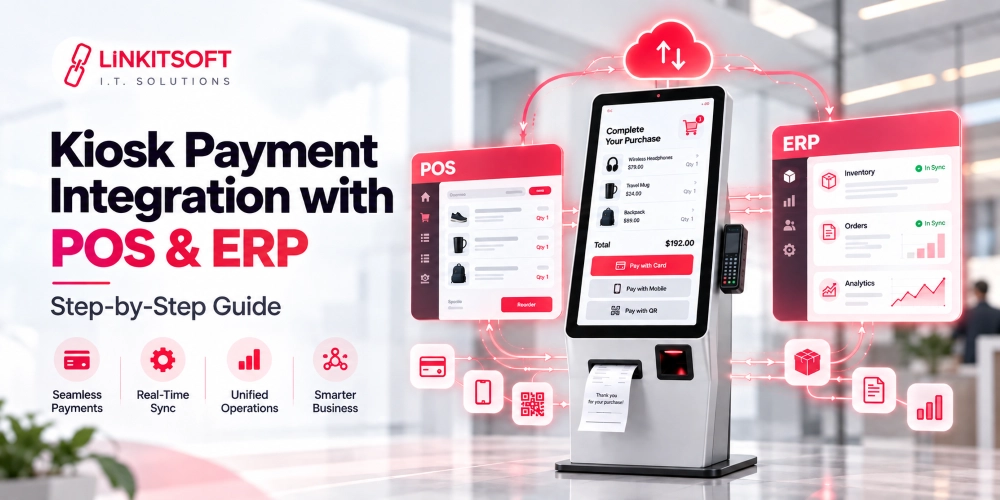
Payment Systems
Payment integration allows guests to settle outstanding balances or deposits directly through the kiosk. The system may connect with payment terminals, hotel payment platforms, or approved gateways.
The integration should support transaction confirmation, failed payment handling, refunds where applicable, and receipt generation. Payment status should also be reflected in the hotel’s connected systems so staff can see whether a guest has completed the required payment.
Electronic Lock Systems
If the hotel uses electronic room locks, the kiosk may connect with the lock management system to create or activate room access.
This connection needs careful permission controls. A room key should not be issued simply because someone has a reservation number. The system should verify the guest’s identity, booking status, payment requirements, and room assignment before generating access credentials.
Guest Management and CRM
Hotels may also connect kiosks with guest management or CRM platforms. This allows approved guest information and preferences to move into the systems used for communication and service delivery.
Only relevant information should be transferred, and access should be limited to authorized staff and systems. The purpose is to improve the guest experience, not to collect excessive personal data.
What Security Controls Should Hotel Check In Kiosks Have?
Hotel kiosks handle personal information, reservation details, payment activity, and sometimes room access. That makes security a core requirement rather than an optional feature.
Guest Data Protection
Guest information should be encrypted while being transferred between the kiosk and connected systems. Sensitive information stored locally should also be protected, and unnecessary data should not remain on the device.
The kiosk should clear temporary guest information after each session so the next person cannot view details left behind by a previous guest.
Identity Verification
Hotels should use suitable identity verification methods before allowing a guest to complete check in or receive room access. The appropriate method depends on the hotel’s location, legal obligations, risk level, and booking process.
For some properties, this may involve scanning identification documents. Others may use booking references or staff approval for selected cases.
Kiosk Lockdown
The kiosk should operate in a restricted environment that prevents guests from accessing the operating system, desktop, system settings, or unauthorized applications.
A proper kiosk lockdown setup can also control keyboard shortcuts, external devices, service ports, and other functions that could expose the underlying system. Simply displaying the check in application in fullscreen mode is not enough.
Secure Payment Processing
Hotels should use approved payment hardware and secure payment integrations. Where card payments are involved, the payment setup should follow applicable PCI requirements and avoid storing cardholder data on the kiosk.
Payment terminals should also be protected from physical tampering, and unusual changes in their appearance or behavior should be investigated.
When Are Hotel Check In Kiosks Most Useful?
The kiosks for check in can be useful in several hotel environments, particularly where staff regularly handle large numbers of routine arrivals.
They may be suitable for:
- Hotels with high volume arrival periods
- Properties operating with limited front desk staffing
- Hotels offering late night or 24 hour arrival services
- Large properties receiving tour groups or business travelers
- Hotels where many guests have simple, pre booked reservations
- Properties where staff need more time for guest support and service requests
They can also support guests who prefer a quicker and more independent arrival process. However, hotels should still provide an easy way to reach staff when a guest needs assistance.
What Should Hotels Consider Before Deploying a Check In Kiosk?
A kiosk should be selected based on the hotel’s existing operations rather than treated as a standalone gadget. Several practical factors need to be reviewed before deployment.
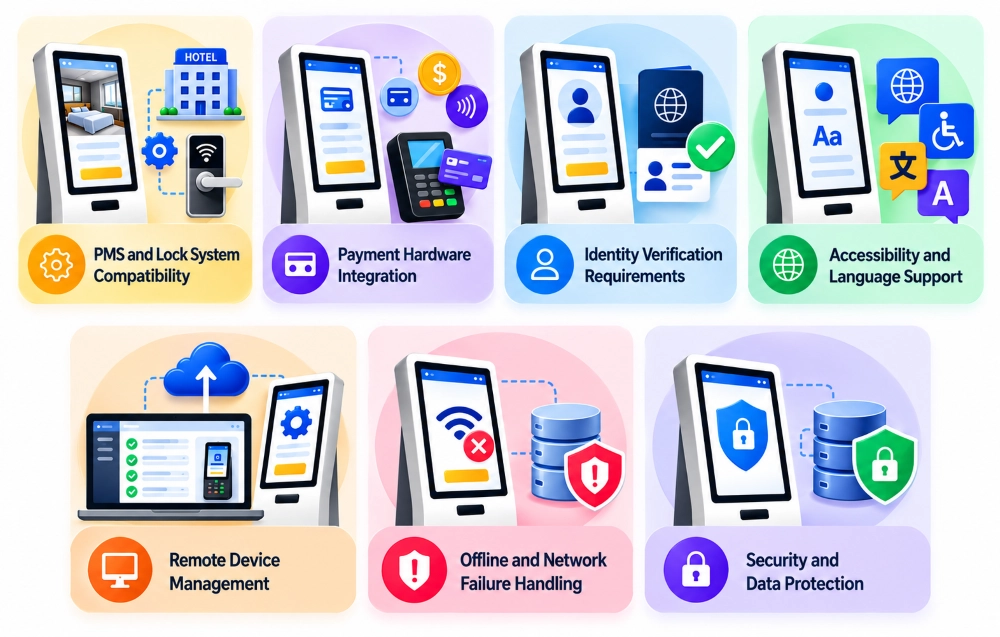
PMS and Lock System Compatibility
The kiosk must work with the hotel’s property management system and electronic lock platform. Integration limitations can lead to manual work, failed check ins, or delays in issuing room access.
Payment Hardware Integration
Hotels should confirm that the kiosk supports their preferred payment terminals, currencies, transaction types, and receipt requirements. Payment failure handling should also be tested before launch.
Identity Verification Requirements
The hotel should determine what information and verification steps are legally required for guest registration. These requirements may vary by country, region, and property type.
Accessibility and Language Support
The interface should be easy to understand and usable by guests with different needs. Adjustable text sizes, clear instructions, accessible screen placement, and multiple language options can make the process more inclusive.
Remote Device Management
Hotel teams should be able to monitor kiosk health, review error reports, deploy approved updates, and troubleshoot common issues remotely. This is especially important for properties with kiosks installed across different floors or locations.
Offline and Network Failure Handling
A temporary network issue should not leave guests confused or cause the kiosk to display inaccurate information. Hotels should define what happens when the PMS, payment service, or lock system becomes unavailable.
In some cases, the kiosk may display a clear message and direct the guest to staff. Other workflows may support limited offline functions, but these should be carefully designed because reservation and room access data must remain accurate.
Security and Data Protection
Before launch, hotels should review access controls, encryption, data retention, payment security, physical protection, and incident response procedures. Testing should cover both normal use and situations such as abandoned sessions, failed payments, repeated login attempts, and unauthorized access attempts.
Conclusion
Check in kiosks make the most sense when they are used to take routine work off the front desk, not to remove the human side of hotel service. A guest with a simple reservation can check in, and collect room access without waiting for an employee, while staff can step in when something needs personal attention.
For hotels, the real value comes from fitting the kiosk into the existing check in process. When the technology works smoothly with hotel systems, and guests can use it without confusion, it can make busy arrival periods easier to manage for both guests and staff.