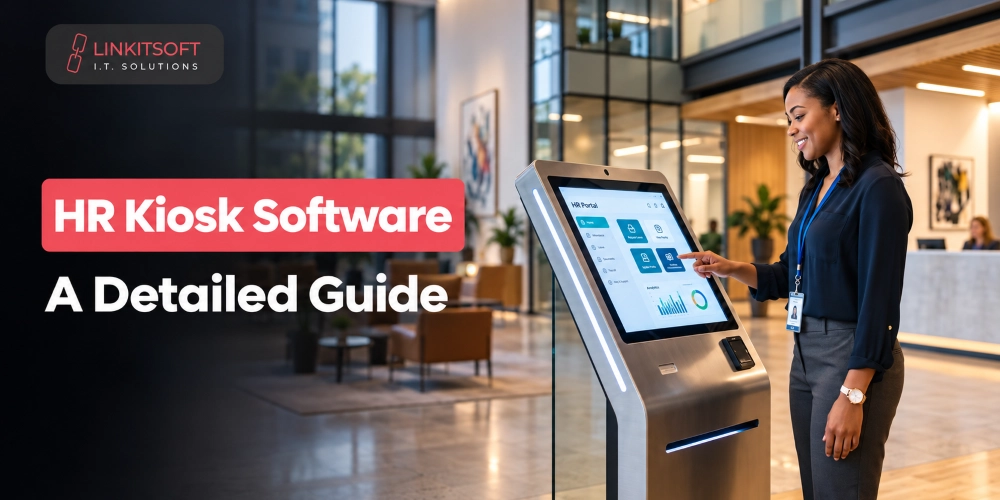
HR teams spend a lot of time handling routine requests such as attendance checks and document access. All these things can now be handled using kiosk technology. HR kiosks give employees a self service way to handle these tasks while connecting with the company’s existing HR systems.
In this guide, we’ll cover what the kiosk software can do and what to consider before development.
What Is HR Kiosk Software?
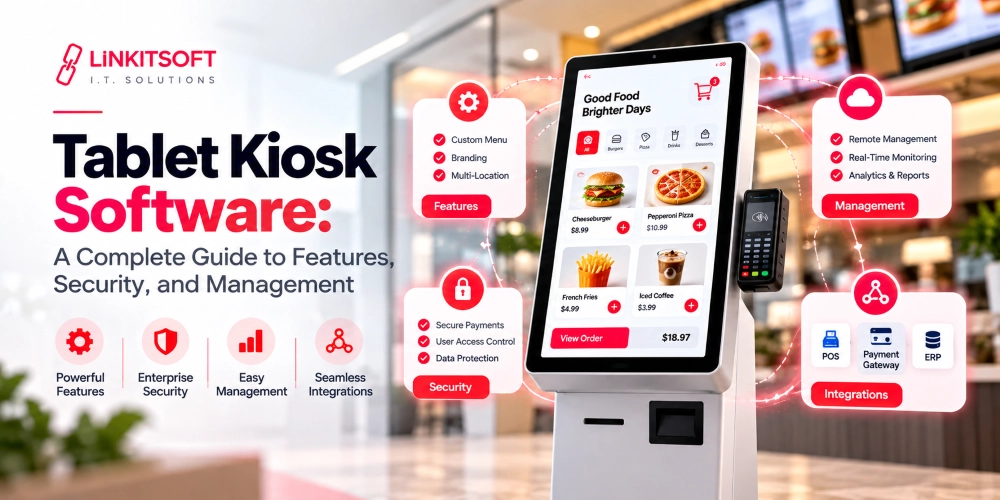
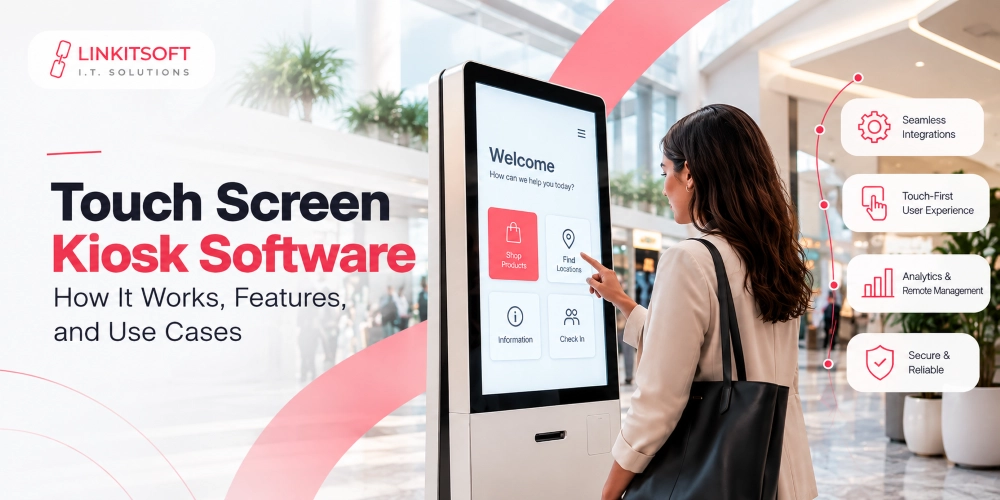
HR kiosk software is a self-service application that lets employees access selected HR services through a shared terminal. The kiosk connects with existing HR infrastructure like an HRIS and attendance platform. If your company wants, it can connect the payroll system and employee database with the kiosk as well. Whatever an employee does at the kiosk flows directly into the systems the company already relies on.
It’s not a replacement for the main HR platform. It’s another access point for employees to reach the services those platforms provide, particularly useful for people who don’t sit at a desk or use a computer regularly during their shift.
When an employee uses the kiosk, the software verifies their identity and retrieves whatever information they’re authorised to see. If they submit a request or make an update, the kiosk sends that directly to the relevant HR system through APIs or other supported integration methods.
Where Is HR Kiosk Software Commonly Used?
Office kiosks are particularly useful in workplaces where employees do not have regular access to a computer during their shifts. A shared kiosk gives them a convenient way to access HR services without having to visit the HR department or rely on a personal device.
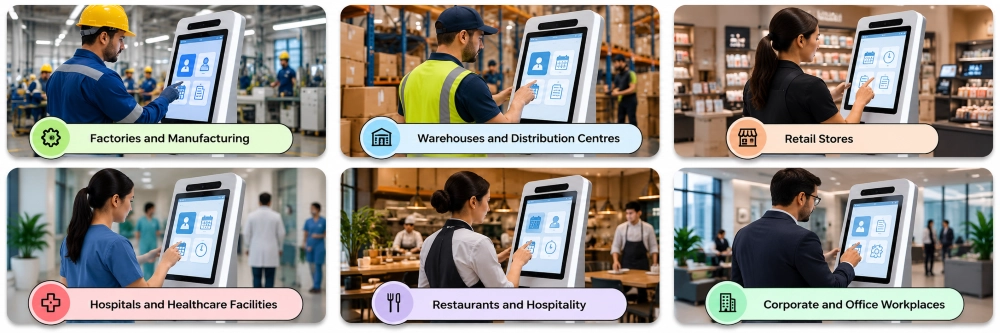
Factories and Manufacturing
Aside from basic check in/out, factory employees can use these kiosks to check their shifts, submit leave requests, and access workplace policies.
Warehouses and Distribution Centres
Warehouse staff often work across different shifts and may not have access to desktop computers. A corporate kiosk can provide quick access to attendance records and employee information.
Retail Stores
Retail employees can use kiosks to check schedules, submit time off requests, and access company documents. This can be especially useful for stores with limited office space.
Hospitals and Healthcare Facilities
Hospitals and other healthcare facilities have employees working across different shifts and departments. Human resource kiosks can give staff access to attendance services and other routine requests without requiring them to visit an HR office.
Restaurants and Hospitality
Restaurants and other hospitality businesses often have large frontline teams with limited access to computers. Kiosks can support tasks such as checking schedules and accessing workplace information.
Corporate and Office Workplaces
Even office based businesses can use office kiosks for shared services such as employee check in or HR requests. They can be useful in common areas where employees can quickly complete a task without contacting HR staff.
What Can Employees Do With an HR Kiosk?
The exact services depend on the organisation, but a kiosk can bring several common HR tasks into one place.
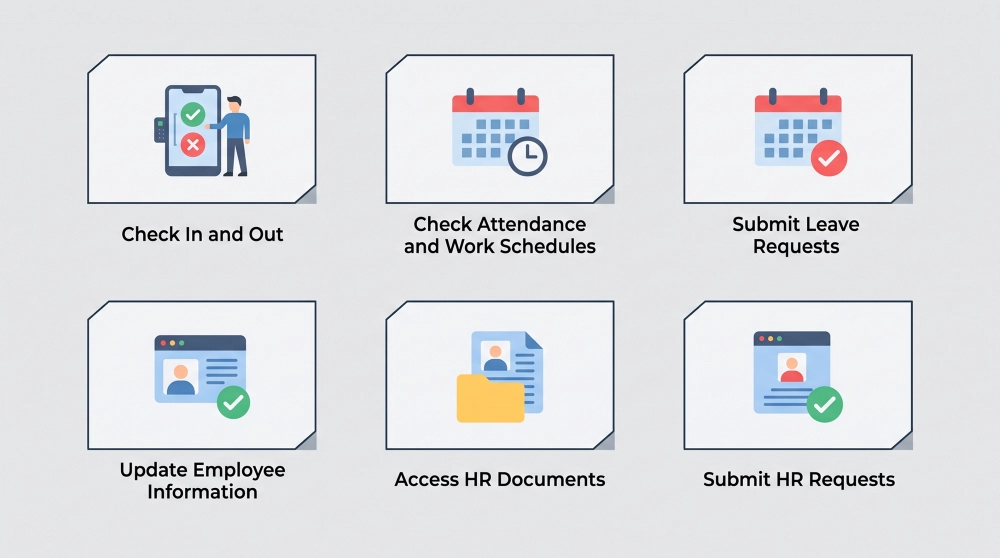
Check In and Out
Employees can record shift start and end times directly from the kiosk using an employee ID, PIN, card, badge, or biometric method depending on the setup. The attendance record goes straight to the company’s time tracking or HR system.
Check Attendance and Work Schedules
Employees can view their recorded hours, upcoming shifts, and attendance information without asking a supervisor. This also makes it easier for someone to spot an incorrect record and flag it quickly.
Submit Leave Requests
The kiosk lets employees select dates, choose a leave type, and submit a request for approval. That request routes to the appropriate HR or management system rather than sitting in someone’s inbox waiting to be manually processed.
Update Employee Information
Employees can update approved profile fields like their phone number, address, or emergency contact. The system only allows changes to information that the employee is authorised to edit.
Access HR Documents
Everything from the workplace guidelines to policies and HR forms can all be made accesible through the kiosk. The kiosk can display documents on screen or allow printing where hardware supports it.
Submit HR Requests
Employees can use the kiosk to request an employment letter, report an issue, or contact the HR team. This gives them one clear starting point instead of different processes for different types of requests.
What Features Should HR Kiosk Software Include?
It should include highly relevant and useful features for corporate operations.
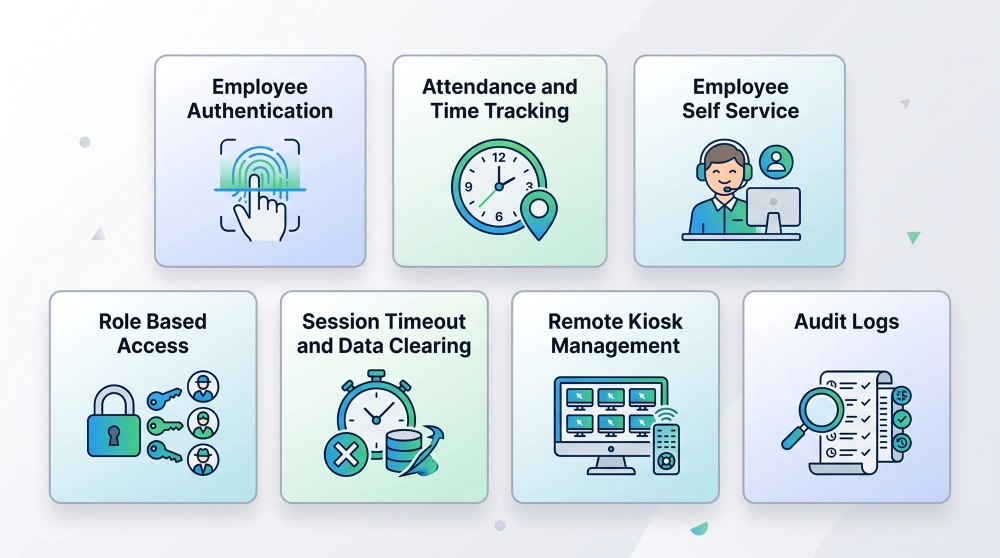
Employee Authentication
Employees need a secure way to identify themselves before the kiosk shows any personal information. Authentication options include employee ID, PIN, access card, QR code, or biometric verification. The method should match the sensitivity of what the employee is accessing.
Attendance and Time Tracking
For workplaces using the kiosk for attendance, the software records clock in and out events accurately and sends them to the attendance system. It also handles edge cases like duplicate clock-ins, failed attempts, and temporary network issues without creating unreliable records.
Employee Self Service
The interface needs to be genuinely easy to use with clear instructions and as few unnecessary steps as possible. The kiosk should help employees complete tasks independently, not create new friction in the process.
Role Based Access
Different employees should see different things. An employee can view their own attendance and submit leave requests. A manager might access additional team functions. Role-based access controls what each user can see and do based on their position.
Session Timeout and Data Clearing
A shared kiosk must never show one employee’s information to the next person who walks up. The software automatically ends inactive sessions, returns to the main screen, and clears temporary data when the session finishes.
Remote Kiosk Management
Businesses with kiosks across multiple locations need remote administration capability. Monitoring device status, updating configurations, deploying software, checking errors, and restarting services should all be possible without a site visit.
Audit Logs
Audit logs record important activities including login events, attendance actions, submitted requests, configuration changes, and administrative activity. These records support troubleshooting, accountability, and internal policy compliance.
What Systems Can HR Kiosk Software Integrate With?
In every industry, teams use multiple systems that need to be kept up-to-date. The kiosk can connect with all those relevant systems.
HRIS and Employee Databases
Integration with an HRIS lets the kiosk pull employee information and push updates or requests back to the central HR system. This avoids maintaining separate records at the kiosk level.
Payroll and Attendance Systems
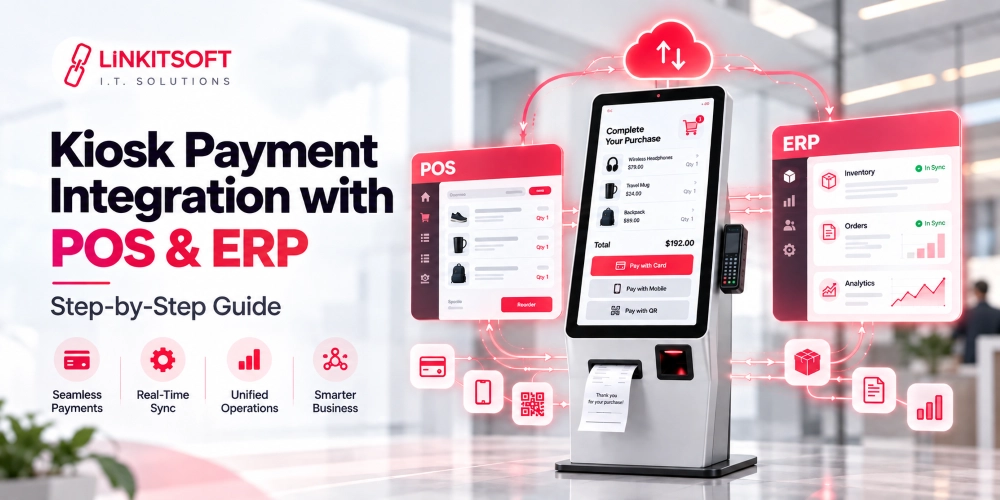
Attendance data flows to payroll or time tracking systems so recorded hours can move through the company’s existing processing workflow. The specific integration depends on what systems the organisation already uses.
Employee Authentication Systems
The kiosk can connect with existing access control systems to verify identity using the same badges, cards, or PINs employees already use elsewhere in the workplace.
APIs and Internal Business Systems
API connections let the kiosk work with internal applications and broader business systems, allowing the organisation to build workflows around existing technology rather than creating an isolated HR application.
How Should HR Kiosk Software Protect Employee Data?
Corporate kiosks handle personal and employment information so security needs to be part of the design from day one, not added afterward.
The device should be locked down so employees cannot reach the operating system, files, settings, or anything outside the intended kiosk experience. Communication with backend systems should use secure, encrypted connections. Access to employee information should be controlled by user permissions.
Session data should be cleared after every use, particularly on shared devices. Administrative accounts should stay completely separate from employee access with appropriate authentication and permissions. Encryption, audit logging, regular security updates, and network controls should all be in the plan from the start.