
Planning a kiosk project but unsure how much it will cost? Software development, hardware, integrations, and maintenance can increase your budget if you don’t know what your project actually needs.
For a small, clearly defined project, basic kiosk software development may cost $3,000 to $8,000, while custom applications with additional integrations may cost $8,000 to $10,000.
This guide explains kiosk software development costs in 2026, the factors affecting pricing, and practical ways to manage your investment.
How Much Does Kiosk Software Development Cost?
Kiosk software development costs depend on application features, integrations, and overall project scope. A basic self-service application generally requires less development than a system managing multiple locations and business operations.
Quick Cost Estimate
| Kiosk Software Type | Estimated Cost |
| Off-the-Shelf Kiosk Software | $2 to $10 per device monthly |
| Basic Custom Kiosk Software | $3,000 to $8,000 |
| Custom Kiosk Software with Integrations | $8,000 to $10,000 |
| Enterprise Kiosk Solutions | Project-Based Quote |
Note: These are preliminary budget estimates for limited-scope projects, not fixed market rates. Actual costs may vary based on features, integrations, and technical requirements.
Why Published Estimates Vary
Some development estimates cover only the kiosk application, while others include backend systems, hardware integration, installation, and support.
Existing software, compatible devices, and available APIs can reduce development work. Projects requiring additional customization may cost more.
What This Guide Includes
This guide covers kiosk software development, hardware, licensing, integrations, ongoing expenses, and ways to reduce unnecessary costs.
Kiosk Software Cost by Project Scope
Understanding your project requirements helps you choose the right development approach without paying for features your business does not need.
Off-the-Shelf Kiosk Software
Off-the-shelf kiosk software is a commercial solution that restricts devices to approved applications or websites. It commonly includes kiosk lockdown, access controls, and basic device management.
This option suits businesses that already have an application and need a secure way to operate it on public-facing devices.
Estimated Cost: $2 to $10 per device monthly.
Note: Subscription pricing may vary depending on the software plan, device count, and included features.
Basic Custom Kiosk Software
Basic custom kiosk software supports self-service tasks such as customer check-ins, registration, product browsing, ordering, and simple payment processing.
It may include a touchscreen interface, basic admin dashboard, receipt generation, and connections to existing services.
Estimated Cost: $3,000 to $8,000.
This estimate assumes a limited number of screens, one operating system, and minimal backend customization.
Note: Development costs may vary depending on application features, complexity, and agreed project requirements.
Custom Kiosk Software with Integrations
Businesses may need kiosk applications that communicate with POS systems, inventory databases, loyalty platforms, and external devices.
For example, restaurant kiosks may send orders to kitchen systems, while retail kiosks can synchronize transactions and inventory information.
Estimated Cost: $8,000 to $10,000.
This estimate covers a limited custom application with supported integrations. Basic features already included in the application should not be treated as separate development charges.
Note: Costs may vary based on API compatibility, integration complexity, and hardware requirements.
Enterprise Kiosk Solutions
Enterprise kiosk solutions manage multiple kiosks across locations through centralized dashboards, remote monitoring, reporting, and software updates.
Development costs depend on deployment size, security requirements, and existing business system integrations.
Estimated Cost: Project-Based Quote.
Note: Final pricing is determined after reviewing the project scope, technical requirements, and deployment needs.
Software Development Costs vs. Total Kiosk Costs
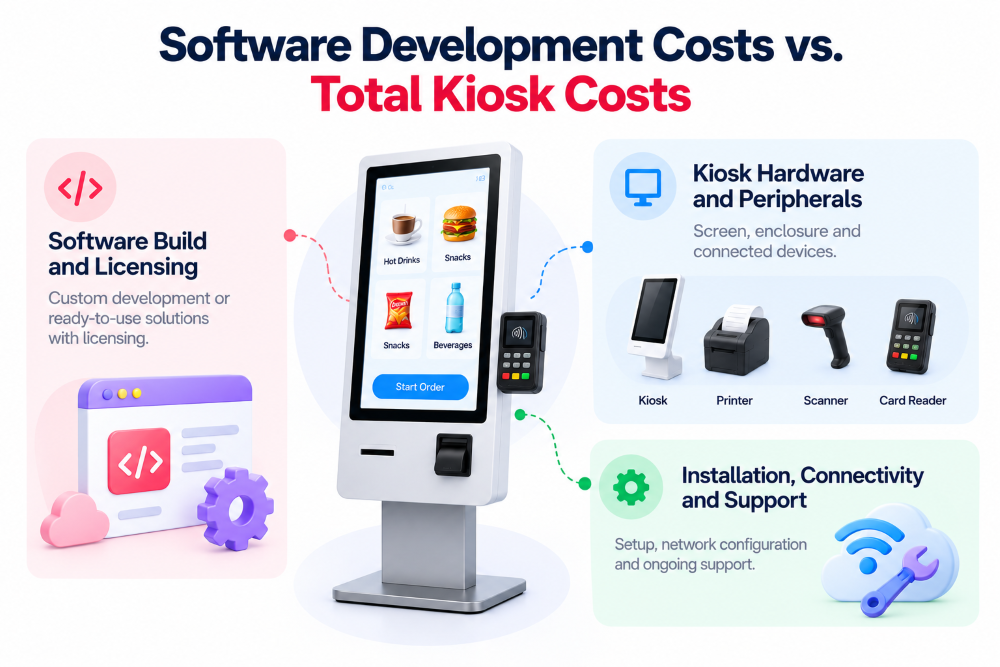
Software development is only part of the total kiosk investment. Businesses should also consider hardware, licensing, installation, and operational expenses.
Software Build and Licensing
Custom kiosk software generally involves an initial development investment, while off-the-shelf solutions commonly require monthly or annual licensing fees.
Using existing backend systems, supported APIs, and reusable components can reduce development time and expenses.
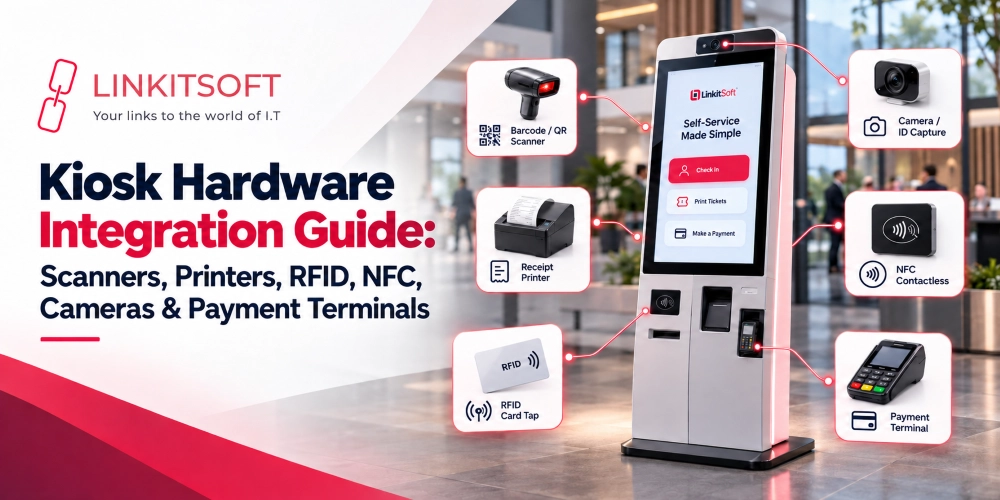
Kiosk Hardware and Peripherals
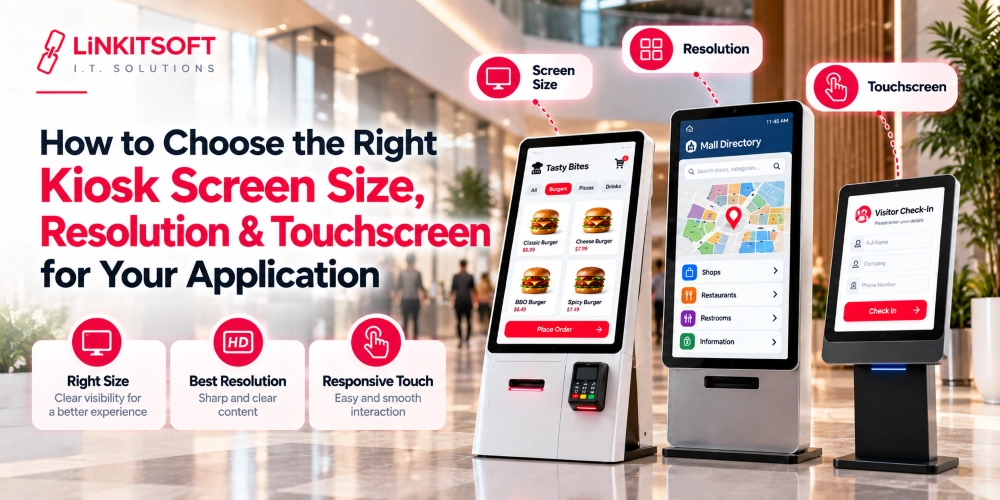
Hardware costs depend on screen size, enclosure, device specifications, and connected peripherals. Tablet-based systems are generally more affordable than dedicated commercial kiosks.
| Hardware Type | Budget Estimate |
| Tablet-Based Kiosk Setup | $100 to $250 |
| Basic Touchscreen Kiosk | $250 to $600 |
| Receipt Printer | $25 to $70 |
| Barcode Scanner | $15 to $40 |
| Payment Card Reader | $15 to $50 |
Note: These are indicative budgets for basic indoor equipment. Actual hardware prices may vary depending on manufacturer, specifications, supplier, and availability.
Installation, Connectivity, and Support
Installation may involve device mounting, software configuration, network setup, and hardware testing.
Remote deployment can reduce setup expenses, while on-site installation may require additional work. Installation and technical support requirements should be discussed before deployment.
Ongoing Kiosk Software Costs
After deployment, kiosk applications may require hosting, maintenance, device management, and periodic updates. These expenses depend on the software architecture and operational requirements.
CMS and Cloud Dashboard Fees
A content management system (CMS) allows businesses to update kiosk menus, product information, pricing, and other content remotely.
For smaller projects, basic CMS functionality can be included in the existing admin dashboard, reducing the need for a separate subscription.
SaaS Platform Subscriptions
Software-as-a-Service (SaaS) platforms commonly charge recurring fees based on device count, available features, and management requirements.
Businesses should confirm whether hosting, software updates, and support are included in the subscription before selecting a platform.
Analytics and Reporting
Basic reporting may include transaction history, order summaries, and kiosk activity.
These features can be included in the admin dashboard, while advanced reporting and custom analytics may require additional development.
Maintenance, Hosting, and Updates
Regular maintenance helps keep kiosk applications secure, reliable, and compatible with operating system updates.
| Ongoing Expense | Estimated Cost |
| Basic Device Management | $2 to $10 per device monthly |
| Small Application Hosting | $10 to $50 monthly |
| Software Maintenance and Support | Mutually Agreed After Project Discussion |
| Advanced Reporting | Based on Project Requirements |
Note: Actual expenses may vary depending on infrastructure, device count, and service requirements. Maintenance and support terms are discussed and mutually agreed upon before the service begins.
Integration and Customization Costs
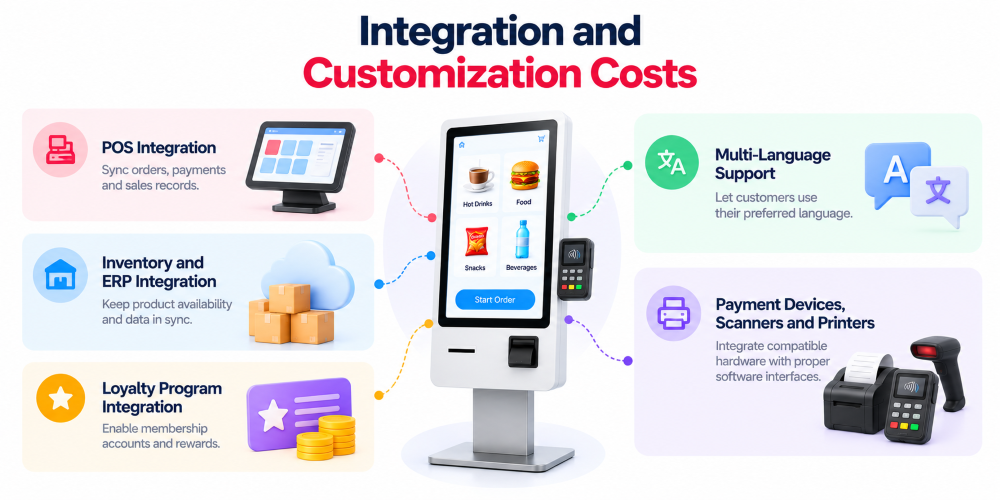
Integrations connect kiosk applications with existing payment systems, business software, and external hardware.
Using supported APIs can reduce development complexity, while older systems or specialized requirements may involve additional work.
POS Integration
POS integration connects kiosk orders, payments, and sales records with an existing point-of-sale system.
Supported APIs allow businesses to synchronize transactions without building a separate POS platform.
Inventory and ERP Integration
Inventory integration helps maintain accurate product availability and stock information across systems.
ERP connections may also support pricing, sales records, and operational data, depending on the existing software infrastructure.
Loyalty Program Integration
Loyalty integration allows customers to access membership accounts, earn points, and redeem rewards through kiosks.
Businesses can connect existing loyalty platforms using supported APIs instead of developing a separate rewards system.
Multi-Language Support
Multi-language functionality helps customers interact with kiosks in their preferred language.
Planning language support during initial development reduces the need for major interface changes later.
Payment Devices, Scanners, and Printers
Payment terminals, barcode scanners, and receipt printers require compatible software interfaces and proper testing.
Choosing supported hardware with documented SDKs helps reduce integration challenges.
Note: Integration requirements and any additional charges are reviewed during project planning. Features included in the agreed development scope are not treated as separate development items.
What Drives Kiosk Software Development Costs?
Several technical and business requirements affect the time and effort needed to build kiosk software.
Workflow and Feature Complexity
Simple registration, ordering, and payment workflows generally require less development than applications with complex customer journeys and business rules.
Clearly defining essential features helps prevent unnecessary development work.
Security and Kiosk Lockdown
Public kiosks require secure sessions, restricted access, and protection against unauthorized use.
Existing kiosk management solutions can provide standard security controls without extensive custom development.
Peripheral Integration and Testing
Printers, scanners, and payment terminals must work reliably with the kiosk application.
Using compatible devices reduces testing time and helps prevent hardware-related issues after deployment.
Backend and Legacy-System Connections
Modern business systems with documented APIs are generally easier to integrate.
Older systems may require additional development or middleware to connect with kiosk applications.
Offline Functionality and Device Management
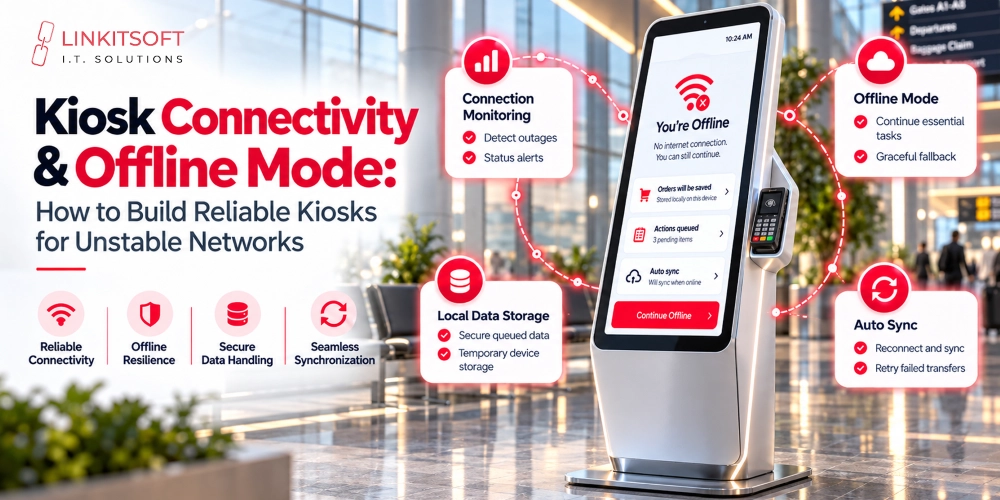
Offline functionality allows certain kiosk tasks to continue during network interruptions.
Local storage, data synchronization, and remote device management can be included based on operational needs.
In-House vs. Outsourced Development
In-house development provides direct team control but requires hiring and ongoing staffing expenses.
Outsourcing allows businesses to access specialized kiosk development expertise without maintaining a permanent development team.
How Kiosk Software Needs Differ by Industry
Different industries use kiosk software for different tasks, although many applications share common features such as touchscreen navigation, payments, and administrative controls.
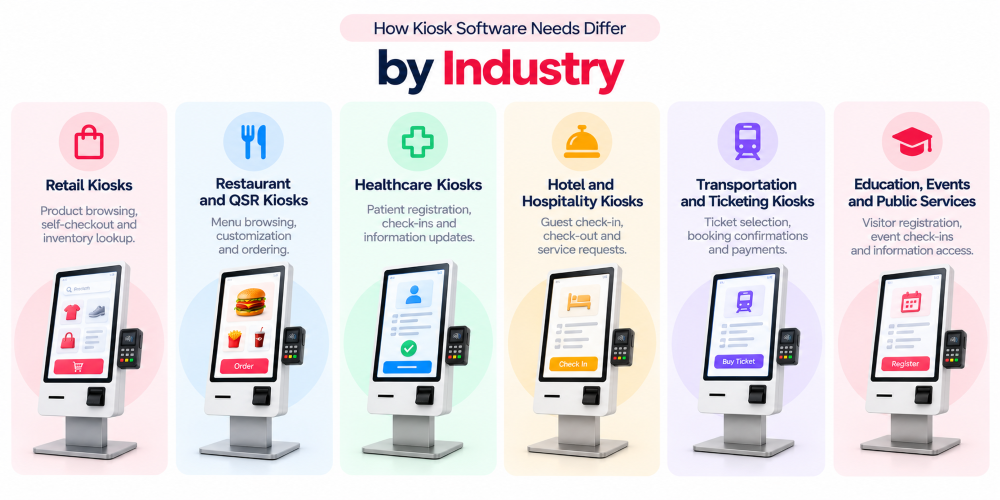
Retail Kiosks
Retail kiosks support product browsing, self-checkout, inventory lookup, and customer ordering.
Integration with existing sales and inventory systems helps maintain accurate transaction and product information.
Restaurant and QSR Kiosks
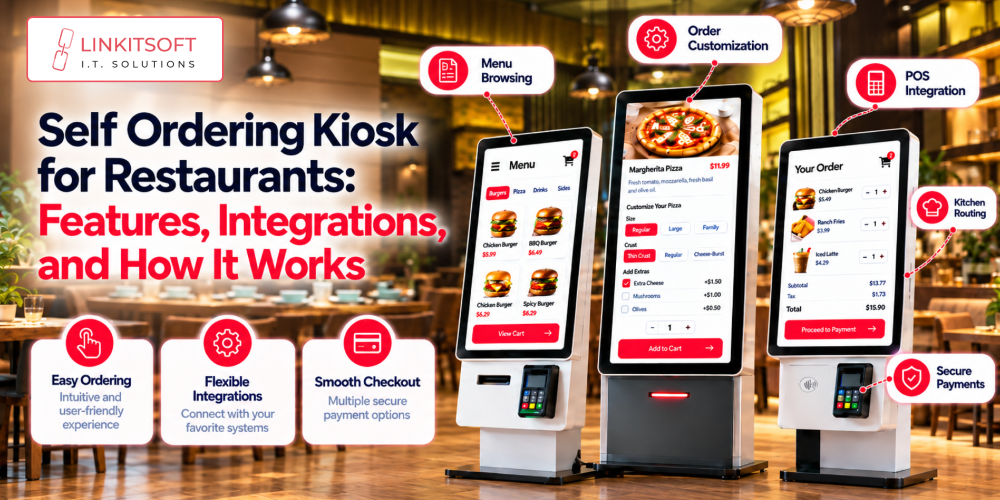
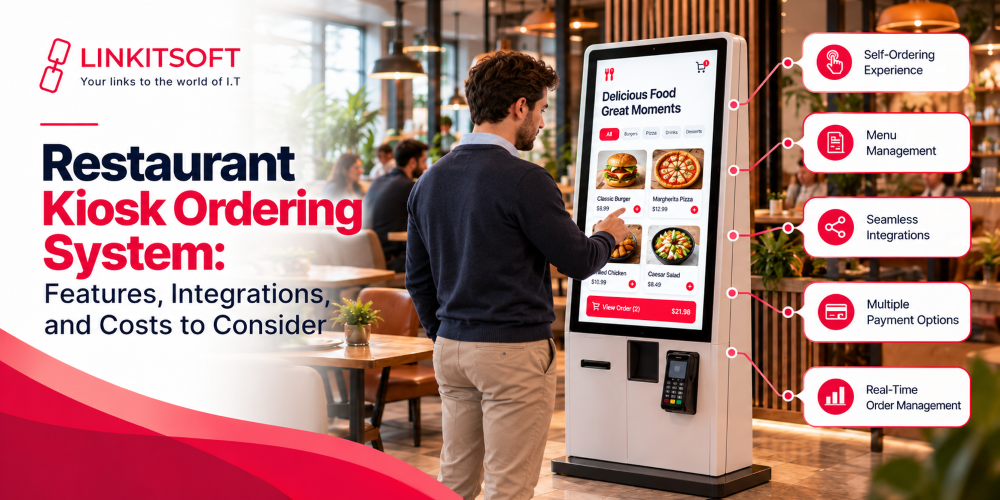
Restaurant kiosks allow customers to browse menus, customize meals, place orders, and make payments.
Connections with POS and kitchen systems help streamline ordering and reduce manual work.
Healthcare Kiosks
Healthcare kiosks simplify patient registration, appointment check-ins, and information updates.
Projects handling patient information may require additional privacy controls, accessibility features, and healthcare system integrations.
Hotel and Hospitality Kiosks
Hospitality kiosks support guest check-in, check-out, reservation lookup, and service requests.
Connecting them with property management systems helps maintain accurate booking information.
Transportation and Ticketing Kiosks
Transportation kiosks support ticket selection, booking confirmations, payments, and receipt printing.
Software requirements depend on ticket validation and existing booking systems.
Education, Events, and Public Services
These kiosks support visitor registration, event check-ins, information access, and public service requests.
Basic registration and information workflows can often be handled through simple custom kiosk applications.
Example: Basic Kiosk vs. Custom Kiosk with Integrations
Basic and integrated kiosk applications can share similar core functionality. The main difference is the complexity and number of external system connections.
Example Project Scope
| Feature | Basic Custom Kiosk | Custom Kiosk with Integrations |
| Touchscreen Interface | Included | Included |
| Registration and Ordering | Included | Included |
| Basic Admin Dashboard | Included | Included |
| Simple Payment Integration | Optional | Included |
| POS and Inventory Integration | Limited | Included |
| Peripheral Connections | Basic | As Required |
Cost Items to Include in the Estimate
| Project Type | Estimated Software Cost |
| Basic Custom Kiosk Software | $3,000 to $8,000 |
| Custom Kiosk Software with Integrations | $8,000 to $10,000 |
The integrated application estimate covers its complete development scope. It is not an additional charge on top of basic software development.
Note: These are illustrative project budgets. Actual costs may vary depending on features, integrations, hardware compatibility, and development requirements.
Assumptions and Exclusions
These estimates assume one operating system, existing APIs, compatible hardware, and limited customization.
Hardware purchases, third-party subscriptions, payment processing fees, extensive backend development, and ongoing maintenance are excluded unless specifically included in the project agreement.
How to Reduce Kiosk Software Costs
Good planning helps businesses control development expenses while maintaining the functionality their operations require.
Start With a Pilot
Begin with one or two kiosks before expanding to multiple locations.
A pilot helps identify usability issues, hardware problems, and missing features before a larger investment.
Use Existing Platforms and APIs
Existing backend services, payment APIs, and software components can reduce development time.
Businesses should evaluate available integration options before requesting fully custom functionality.
Choose Peripherals Carefully
Select printers, scanners, and payment devices based on actual operational requirements.
Confirming hardware compatibility before development helps avoid unnecessary replacements and integration work.
Plan for Shared Data Across Kiosk, Web, and Mobile
A shared backend allows kiosk applications, web dashboards, and mobile apps to access consistent business information.
This reduces duplicate development work and makes future updates easier.
How to Request an Accurate Kiosk Software Quote
A clear project scope helps development companies provide more accurate estimates and avoid unexpected expenses.
Requirements Checklist
Before requesting a quote, identify:
- Main kiosk features and workflows
- Preferred operating system
- Hardware and peripheral requirements
- Payment and third-party integrations
- Number of kiosks and locations
- Dashboard and reporting needs
- Deployment and maintenance expectations
Questions to Ask Vendors
Ask whether the proposal includes application design, development, integrations, testing, deployment, and technical support.
Confirm source code ownership, licensing terms, project exclusions, and how maintenance and support arrangements will be finalized.
How to Compare Quotes
Compare the complete project scope instead of focusing only on the initial price.
Review included features, integration requirements, delivery timelines, and support terms. A clear breakdown helps businesses understand what they are paying for before development begins.
How Linkitsoft Approaches Kiosk Development Pricing
At Linkitsoft, we understand that every kiosk project has different technical and operational requirements. A useful cost estimate should reflect the actual features, integrations, and hardware involved rather than relying on a fixed price for every business.
Our approach begins with reviewing the proposed kiosk workflows, existing systems, and deployment requirements to define a practical development scope.
Software maintenance and ongoing support are discussed separately, with responsibilities, service expectations, and any applicable charges mutually agreed upon before services begin.
This helps businesses make informed decisions and understand the proposed investment before moving forward.