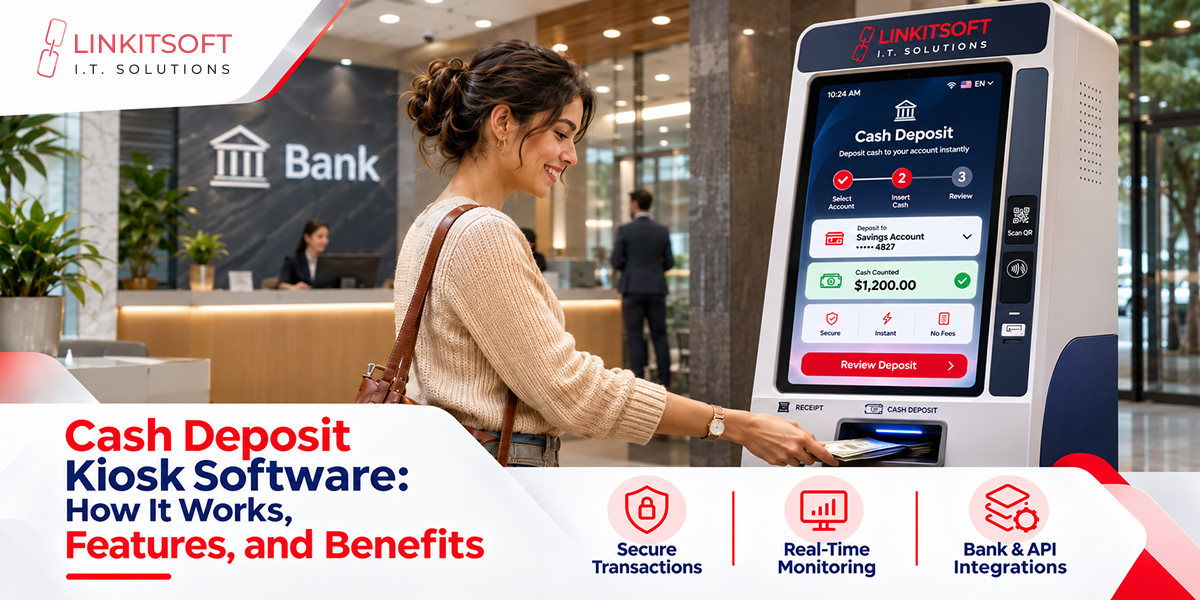
Manual cash deposits can cause queues, delayed processing, and unnecessary administrative work. A cash deposit kiosk helps automate these transactions, but hardware alone cannot deliver a reliable deposit experience. Software connects the cash acceptor, touchscreen, and banking systems while managing security, transaction status, and reporting.
For financial institutions and businesses considering self-service deposits, understanding the software is essential.
This guide explains how cash and cheque deposit kiosk applications work, which features matter, and why custom development can be valuable.
What Is a Cash Deposit Kiosk?
A cash deposit kiosk is a self-service terminal that accepts banknotes and submits deposit information to a connected financial system. Customers typically use a touchscreen to identify themselves, select an account, insert money, and review the transaction.
The software coordinates these steps while communicating with hardware devices and backend services. Depending on the deployment, kiosks may support:
- Banks offering convenient deposit options.
- Retailers managing authorized cash collection.
- Commercial facilities recording deposits across locations.
- Financial service providers automating routine transactions.
A kiosk’s capabilities depend on its devices, software configuration, and approved financial integrations.
How Does Cash Deposit Kiosk Software Work?
The application controls the customer journey and maintains a record of each transaction stage.
- Authentication: The customer identifies themselves using an approved method, such as a card or credentials.
- Account selection: The software retrieves or verifies the permitted destination account.
- Cash acceptance: The banknote validator counts accepted notes and reports denominations, amounts, and device errors.
- Confirmation: The interface displays the accepted amount for customer review.
- Processing: The application submits deposit information through an authorized financial integration.
- Receipt: The kiosk issues an acknowledgment or receipt based on the confirmed processing status.
If a connection fails after cash has been accepted, software must preserve the transaction state and support reconciliation. Automatically retrying an uncertain financial transaction could create duplicate records.
Importantly, accepting a deposit does not necessarily mean the funds are immediately available.
Read More Related Blogs
- Kiosk Payment Integration: POS & ERP How-To Guide
- Banking Kiosk Software: A Complete Guide
- Kiosk Security and Lockdown: Complete Guide
Why Is Software Important in a Cash Deposit Kiosk?
A cash acceptor can count banknotes, but it cannot independently authenticate users, post deposits, or manage financial records. Software transforms separate devices into a coordinated self-service system.
- Automated workflows reduce repetitive manual steps and standardize the deposit process.
- Device integration connects validators, card readers, printers, and touchscreen controls.
- Banking connectivity supports account verification and deposit requests.
- Security controls protect information and restrict unauthorized actions.
- Operational monitoring helps teams identify errors, outages, and unresolved transactions.
- User experience design provides clear instructions and meaningful status messages.
When these capabilities are poorly implemented, a simple network interruption or device error can become a difficult reconciliation problem. Reliable software is therefore as important as reliable hardware.
Key Features of Cash Deposit Kiosk Software
Effective software should balance simple customer interactions with dependable backend operations.
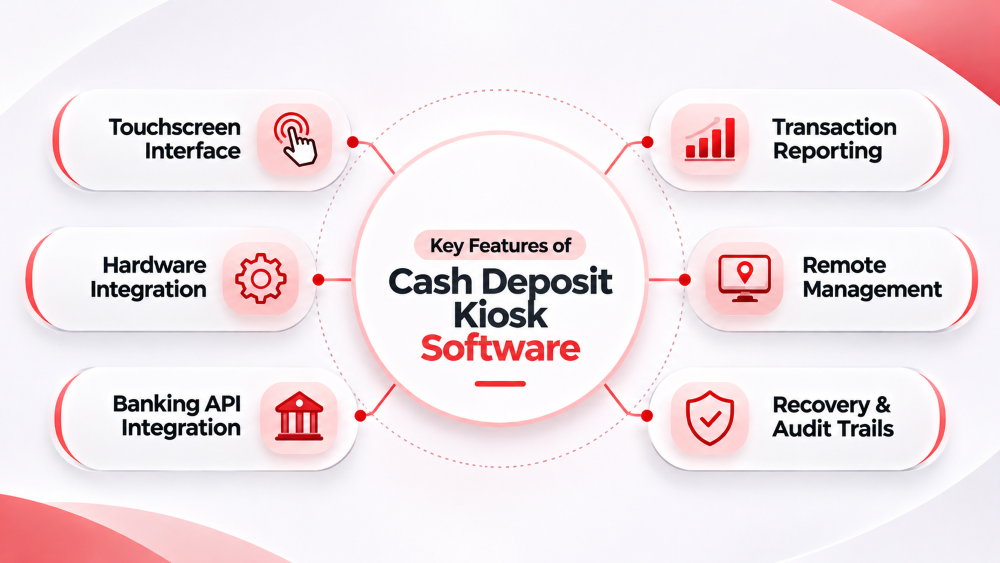
Touchscreen Interface
Customers need readable instructions, clear account choices, visible accepted amounts, and straightforward confirmation screens. Accessible controls and useful error explanations can reduce confusion.
Hardware Integration
The application communicates with cash validators and other peripherals using supported SDKs, drivers, or interfaces. It should detect rejected notes, jams, disconnected devices, and other hardware conditions.
Banking API Integration
Approved APIs or middleware connect the kiosk to authentication and transaction-processing systems. Developers must handle rejected responses, slow connections, and timeouts without incorrectly changing deposit records.
Transaction Reporting
Authorized administrators may need transaction histories, terminal identifiers, timestamps, deposit totals, and exception reports. These records also support reconciliation and troubleshooting.
Remote Management
Centralized dashboards can show device connectivity, application health, and operational alerts. Controlled configuration changes and software updates simplify management across locations.
Recovery and Audit Trails
Transaction identifiers, logged status changes, and reconciliation workflows help resolve uncertain outcomes. Administrative actions should also be recorded and appropriately restricted.
What Is Cheque Deposit Kiosk Software?
A cheque deposit kiosk allows customers to submit paper cheques through a self-service scanner. Its software manages document capture, information extraction, validation, and submission to the institution’s cheque-processing system.
A typical workflow includes:
- Authenticate the customer and select an eligible account.
- Scan the front and back of the cheque.
- Extract supported information using optical character recognition (OCR) and magnetic ink character recognition (MICR).
- Check image quality and ask the customer to verify relevant details.
- Submit images and transaction data through an approved integration.
- Provide an acknowledgment and retain the appropriate records.
Cheque software may also support duplicate detection, exception queues, and image review. However, a submitted cheque is not necessarily cleared, and fund availability depends on banking procedures.
Cash Deposit vs. Cheque Deposit Kiosk Software
Both cash and cheque deposit kiosk software support automated transactions, secure banking integrations, and transaction monitoring. However, their functionality differs based on the deposit type, hardware requirements, and processing methods.
| Features | Cash Deposit Kiosk Software | Cheque Deposit Kiosk Software |
| Deposit Type | Banknotes | Paper cheques |
| Hardware | Cash acceptors and validators | Cheque scanners |
| Processing | Tracks cash amounts | OCR and MICR processing |
| Validation | Verifies banknotes | Verifies cheque data |
| Integration | Cash deposit systems | Cheque clearing systems |
| Error Handling | Rejected notes and jams | Scan errors and duplicates |
| Monitoring | Cash transaction tracking | Cheque status tracking |
Benefits of Custom Cash Deposit Kiosk Software
Off-the-shelf software can serve standard needs, but custom development may be more suitable when existing systems or workflows require specialized integrations.
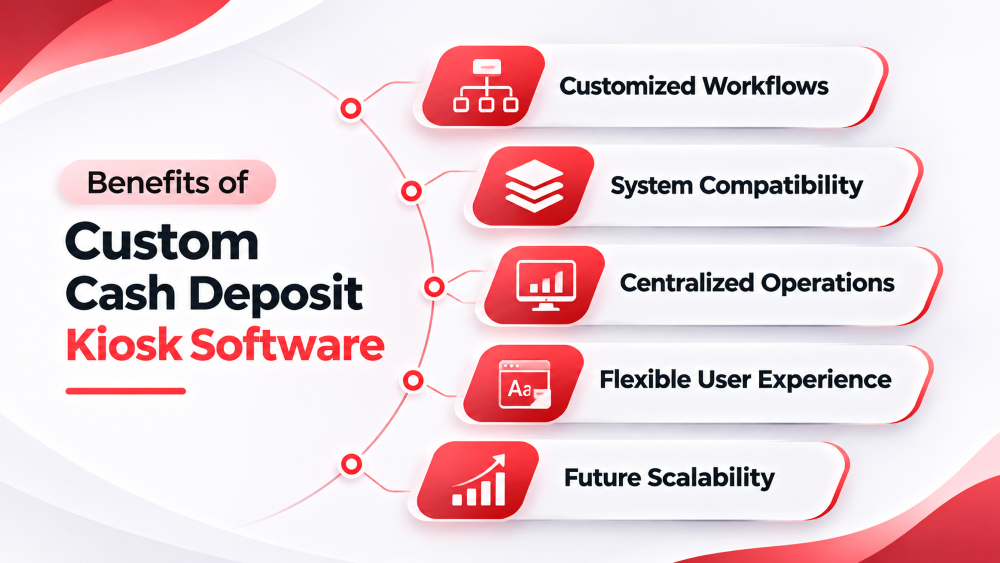
1. Customized Workflows
Configure authentication, deposit confirmations, and business-specific processes to meet operational requirements.
2. System Compatibility
Integrate approved financial platforms, reporting systems, and supported device SDKs for smooth communication.
3. Centralized Operations
Monitor multiple kiosks through a unified administrative interface to simplify management and improve operational visibility.
4. Flexible User Experience
Add branding, accessibility features, and multilingual interfaces to improve customer interactions.
5. Future Scalability
Develop modular software that supports additional locations, new features, and changing business requirements.
Customization is not automatically the lowest-cost option. Its value depends on whether greater control and integration flexibility justify development and maintenance expenses.
Security and Banking Integration Requirements
Deposit kiosk software processes sensitive information and financial instructions, so security must be designed into the entire system rather than added after development.
Important safeguards include:
- Encryption for sensitive data in transit and, where appropriate, at rest.
- Strong authentication and role-based administrative access.
- Transaction identifiers and integrity checks to help prevent duplicate processing.
- Audit logs for important events and configuration changes.
- Secure updates, vulnerability management, and infrastructure monitoring.
- Reconciliation procedures for uncertain transaction outcomes.
Requirements differ by jurisdiction, institution, and deployment. Teams should assess applicable rules and policies before implementation.
Banking integrations also require disciplined error handling. For example, a timeout does not prove that a deposit failed; the application must confirm its actual status before taking further action.
Challenges in Deposit Kiosk Software Development
Self-service financial applications combine physical devices with systems that must maintain trustworthy transaction records. Common challenges include:
- Hardware compatibility: Different manufacturers expose different interfaces, commands, and SDK capabilities.
- Connectivity failures: Interrupted requests can leave deposit status uncertain.
- Legacy integrations: Banking platforms may use proprietary middleware or restricted interfaces.
- Operational exceptions: Rejected notes, scanner failures, and hardware jams require clear recovery workflows.
- Ongoing maintenance: Security patches, hardware firmware changes, and API updates require testing.
Early technical discovery, realistic device testing, and documented recovery scenarios help reduce deployment risks.
Clear ownership of device support, transaction reconciliation, and incident response also helps teams resolve operational issues quickly as kiosk networks expand over time.
How to Choose the Right Deposit Kiosk Software
Before selecting a development approach, organizations should define the intended transaction flow, hardware models, integration permissions, and operational responsibilities.
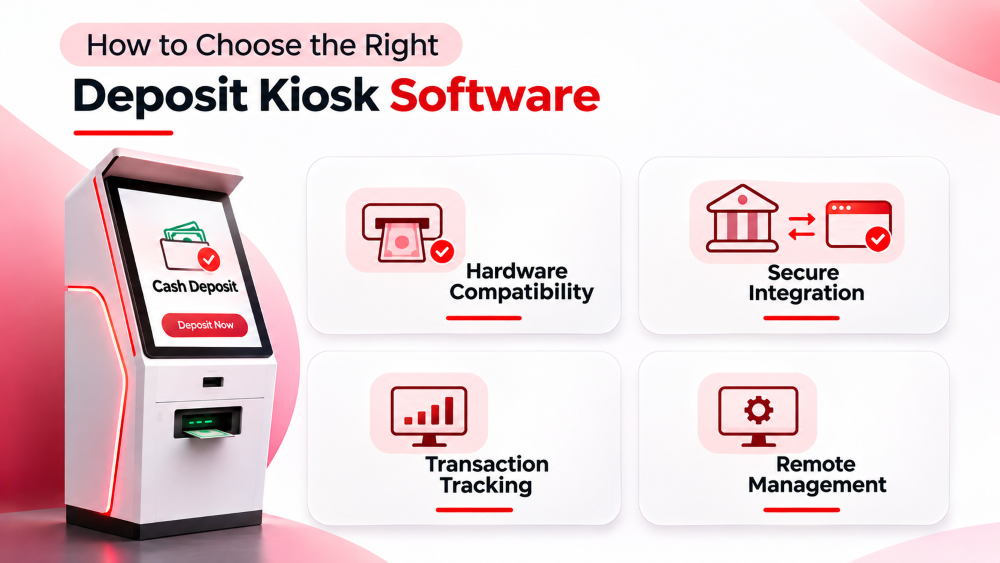
Evaluate whether the solution provides:
- Compatibility with the selected cash acceptors or cheque scanners.
- Secure integration with relevant financial systems.
- Reliable transaction status tracking and reconciliation.
- Clear user interfaces and accessible instructions.
- Administrative reporting, monitoring, and audit logs.
- A maintainable architecture with support for future changes.
A requirements assessment should also consider development, testing, hosting, certification where applicable, and maintenance costs.
How Linkitsoft Supports Custom Kiosk Software Development
Linkitsoft develops custom kiosk software to automate transactions, integrate hardware, and improve self-service experiences.
Our services include:
- Kiosk Applications: Custom touchscreen interfaces.
- API Integration: Secure system connectivity.
- Hardware Integration: Cash acceptors and cheque scanners.
- Remote Monitoring: Kiosk and transaction tracking.
- Maintenance: Updates and performance improvements.