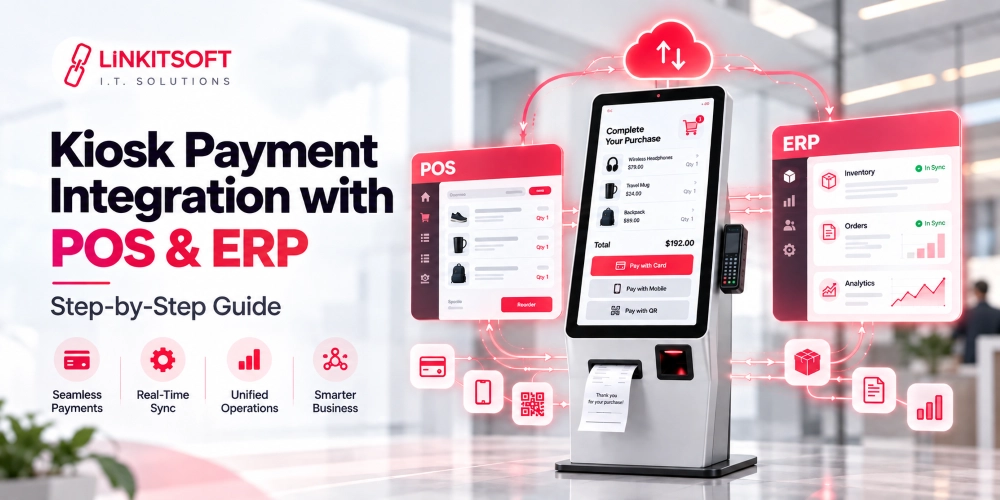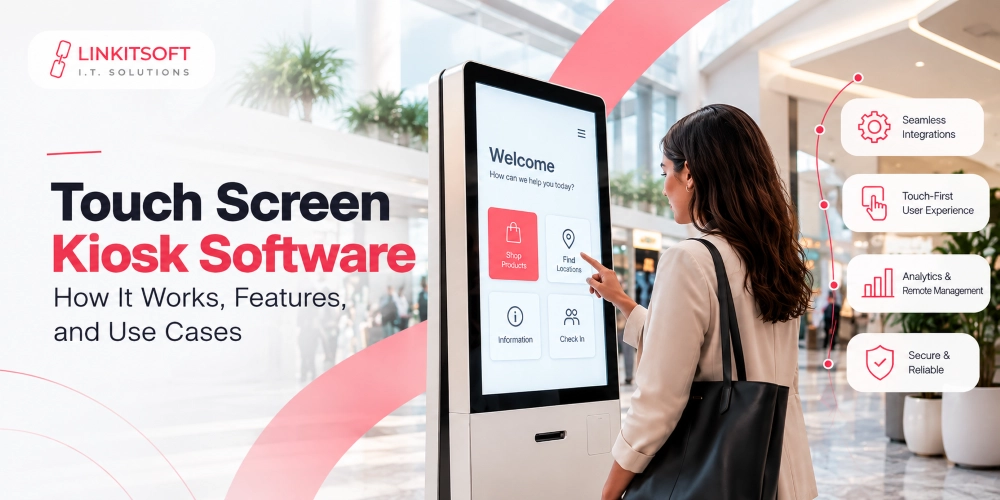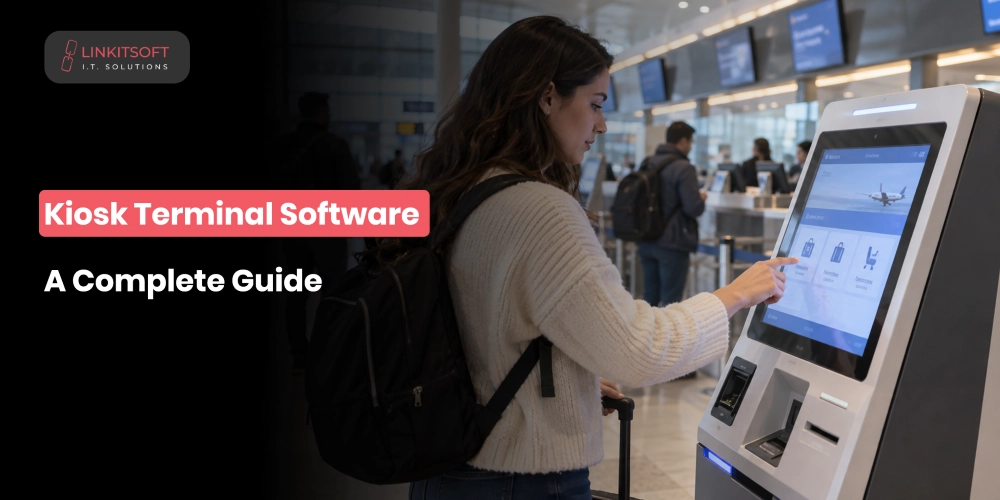
A kiosk may look like a simple touchscreen, but there is much more happening behind the interface. Its software manages everything from user sessions to document printing, and a lot more.
When something goes wrong, the issue is not always with the hardware. A frozen screen or a payment that goes through without updating the order can all point to problems within the software.
Reliable kiosk terminal software brings these moving parts together and helps the terminal continue working smoothly, even when something unexpected happens. In this guide, we’ll explore how kiosk software works and what to consider before development.
What Is Kiosk Terminal Software?
It is the application that runs on a self-service terminal and makes it do something useful. It controls what users see and interact with, manages communication with physical components like printers and payment terminals, and connects to backend systems to retrieve or submit information.
The software is built around a specific use case. A restaurant kiosk needs menu logic and POS integration. A hospital check-in kiosk needs appointment verification and patient data handling. A government service kiosk needs identity verification and audit logging. The underlying principles are similar, but the implementation differs considerably depending on what the kiosk is actually for.
How Does Kiosk Terminal Software Work?
There are several layers working together, though users only ever see one of them.
User Interface
This includes everything that the customer interacts with, such as:
- Menus
- Forms
- Buttons
- Confirmation screens
- Payment prompts
- Error messages
A well-built interface guides people through the process without requiring them to read instructions or ask for help. It needs to work for people who have never seen the kiosk before and may not be particularly comfortable with technology.
Application Layer
This is the logic underneath the interface. It decides what happens when a user selects an option or completes a step. It enforces business rules and controls which functions are available. In a hotel check-in kiosk, for example, this layer verifies the booking and triggers key issuance in the right sequence.
Hardware Communication
The software needs to communicate with the physical components. This may include:
- Printers
- Scanners
- Card readers
- Payment terminals
- Cameras
Each device has its own communication requirements and error states. Two printers that do the same job may need completely different integration approaches. Compatibility testing matters here because assumptions about how hardware behaves tend to be wrong in at least one important way.
Backend and API Communication
Most kiosks are not standalone. They perform a variety of tasks such as:
- Retrieving data from databases
- Submitting requests to backend systems
- Processing payments through gateways
- Synchronizing with POS/CRM/ERP platforms
This communication needs to handle failures gracefully because backend systems go down and networks drop. What the kiosk does in those moments has a direct impact on the customer experience and the reliability of transaction records.
What Does Kiosk Terminal Software Control?
The kiosk software can control several hardware components, depending on the terminal’s purpose and configuration.
Touchscreen
The touchscreen is the primary input for most kiosks, and the software controls everything about how touch interactions are registered and responded to.
Printers
The software sends print commands and handles the common failure states like paper out, cover open, paper jam, connection lost. A kiosk that fails to print and gives no feedback to the user creates confusion and support calls.
Scanners
The software captures the scan, passes it to the relevant workflow for validation, and handles unreadable or unexpected inputs without crashing the session.
Cameras
If cameras collect personal information, the system needs defined rules around how images are processed, retained, and deleted. This is not optional when personal data is involved.
Payment Terminals
The software coordinates the payment flow and receives confirmation. Payment handling needs careful design because a failed or interrupted transaction that the software handles incorrectly can result in a customer being charged without receiving what they paid for, or in duplicate charges.
NFC and Card Readers
The software determines how card data moves through the workflow and should avoid storing information that does not need to be stored.
What Features Should Kiosk Terminal Software Include?
The required features depend on the kiosk’s purpose, but several capabilities are useful across different deployments.
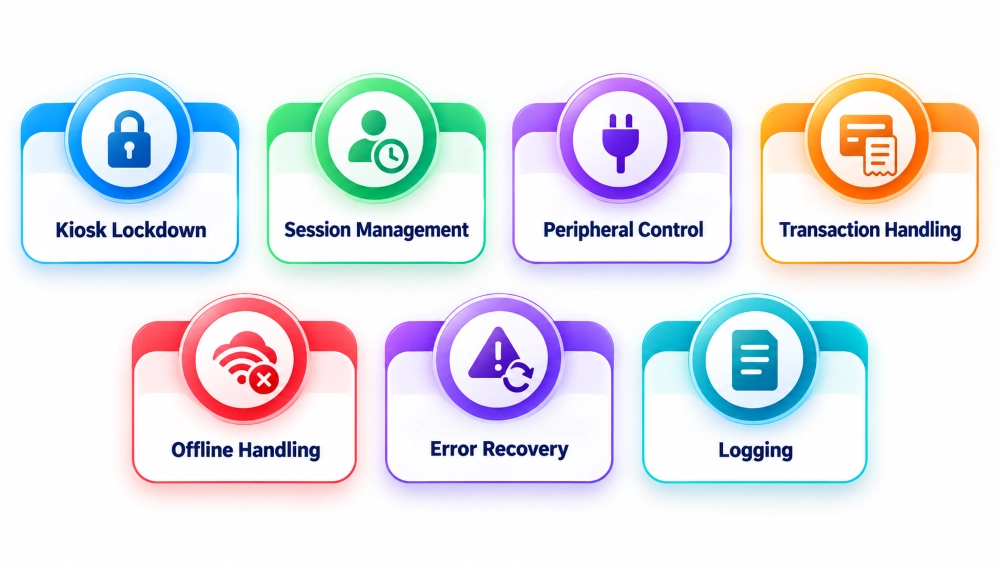
Kiosk Lockdown
The device should run the kiosk app and nothing else. Proper lockdown prevents users from reaching the desktop or any app outside the intended workflow. Running the kiosk app in fullscreen is not lockdown. The operating system underneath needs to be restricted independently.
Session Management
Every interaction should start clean and end clean. Automatic timeouts bring an abandoned session back to the welcome screen and clear any information the previous user entered. Without this, the next person at the kiosk can see what the previous person was doing.
Peripheral Control
The software monitors connected devices and knows whether they are available before attempting to use them. A kiosk that tries to print to an offline printer and gives the user no useful feedback is a poor experience. The application should check peripheral status as part of the workflow, not after a failure has already occurred.
Transaction Handling
When a transaction touches multiple systems, the software needs to handle partial failures. If payment succeeds but the downstream order confirmation is delayed, the right response is verification against backend records, not asking the customer to pay again.
Offline Handling
Some kiosks operate in environments with unreliable connectivity. The software needs a defined behaviour for when backend systems cannot be reached. That might be displaying a service unavailable message, allowing limited local functions, or queuing requests for later submission. What it should never do is treat a transaction as successful without confirmation.
Error Recovery
Hardware fails and network requests time out. The software should detect these situations and respond in a way that keeps the session recoverable where possible, cancels it cleanly where not, and notifies remote support when intervention is needed. A blank screen with no explanation is not error recovery.
Logging
Logs are how you understand what happened when something goes wrong. They should capture enough to be useful for troubleshooting and auditing without storing personal or payment information beyond what is genuinely needed.
How Does Kiosk Terminal Software Integrate With Backend Systems?
A kiosk usually needs to exchange information with other business systems. These integrations allow it to perform real tasks instead of operating as an isolated touchscreen application.
APIs
The primary integration method for most modern kiosk deployments. APIs connect the kiosk to external applications and cloud platforms. Every connection needs secure authentication, proper error handling, and input validation. The kiosk should only communicate with approved services.
POS Systems
Retail and restaurant kiosks need reliable POS integration to send orders, retrieve current prices and availability, and synchronise transaction records. Incorrect pricing or orders that fail to reach the kitchen are integration problems, not kiosk problems.
CRM Platforms
CRM integration allows the kiosk to connect self-service interactions with existing customer data rather than treating every session as isolated.
ERP Systems
When kiosk activity affects inventory or operational records, ERP integration carries that data to the right place. A retail kiosk needs sales data to flow into inventory management. An employee service kiosk may connect with HR and administrative workflows.
Payment Systems
The integration needs to handle the full transaction lifecycle, including declines, timeouts, partial processing, and reconciliation against order records.
Databases
Direct database access from a kiosk is often not the right approach. Secured backend APIs provide better control over permissions and data exposure.
How Is Kiosk Terminal Software Secured?
Kiosks are often installed in public spaces, which makes security a core development requirement rather than an optional feature.
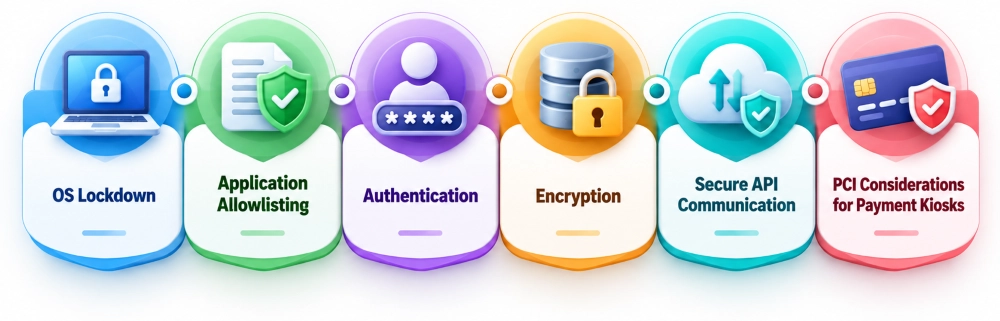
OS Lockdown
Restricts the operating system so users cannot access anything outside the kiosk application. The specific controls differ between Windows, Android, and Linux, but the goal is the same: the device runs what it is supposed to run and nothing else.
Application Allowlisting
Only approved software can execute on the device. Combined with controlled administrative access and regular maintenance, this reduces the risk of unauthorised software reaching the kiosk.
Authentication
Administrative access must be completely separate from the public interface with its own accounts and credentials.
Encryption
Data in transit between the kiosk and backend systems. Sensitive data stored locally. Temporary information removed when it is no longer needed. The system should minimise what it stores locally and protect what it does store.
Secure API Communication
The kiosk should be secure enough to only reach approved services and should not expose credentials in the application layer.
PCI Considerations for Payment Kiosks
Payment kiosks may fall under PCI DSS requirements depending on how card data is collected, processed, and stored. Approved payment hardware, no unnecessary cardholder data storage, and clear understanding of compliance responsibilities with the payment provider are the baseline.
What Should You Consider Before Developing Kiosk Terminal Software?
Start with the workflow. What exactly does the user need to do, what information do they need to provide, and where might staff need to step in? Unclear workflows produce unclear software.
Confirm hardware before finalising the software architecture. The operating system and any other components should be selected and their integration requirements understood before development begins.
Review existing system integrations early. POS, ERP, payment, appointment, and database connections all have their own requirements and limitations. Discovering an integration problem during build is significantly more expensive than discovering it during scoping.
Plan the interface for public use. People of different ages, technical confidence levels, and languages will use the kiosk. Accessibility and clarity are not optional considerations.
Decide what happens offline. Which functions need connectivity and what should the kiosk do when it cannot reach the backend.
Define security requirements before the first line of code. Authentication, data protection, lockdown policies, payment compliance, administrative permissions. These shape the architecture and cannot be added properly after the fact.
Plan remote management from the start. Monitoring, configuration, updates, diagnostics, and alerts across multiple locations need to be designed in, not retrofitted.